
Share your email and our team will guide you through a setup tailored to how your assets should be managed.
Takes 30 seconds. No sales pressure.









Manage, track, audit, and update assets from anywhere with Asset Infinity’s mobile asset management application. Scan barcode and QR code labels, access real-time asset information, complete assigned activities, and keep records accurate without returning to your desk.




Scan Asset Tags Instantly
Scan barcode and QR code tags to identify assets and access accurate details from your phone.
Keep Working Offline
Access asset records and complete tasks offline, then sync updates when your device reconnects.
Manage Tickets on the Go
Create, view, and update assigned tickets directly through the mobile asset management app.
Track Assets from Anywhere
Check asset details, locations, status, and assignments while working across different sites.
Give field teams instant access to assets, audits, tickets, and assigned activities. Asset Infinity’s asset management application improves visibility, speeds up field operations, and keeps asset information updated across locations.
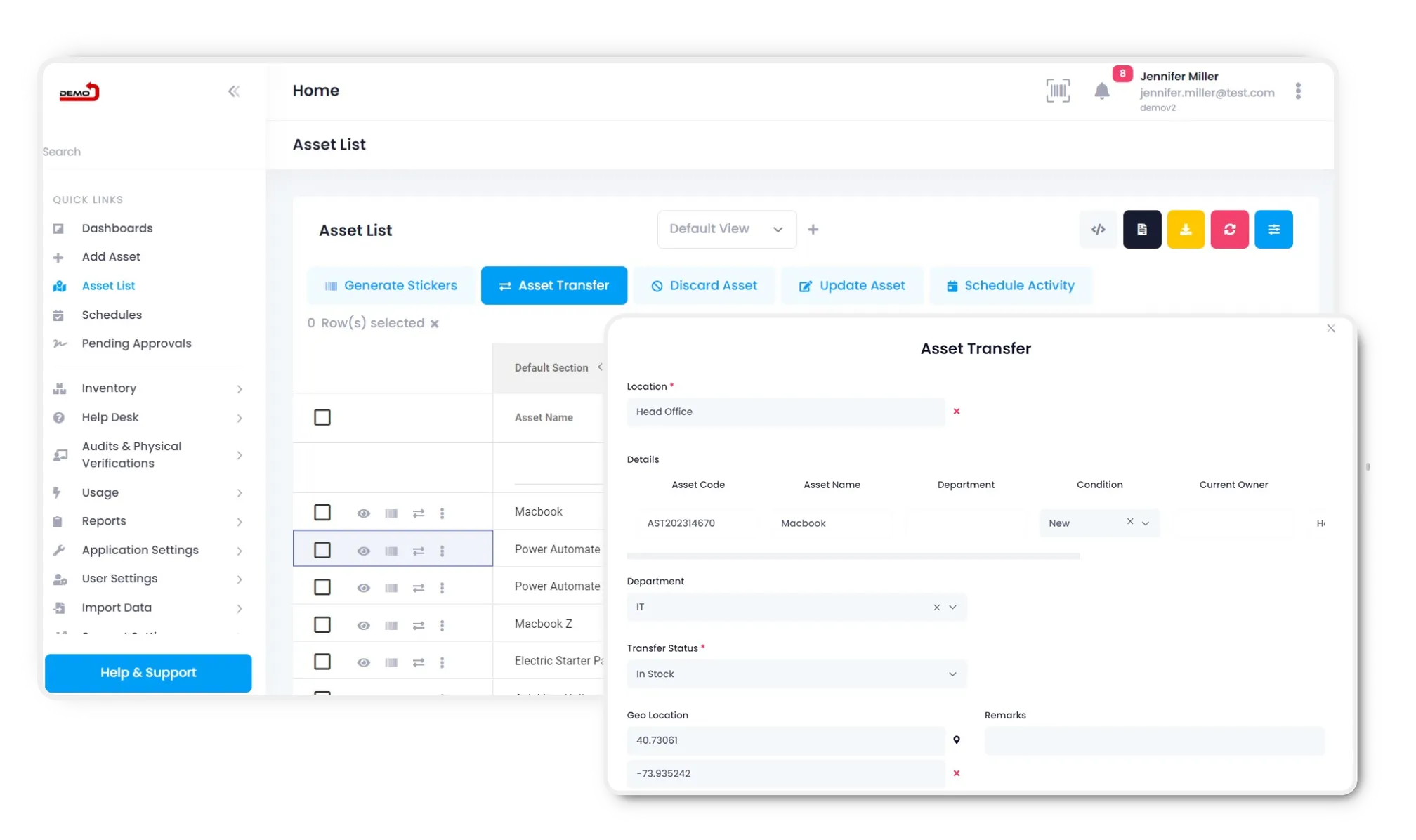
Use the asset tracking application to find assets, scan labels, update records, and complete audits directly from your smartphone. Every update is recorded centrally, helping office and field teams work with accurate information.
The asset management app gives employees and technicians access to pending activities, tickets, approvals, and asset records wherever work happens. Teams can capture updates at the source instead of relying on paperwork or delayed manual entries.

Mobile application gives you the facility to manage your assets & inventories. It makes you more productive & manages work as per the priority basis. Moreover, smartphones are equipped with cameras that can be useful in scanning barcode tags or other types of labels.
-p-500%2020(1)-p-500.webp)

.png)
.webp)

View all open, assigned, pending and closed tickets from a single dashboard

Access all assets & other information in offline mode as well. Data will sync automatically when connected to the internet.

Mobile App for iOS and Android to scan QR/Bar Code using the device camera
Tickets can be raised by users from the mobile application. Whenever any ticket is raised, an alert is sent to technicians. From the mobile application, you can also check repair cost, spare consumption.


-p-500%2020(3)-p-500.webp)
-p-500%2020(4)-p-500.webp)
Access all the asset information related to pending activities, pending tickets, and pending audits from your mobile phone!



Manage asset tracking, inventory, physical verification, and preventive maintenance from one mobile platform designed to keep your teams productive and your asset data accessible wherever work happens.

Compare physical assets with recorded information to build confidence in an asset register. Help teams work with details that reflect assets they have reviewed.

Scan asset tags to access a corresponding record more efficiently. Reduce manual searches so teams can focus on checking assets and capturing accurate findings.
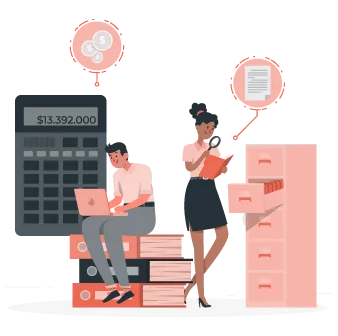
Use mobile tools during each verification instead of printed paper lists. Reduce repeated transcription and keep checked information connected to asset records.

Identify assets that cannot be found during field checks. Help teams investigate whether items have moved, records need correction, or further action is needed.

Bring verification findings from different locations into one shared platform. Help teams review asset information without combining their lists from each site.

Confirm which assets are present before purchasing replacements. Help teams review available resources and make purchasing decisions with more reliable records.

Follow configured verification procedures across teams. Help employees check the same core details and maintain a shared approach to keeping asset data current.

Review asset condition during on-site verification. Help teams identify information that can support maintenance task follow-ups and asset replacement planning.

Bring mismatched details into focus so teams can investigate efficiently. Help reviewers separate items needing correction from records confirmed during checks.

Give field and office teams access to current asset information. Help employees coordinate verification activity with fewer separate messages and data requests.

Organize findings into reports that support useful follow-ups. Help groups review checked assets, examine differences, and prepare information for internal use.

Keep asset information aligned with verified findings. Help teams plan maintenance, replacement, and resource allocation using a better view of physical assets.
Empower your team with Asset Infinity’s mobile app to track assets, scan tags, complete audits, manage tickets, and update records from anywhere.
.webp)

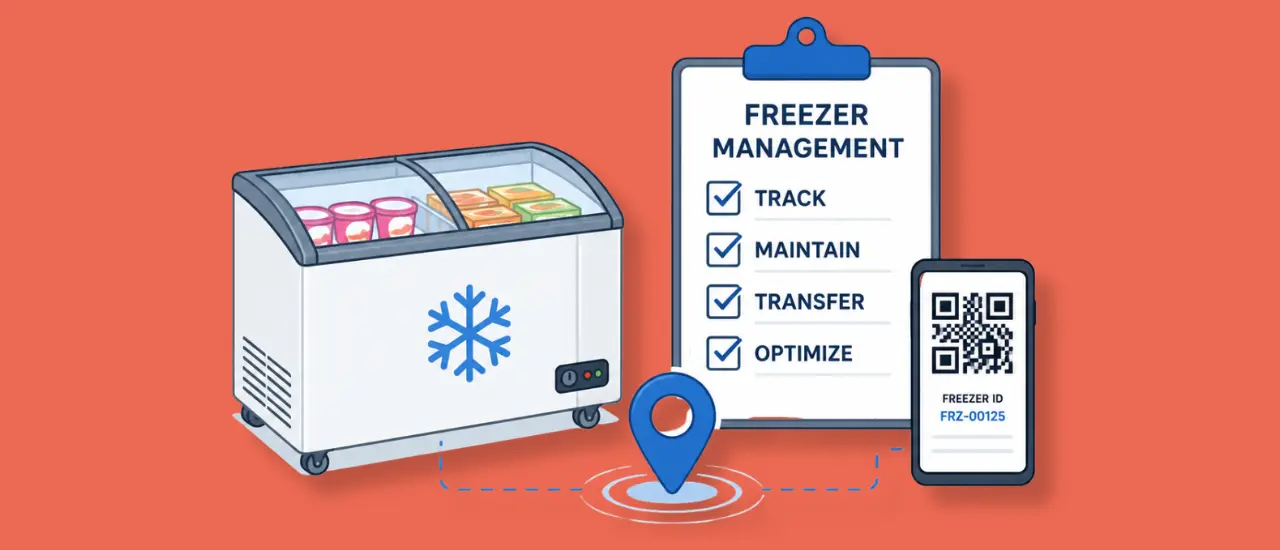
Learn how freezer management software helps food and FMCG companies track field equipment, manage maintenance, improve visibility, and reduce asset losses.
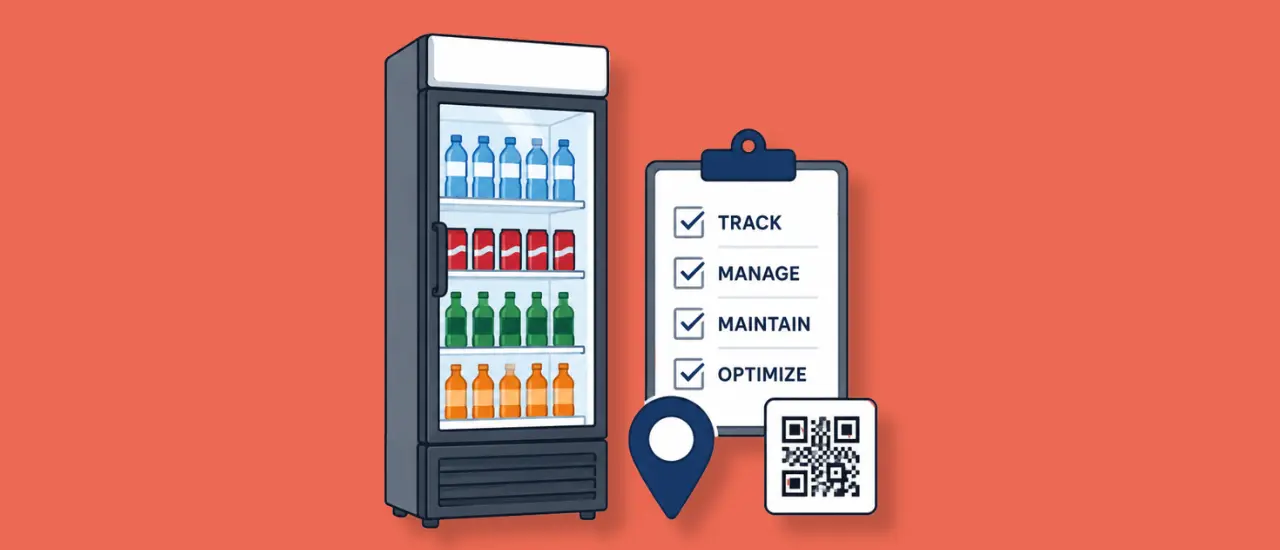
Learn how cooler management software helps beverage companies track field assets, manage maintenance, improve visibility, and optimize cooler utilization.
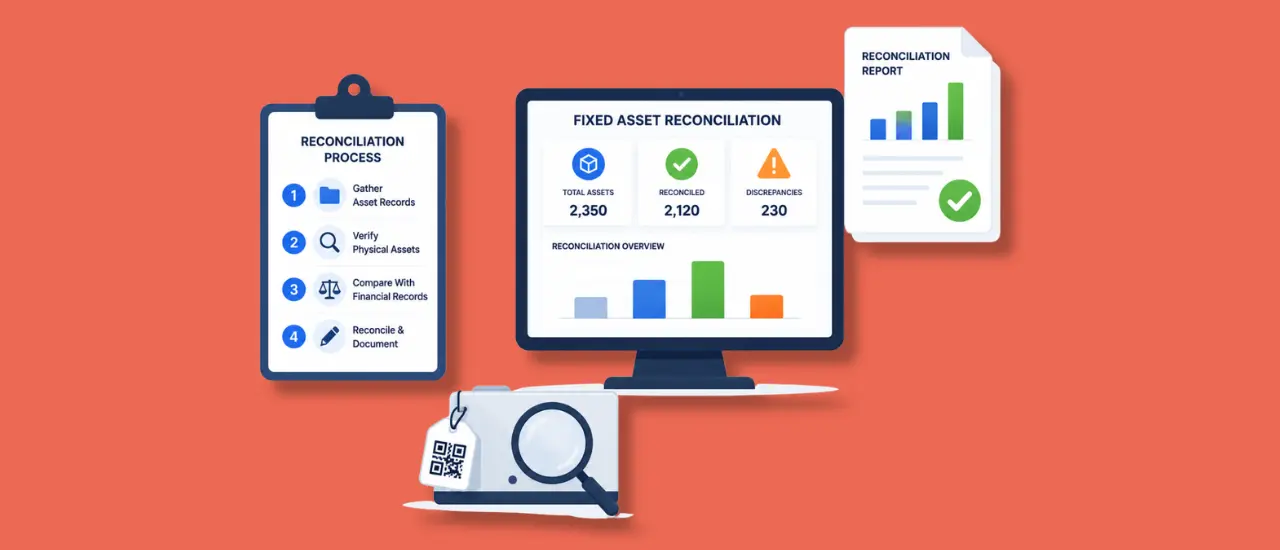
Fixed asset reconciliation helps organizations align physical assets with financial records, ensuring accurate reporting and stronger compliance. This guide explains the reconciliation process, common causes of discrepancies, best practices, and how finance teams can improve asset visibility, reduce audit risks, and maintain reliable fixed asset records across the organization.

Asset Infinity’s asset management application allows teams to track assets, scan barcode and QR code tags, update asset details, complete physical audits, manage tickets, and monitor assigned activities from a smartphone. It helps field and office teams maintain accurate asset records wherever work takes place.
The mobile asset management app gives employees and technicians immediate access to asset records, pending tasks, tickets, audits, and approvals. Users can capture information at the point of activity, reducing paperwork, delayed updates, and repeated data entry.
Yes. The asset tracking app uses the smartphone camera to scan barcode and QR code labels. Once a tag is scanned, authorized users can quickly identify the asset, view its details, verify its location, and update the relevant record.
Yes. The asset tracking application supports offline work, allowing teams to access relevant asset information and perform supported activities in areas with limited connectivity. The recorded updates can synchronize with the central system when the device reconnects to the internet.

Yes. Technicians can use the mobile app to create, view, and update maintenance tickets while working in the field. They can review assigned tasks, change ticket statuses, record repair information, and attach supporting images, videos, or documents for better maintenance visibility.


.webp)
.webp)
.webp)
.webp)






.png)

