
+1-855-823-2600 / +91-9798-500-500

Schedule A Call

sales@assetinfinity.com

Share your email and our team will guide you through a setup tailored to how your assets should be managed.
Takes 30 seconds. No sales pressure.









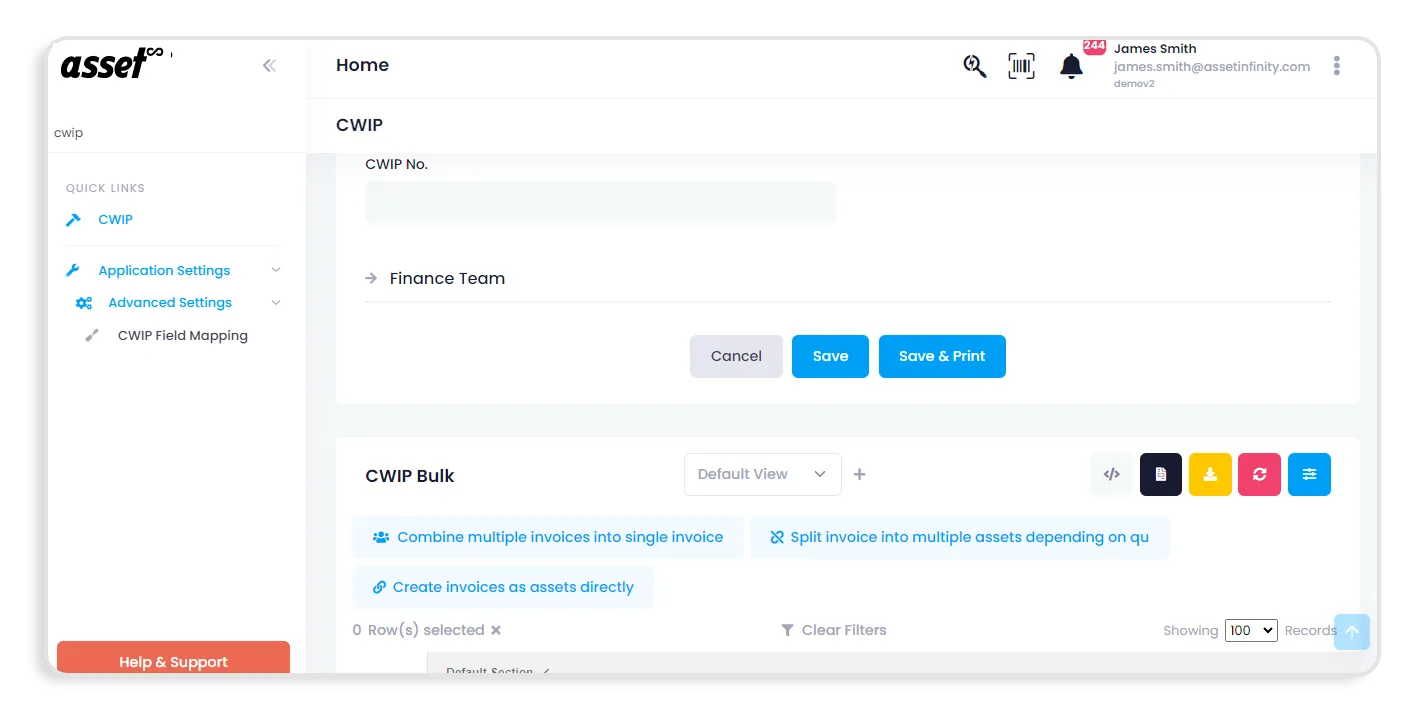
Asset Infinity offers a specialized feature called Capital Work in Progress (CWIP) designed to manage assets that are currently being built or produced. This feature provides a comprehensive view of your capital projects by allowing you to track expenses, timetables, and the progress of assets that are not yet completed.



Complete Information
Gain complete insights into your capital projects with detailed tracking.

Budget Control
Maintain strict budget control by verifying that your initiatives are on schedule and comparing actual expenses to budgets.

Project Management
Enhance your project management capabilities by managing timelines and schedules effectively.

Better Control
Maintain enhanced control over the allocation and use of assets inside the organization.
See how businesses use intelligent asset management and asset automation to improve asset visibility, automate tracking, and simplify asset lifecycle management across multiple locations.

Track assets' movements automatically in real time to save time manually following them. Improve efficiency by continuously keeping an eye on your assets without human intervention. Reduce the amount of human error involved in manual tracking techniques. As your asset base grows, you can easily scale your asset tracking operations by adding more RFID readers.
Stay current on the location and status of your assets by receiving real-time updates, Make your asset records more accurate, which lowers the likelihood of loss or misplacement.

Asset Infinity’s asset verification system is designed to streamline your verification process, making it user-friendly and seamlessly integrating with existing workflows.

Improve efficiency and oversight by centrally managing all asset requests. This centralization helps in maintaining control and ensuring that all requests are handled promptly.

Maintain control over the distribution of assets by accepting or rejecting requests in accordance with organizational guidelines and available resources.

By comprehending the demand for various assets, you may more efficiently manage your inventory. The asset request feature provides insights into which assets are in demand, helping you plan better.

Misuse and illegal access to assets can be greatly decreased by having a controlled request and approval process. The asset request system ensures that only authorized personnel can request and use assets.
Manage asset tracking, inventory, physical verification, and preventive maintenance from one mobile platform designed to keep your teams productive and your asset data accessible wherever work happens.

Route complete requests to the right team sooner, reduce unnecessary coordination, and help technicians begin work without avoidable delays.

Create clear ownership for every request, action, and status change so responsibilities remain visible throughout the service lifecycle.

Give users a simple submission process, timely updates, and transparent progress without requiring repeated calls, messages, or follow-ups.

Assign each request to an appropriate technician or team based on service category, required skills, availability, and urgency.

Monitor response and resolution targets to identify approaching deadlines and keep time-sensitive requests from being overlooked.

Use notes and comments to share context, document actions, and coordinate resolution without losing information across separate channels.

Preserve request details, updates, communication, and outcomes to support reporting, performance reviews, and future troubleshooting.

Schedule requested inspections for equipment, facilities, safety systems, and other operational resources requiring professional review.

Record and assign calibration requirements for measuring instruments, laboratory devices, and other accuracy-dependent equipment.

Capture requests for servicing, adjustment, lubrication, component replacement, and other equipment maintenance requirements.

Prioritize requests involving hazards, damaged safety equipment, emergency systems, or conditions requiring immediate corrective attention.

Manage department-specific service needs through configurable categories, assignment rules, priorities, and resolution workflows.
By leveraging Asset Infinity’s asset verification software, organizations can achieve significant improvements in asset performance and reliability. Accurate and reliable asset data enable informed decision-making, enhancing operational efficiency and financial management
.webp)

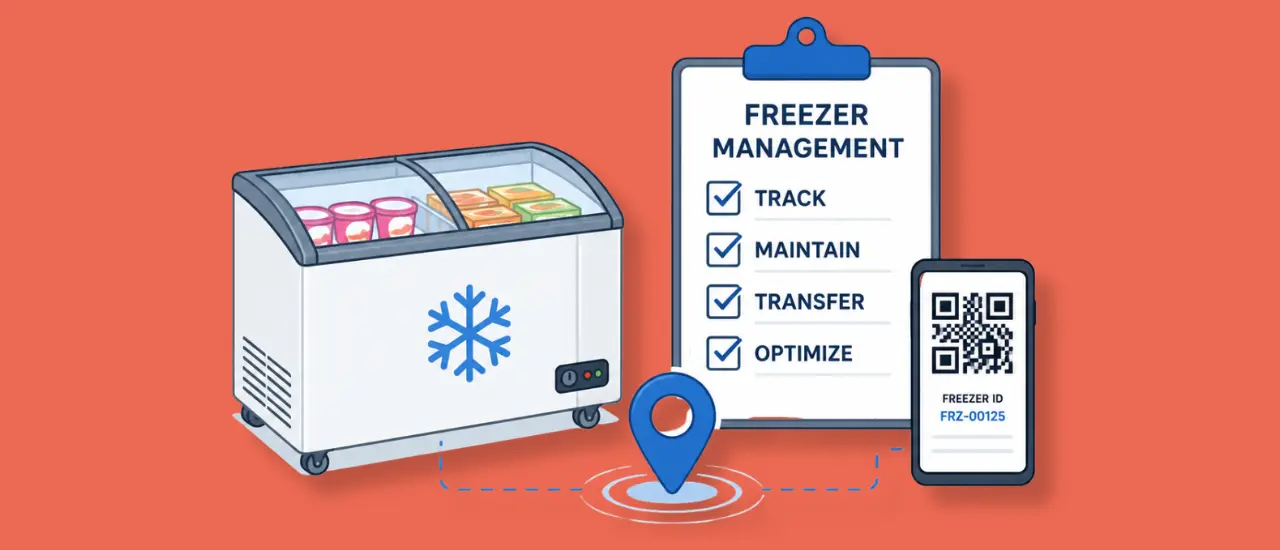
Learn how freezer management software helps food and FMCG companies track field equipment, manage maintenance, improve visibility, and reduce asset losses.
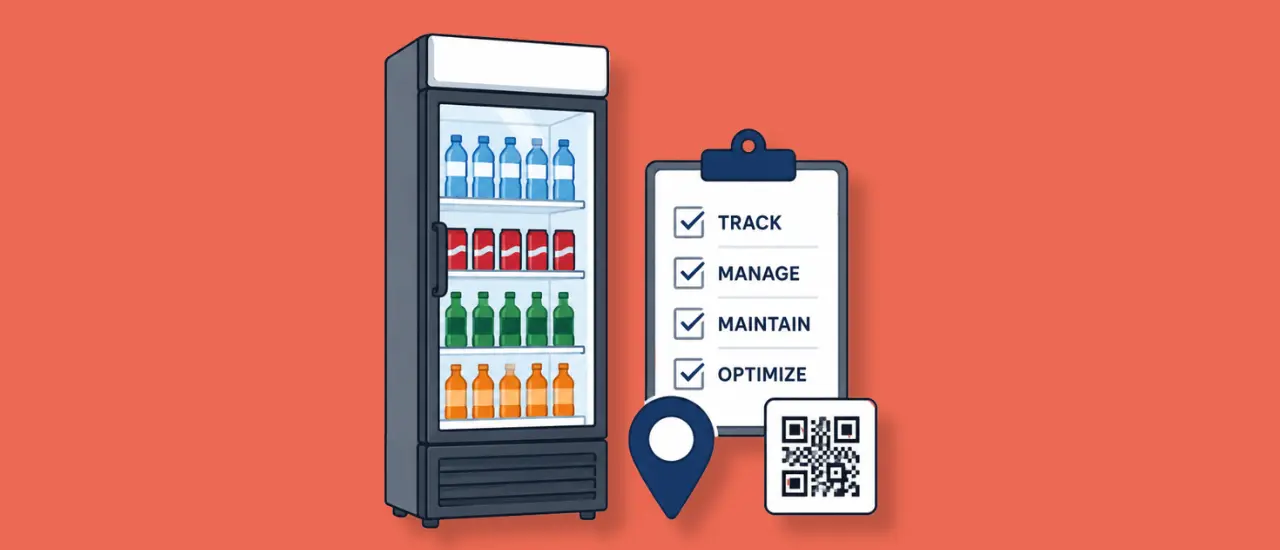
Learn how cooler management software helps beverage companies track field assets, manage maintenance, improve visibility, and optimize cooler utilization.
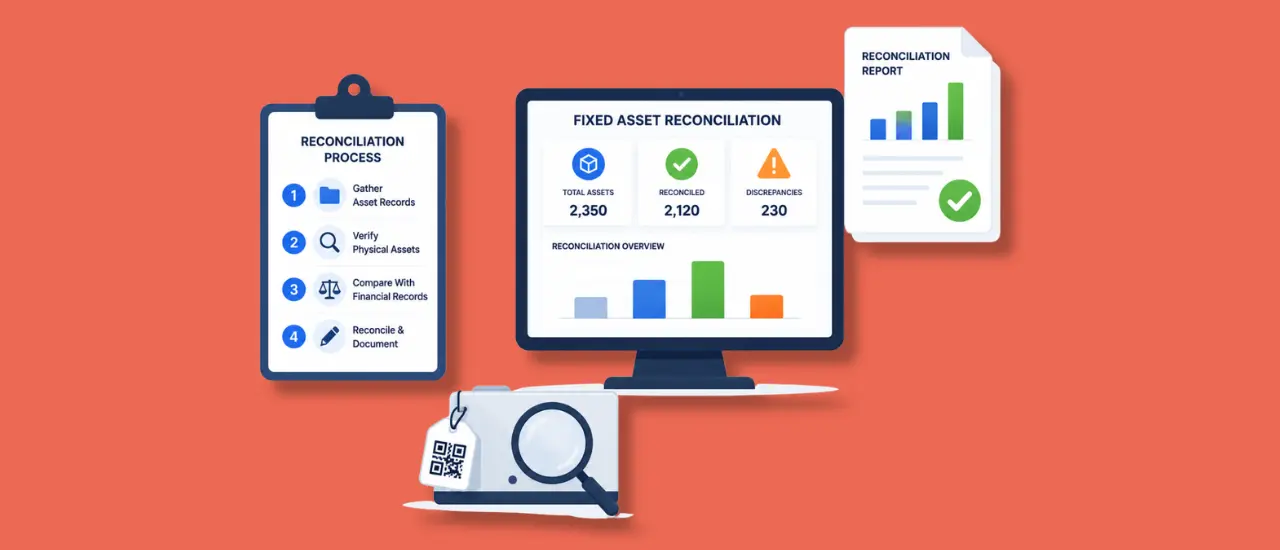
Fixed asset reconciliation helps organizations align physical assets with financial records, ensuring accurate reporting and stronger compliance. This guide explains the reconciliation process, common causes of discrepancies, best practices, and how finance teams can improve asset visibility, reduce audit risks, and maintain reliable fixed asset records across the organization.

Yes, we have a provision in Category Master through which you can categorize and enter any detail about the asset that you want. It would be reflected in the system. For example, the customer has a laptop, they defined that the life of asset is 5 years, and the percentage of depreciation is 20%. Now if any laptop is purchase then the system will automatically used for all the other assets too.
Yes, we have a provision in Category Master through which you can categorize and enter any detail about the asset that you want. It would be reflected in the system.
No two asset can have same code/number and two Sales Number cannot be the same.
Yes, we can customize the Bar Code and QR Codes by adding asset name, number, location, logo of company, etc on it.

Yes, it is possible to get colour logo.
Asset Infinity offers a specialized feature called Capital Work in Progress (CWIP) designed to manage assets that are currently being built or produced. This feature provides a comprehensive view of your capital projects by allowing you to track expenses, timetables, and the progress of assets that are not yet completed.


Gain complete insights into your capital projects with detailed tracking. Keep track of the cost and development status of assets in real-time, ensuring that you have accurate information at every stage of the project.

Maintain strict budget control by verifying that your initiatives are on schedule and comparing actual expenses to budgets. This helps in ensuring that projects remain financially on track, preventing overspending and ensuring optimal resource allocation.

Enhance your project management capabilities by managing timelines and schedules effectively. The CWIP feature ensures that projects are completed on time by keeping a close eye on development and expenses related to assets

Track the development of assets that are still being built in real-time. This feature allows you to monitor each project's progress continuously, providing up-to-date information for better decision-making.
Learn More


Keep track of each project's expenditures to ensure effective resource use. The Capital Work in Progress feature enables you to monitor costs closely, ensuring that spending is within budget and resources are utilized efficiently

Create detailed progress reports to update stakeholders on your projects' status. These reports help in maintaining transparency and keeping everyone informed about the project's developments and milestones

Adhere to accounting rules for capital projects and asset capitalization. The CWIP feature ensures that all financial aspects of your capital projects comply with accounting standards, providing accurate and compliant financial reporting


Manage project schedules effectively and ensure that timelines are met. The CWIP feature helps in organizing and tracking project schedules, making it easier to manage deadlines and avoid delays

Identify potential risks and delays early on, enabling prompt risk mitigation. By monitoring projects in real-time, you can detect issues early and take necessary actions to minimize risks and ensure project success

Use real-time data to forecast completion dates accurately. This helps in making necessary preparations and adjustments to ensure projects are completed on time
Route complete requests to the right team sooner, reduce unnecessary coordination, and help technicians begin work without avoidable delays.
Create clear ownership for every request, action, and status change so responsibilities remain visible throughout the service lifecycle.
Give users a simple submission process, timely updates, and transparent progress without requiring repeated calls, messages, or follow-ups.
Assign each request to an appropriate technician or team based on service category, required skills, availability, and urgency.
Monitor response and resolution targets to identify approaching deadlines and keep time-sensitive requests from being overlooked.
Use notes and comments to share context, document actions, and coordinate resolution without losing information across separate channels.
Preserve request details, updates, communication, and outcomes to support reporting, performance reviews, and future troubleshooting.
Schedule requested inspections for equipment, facilities, safety systems, and other operational resources requiring professional review.
Record and assign calibration requirements for measuring instruments, laboratory devices, and other accuracy-dependent equipment.
Capture requests for servicing, adjustment, lubrication, component replacement, and other equipment maintenance requirements.
Prioritize requests involving hazards, damaged safety equipment, emergency systems, or conditions requiring immediate corrective attention.
Manage department-specific service needs through configurable categories, assignment rules, priorities, and resolution workflows.
Yes, it is possible to use SAP Code that is already created if the SAP codes are unique for individual assets. It would not be possible if you are using the same code for multiple assets. In case of same code for multiple assets, we need to split the assets and give them individual asset codes.
Asset Infinity gives you both options-change the asset code or keep it the same on location change. If the customer wants to change the number of asset while changing the location, the have a simple toggle button to do that. If they want to keep the number, then they do not have to do anything.
Our suggestion to the customer is to change their SAP code if they want, but to keep the asset code intact so that you have a complete asset history with you. This gives you the complete asset lifecycle in a single record.
Yes, there are APIs available to receive and return data from your ERP system into Asset Infinity. The system maps existing data and uploads it to the relevant fields in the system. The data from SAP or your ERP can also be extracted as an excel and feed into the Asset Infinity system.
Yes, it is possible to permanently delete an Asset and we give that access to the admin. But we always suggest discarding the asset and to not delete it completely. You can specify the reason and discard it, like this it will stay in the system, and you can access it whenever you want to.
The major information that we mention on the Bar Codes and QR Codes is the Asset Code. On scanning the tag you can see all the information pertaining to that asset code. Same goes for RFID and NFC.
No. You can also manually enter an asset code or the system generates it for you when you upload data. Asset codes can be changed at the time of asset creation or data upload.
Yes, if the customer scans through Asset Infinity’s app, then they will get complete details of their asset. But if the customer scans the code through any other scanner or through any other app then you will only receive the asset code/number of the asset and nothing else.
This is due to security & privacy reasons. If any unauthorized person scans the asset code, they should not be able to see your asset details. Hence the information is restricted to authorized personnel with Asset Infinity account access.
No, you don’t need to install the QR code and Barcode again. If they are already present, we'll map the same tags to our system. But if there is any additional information in the tags vs what’s uploaded to asset infinity, then we would not be able to read the information.
If asset code is stored, then we can use it and if it has some other information that it will be not scanned, and new tags will be stickered.
No, the latitude longitude information is not recorded automatically. We need to update it after a change in location.
Yes, we have a provision in Category Master through which you can categorize and enter any detail about the asset that you want. It would be reflected in the system. For example, the customer has a laptop, they defined that the life of asset is 5 years, and the percentage of depreciation is 20%. Now if any laptop is purchase then the system will automatically used for all the other assets too.
Yes, we have a provision in Category Master through which you can categorize and enter any detail about the asset that you want. It would be reflected in the system.
No two asset can have same code/number and two Sales Number cannot be the same.
Yes, we can customize the Bar Code and QR Codes by adding asset name, number, location, logo of company, etc on it.
Yes, it is possible to get colour logo.
It varies case to case, as different customers have different requirements. We usually use polyester stickers if the surface is hard or if we need the sticker to be weatherproof then we recommend metal stickers. Normally we recommend 60 x 25 sticker size, but it is not mandatory. You can choose any size of sticker according to your requirements.
Yes, it is possible. You can search for the asset number in the system and then get all the information of the asset and then you can print a new sticker for the asset.
The life of stickers that we generally use has a life of 4-5 years. We recommend a transparent protective layer on this sticker which enhances this life span of this sticker. The sticker would not be damaged because of water/dust/cleaning of asset.
No there are roles and permissions through which we manage and ensure the users see information only relevant to them. For example, an IT user can see only IT assets-related information & finance department user can see all assets. Invoice details and depreciation information cannot be accessed by a normal user. Therefore, according to roles, fields are visible. In this application, there is proper management of roles & permission.
For the asset management module, we allow unlimited users with no restrictions, and billing is done based on asset numbers. However, for other modules such as maintenance & purchase, we bill on the basis of number of users.
Yes, you can calculate depreciation & there are two methods we deploy-Straight line & WDV method. You can choose any method according to your needs.
Delivery notes come in handy when we are transferring an asset or assigning it to the employee then we can make PDF and send it over mail or print out it and & take his/her acceptance & similarly when we take back an asset from an employee, we can generate receipt
Yes, this feature is available. With Asset Infinity you can customize it as well. Asset Delivery notes can pick existing asset information from the system automatically and if you want to add any other information that can be also done.
There are options for linking assets so yes parent-child assets can be created and defined easily.
Yes, this feature is available. For example, a laptop may need different fields & a piece of furniture may need completely different fields.
There is a proper workflow engine in this application so yes you can define the workflow and approval processes for asset transfer or asset discard.
Yes, when an asset is added, the workflow will be initiated, and all the information can be added such as AMC details, Model No, purchase details, etc. Any information which is not available in ERP you can add that too in this application as a custom filed as well.
There are two methods for that. First is Bulk Import (must have data in excel format) & the second option is integration with your existing ERP, for which we have APIs.
Yes, you can customize it according to your needs & our support team can also assist you in uploading data.
Asset Infinity’s Capital Work in Progress (CWIP) feature is crucial for managing and tracking your capital projects efficiently. By providing comprehensive insights, budget control, and effective project management tools, CWIP ensures that your projects are completed on time and within budget
.webp)
.webp)
.webp)
.webp)






.png)

