


The client
The client is a large software development company with more than 5,000 employees.
Its people depend on working laptops, accounts and tools to do their jobs. The internal IT helpdesk receives a high volume of support requests covering a wide range of technical issues, and every delay holds someone up.
The challenge
Tickets were created by hand, there was little automation and employees had few ways to help themselves. The volume of requests created bottlenecks and delays that strained the IT team.
- A high volume of IT support requests with diverse technical issues.
- Manual ticket creation and data entry.
- Few self-service options for employees.
- Critical issues waited in the same line as routine ones.
- A growing backlog of pending tickets.
What they set up in Asset Infinity
The company ran its IT helpdesk in Asset Infinity’s Work feature, with requests created automatically and employees tracking their own.
Requests from email
An email to the helpdesk becomes a request automatically, so nobody retypes it and details are captured accurately. (Work)
Self-service requests
Employees raise and follow their own requests from the web or mobile app, which cuts calls and chasers to the helpdesk. (Work)
Categories, priorities and SLAs
Each request carries a category and priority, and SLA timers make sure the most critical issues get attention first. (Work)
Helpdesk dashboards
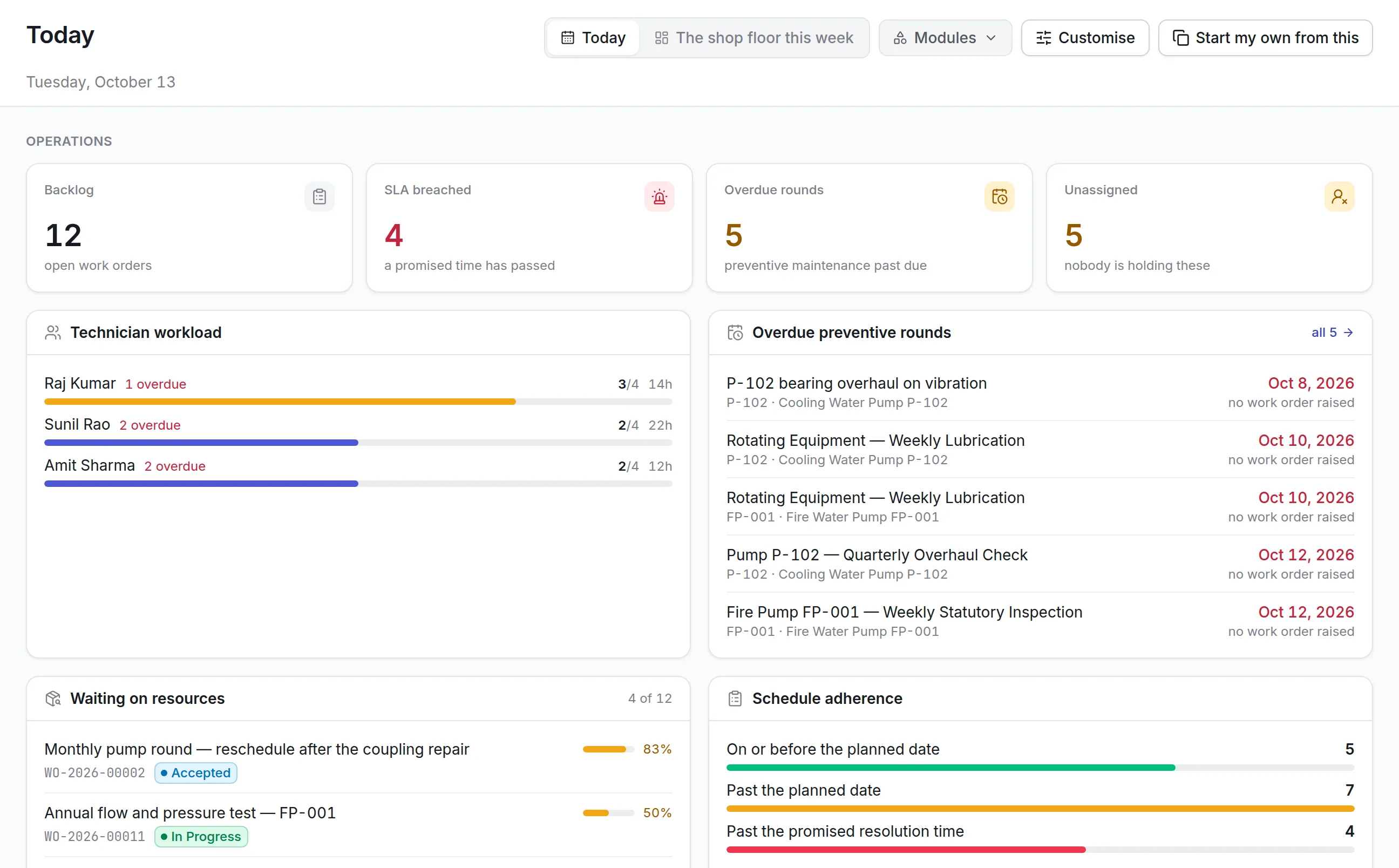
Dashboards show open tickets, response times and backlog, so IT leads can balance work across the team. (Insight)
How it works day to day
Here is how an IT support request is handled now.
- Employee: raises a request. The employee sends an email to the helpdesk or fills in a request on the web or mobile app, choosing a category.
- System: creates the ticket. An email becomes a request automatically. Its category and priority set the SLA, and the clock starts.
- Helpdesk lead: assigns it. The lead assigns the request to an engineer with the right skills, who is notified on the mobile app.
- IT engineer: resolves the issue. The engineer updates status and notes as the work progresses, and messages the employee on the request when needed.
- System: escalates what waits. If a request is close to missing its SLA, reminders and escalation go to the team before it is late.
- Employee: follows the progress. The employee sees the status of their request without calling or emailing the helpdesk.
- IT manager: reviews the numbers. Dashboards show response times, backlog and workload by engineer and category.
Before and after
| Before | With Asset Infinity | |
|---|---|---|
| Creating tickets | Manual data entry | Created automatically from email or self-service |
| Self-service | Limited | Employees raise and track their own requests |
| Prioritization | Critical issues waited | Category and priority set the SLA |
| Response time | Slow, with bottlenecks | 55% faster |
| Backlog | Growing | 25% fewer pending tickets |
| Employee satisfaction | Strained | 30% higher |
How it rolled out
- Needs assessed. The client and the Asset Infinity team reviewed IT helpdesk workflows, challenges and requirements.
- Configured for IT support. Email requests, self-service forms, categories, priorities and SLAs were set up to match the client’s process.
- Employees moved over. Employees began raising and tracking requests themselves instead of contacting the helpdesk directly.
The results
- 55% reduction in average IT support response time
- 30% increase in employee satisfaction with IT support
- 25% fewer pending support tickets
- 20% increase in IT support team productivity
- 15% increase in overall operational efficiency
- Less manual data entry and more accurate tickets.
- Critical issues receive immediate attention.
Why it worked
No retyping
Requests created from email and self-service forms removed most of the manual entry that slowed the helpdesk.
Priorities that hold
SLA timers based on category and priority meant the most critical issues were handled first, every time.
Employees can help themselves
Being able to raise and follow requests directly cut the status calls that took engineers away from fixing problems.
Looking ahead
With requests created from email and self-service, and sorted by category and priority, the IT helpdesk responds faster and keeps its backlog under control.
Employees can see where their request stands without asking, and the IT team spends its time solving problems instead of logging them.