






The organization
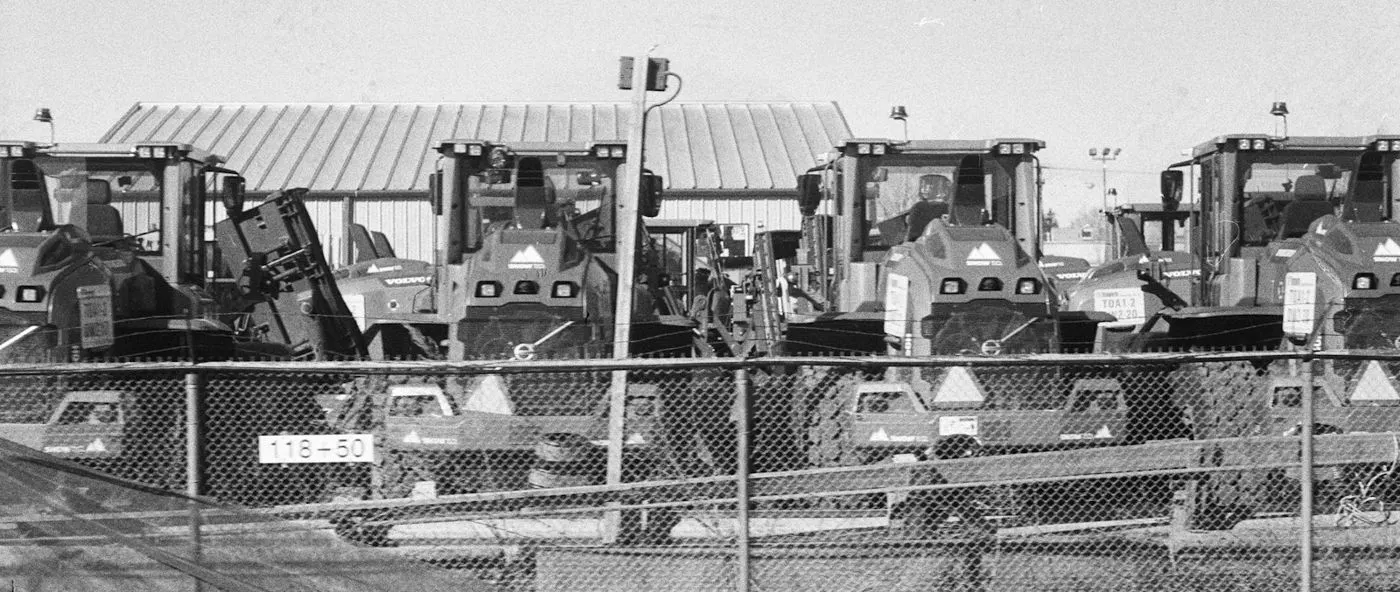
A regional equipment rental company rents out scissor lifts, compactors, mini excavators, generators and light towers to contractors and event crews from a handful of branch yards.
Revenue depends on units being out on rent, and reputation depends on them working when they arrive. Each yard has a small workshop that services units between rentals, mostly by engine hours.
The challenge
The rental desk knows which customer has a unit. The workshop knows what it last did to it. The two records rarely meet, so service gets missed on busy weeks.
- Return sheets are paper, and hour readings are often left blank.
- Units go back out before a service that was due on hours.
- Damage found on return is hard to tie to the rental that caused it.
- Nobody can say which units earn their keep and which sit in the yard.
- Filters and belts run out when several units need service at once.
How it is set up in Asset Infinity
The company runs its fleet register, check-outs, returns and workshop in Asset Infinity, with yard staff and mechanics working from the mobile app.
Check-out and return by scan
Each unit carries a QR label. Yard staff scan it to check the unit out to a customer job and scan it again on return. (Assets)
Service plans by hours
Each model has meter-based plans, such as a 250-hour service. The hour reading taken on return moves the plan, and a due service raises a work order. (Maintenance)
Return inspection
A short checklist with required fields and photos covers fuel, damage and attachments. A failed item raises corrective work before the unit can be rented again. (Maintenance)
Utilization by unit
Reports on check-out history show days on rent by unit, model and branch, so the company sees which units to sell, move or buy more of. (Insight)
How it works day to day
Here is how a unit moves from the yard to a job site and back.
- Rental desk: checks the unit out. A contractor books a scissor lift. Yard staff scan its label and check it out to the customer job, with the expected return date and the hour reading.
- System: holds back units with service due. Because each unit’s plans are visible on its record, the desk can see a service coming due before choosing which unit to send.
- Yard staff: checks it back in. On return, the unit is scanned in and the hour meter reading entered. The reading updates every hour-based plan on that unit.
- Yard staff: runs the return checklist. Fuel level, visible damage, attachments and a test run are required fields, with photos of anything wrong.
- System: raises the workshop job. A failed check raises a corrective work order. A plan that has reached its hours raises a service work order for the branch workshop.
- Mechanic: services the unit. The mechanic works through the service checklist on the phone, takes filters and oil from stores against the job, and closes it.
- Branch manager: reviews the fleet. Dashboards show units on rent, in the workshop and ready, and reports show days on rent by unit and model.
Before and after
| Before | With Asset Infinity | |
|---|---|---|
| Check-out | Typed into a rental spreadsheet | Scanned against a customer job |
| Hour readings | Often missing from paper return sheets | Required on every return |
| Service between rentals | Remembered by the workshop | Raised by hour-based plans |
| Damage on return | Hard to tie to a rental | Photographed against the check-out |
| Workshop parts | Run out on busy weeks | Issued per job, with reorder advice |
| Utilization | Guessed by branch | Days on rent per unit and model |
The first month
- Fleet imported and labeled. Units were imported with model, serial and branch, then labeled in each yard over one week.
- Hour plans per model. The workshop turned the manufacturers’ service intervals into meter-based plans for each model.
- Desk and yard trained. The rental desk and yard staff learned to scan out, scan in and complete the return checklist.
Example results
- Every unit checked out and returned against a named customer job
- 100% of returns logged with an hour-meter reading and a condition check
- Every service between rentals raised by the unit’s own hour reading
- The workshop sees which returned units are due for service before they reach the ready line.
- Damage found on return is recorded against the check-out it came back from, with photos.
- Filters, belts and oil are issued to each service job, with reorder advice when stock runs low.
- Branch managers compare days on rent by model when deciding what to buy next.
Why it worked
One scan does two jobs
The same return scan closes the rental and feeds the hour meter into the service plans, so yard staff do no extra work.
Service follows real use
Plans run on hours, not calendar dates, so a unit that worked hard is serviced sooner than one that sat in the yard.
A record per unit
Rentals, damage, services and parts sit on one record, which settles disputes and informs what to buy and sell.
Looking ahead
With the rental desk and the workshop working from one record per unit, a lift or generator cannot slip back out on rent with its service overdue or its damage unreported.
The same history shows how hard each unit works and what it costs to keep, which turns fleet buying and disposal into a decision made on records rather than memory.