






The organization
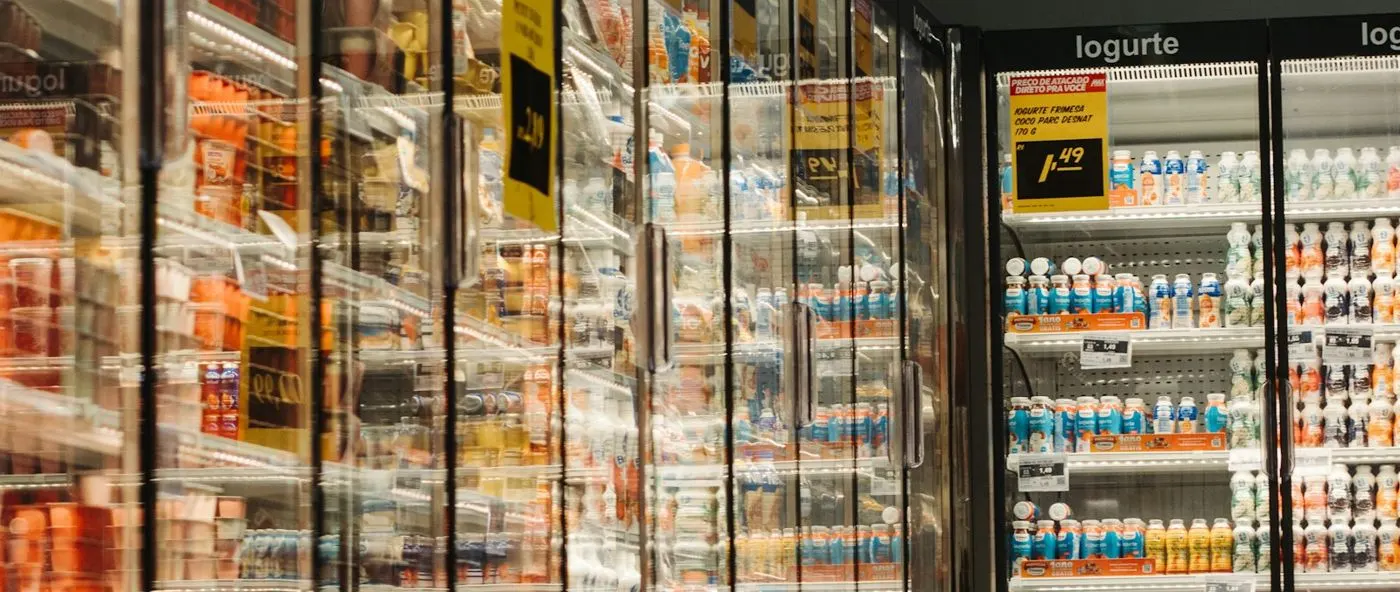
A regional grocery chain runs 60 supermarkets, each with open display cases for dairy and produce, frozen islands, and walk-in coolers and freezers in the back of store.
Refrigeration is serviced by contractors, each covering a group of stores. When a case warms up, the store loses stock and the chain carries food safety risk, so the time from breach to technician matters.
The challenge
Store staff check temperatures on paper twice a day. A case that fails overnight is found at opening, and the call to the contractor depends on who picks up the phone.
- Breaches between manual checks go unnoticed for hours.
- Store managers call contractors directly, so head office has no record.
- Nobody can see which cases fail repeatedly across the chain.
- Temperature logs are hard to produce for a food safety inspection.
- Contractor response times are disputed because nothing is time-stamped.
How it is set up in Asset Infinity
The chain records every case and walk-in in Asset Infinity, links a temperature sensor to each, and routes breaches to the contractor who covers the store.
Sensors with limits
Each case and walk-in has a temperature sensor with an upper limit for its type. A reading that crosses the limit raises a work order on that asset. (Connected)
Dispatch to the store’s contractor
Work for each store goes to its refrigeration contractor, with SLA timers that start when the work order is raised. (Work)
Preventive service
Coil cleaning, door seal checks and defrost checks run on date-based plans, so routine work is booked before it causes a breach. (Maintenance)
Breaches by store and case
Dashboards show open refrigeration work, response times by contractor and the cases that breach most often. (Insight)
How it works day to day
Here is what happens when a walk-in freezer starts to warm up overnight.
- System: spots the breach. The freezer’s sensor reports a temperature above the limit set for frozen storage. A work order is raised on that walk-in at that store.
- System: notifies the contractor. The work order goes to the contractor who covers the store, and the SLA timer starts. The store manager is notified too.
- Store manager: protects the stock. Opening staff see the open job on the phone, move product to a working freezer and add a note and photo to the work order.
- Contractor technician: repairs and records. The technician scans the walk-in’s label, records the fault and the parts used, and closes the job once the temperature is back in range.
- System: escalates if it waits. If the work order sits unassigned or open past its SLA, reminders and escalation go to the chain’s facilities manager.
- Store staff: report smaller faults. A torn door seal or ice on a coil is reported by scanning the case’s QR label, which raises a request on that case.
- Facilities manager: reviews the chain. Dashboards show breaches by store, response time by contractor and the cases that keep failing.
Before and after
| Before | With Asset Infinity | |
|---|---|---|
| Temperature checks | Paper logs twice a day | Sensors with limits on every case |
| Overnight failures | Found at opening | A work order raised at the breach |
| Calling the contractor | Store manager on the phone | Routed to the store’s contractor |
| Response time | Disputed | Time-stamped from breach to close |
| Repeat failures | Invisible across stores | Visible by case and store |
| Inspection records | Hard to find | History on each asset |
The first month
- Cases registered and labeled. Every case and walk-in was added with its store, type and set point, and given a QR label.
- Sensors linked and limits set. Sensors were linked to their assets, with limits for chilled, frozen and produce cases.
- Contractors onboarded. Each contractor was assigned its stores and learned to update and close jobs in the mobile app.
Example results
- Every temperature breach raises a work order within minutes
- 100% of cases and walk-ins in the register with a sensor and a limit
- 1 named contractor assigned per store for refrigeration work
- Overnight breaches reach the contractor while the store is closed, not at opening.
- Every refrigeration job carries a time-stamped record from breach to close.
- Repeat failures point to cases that need replacing rather than another repair.
- Store staff report door seals and ice buildup by scanning the case label.
Why it worked
Work starts at the breach
The sensor raises the work order itself, so a failure does not wait for someone to notice it.
The right contractor every time
Each store’s work goes to the contractor responsible for it, with an SLA both sides can see.
History per case
Every breach and repair is recorded on the case, so repair-or-replace becomes a decision based on records.
Looking ahead
With sensors watching every case and work routed to the right contractor, the chain finds refrigeration problems when they start rather than when the stock is already lost.
The history built from breaches and repairs shows which cases cost the most to keep running, which helps the chain plan refits store by store.