






The organization
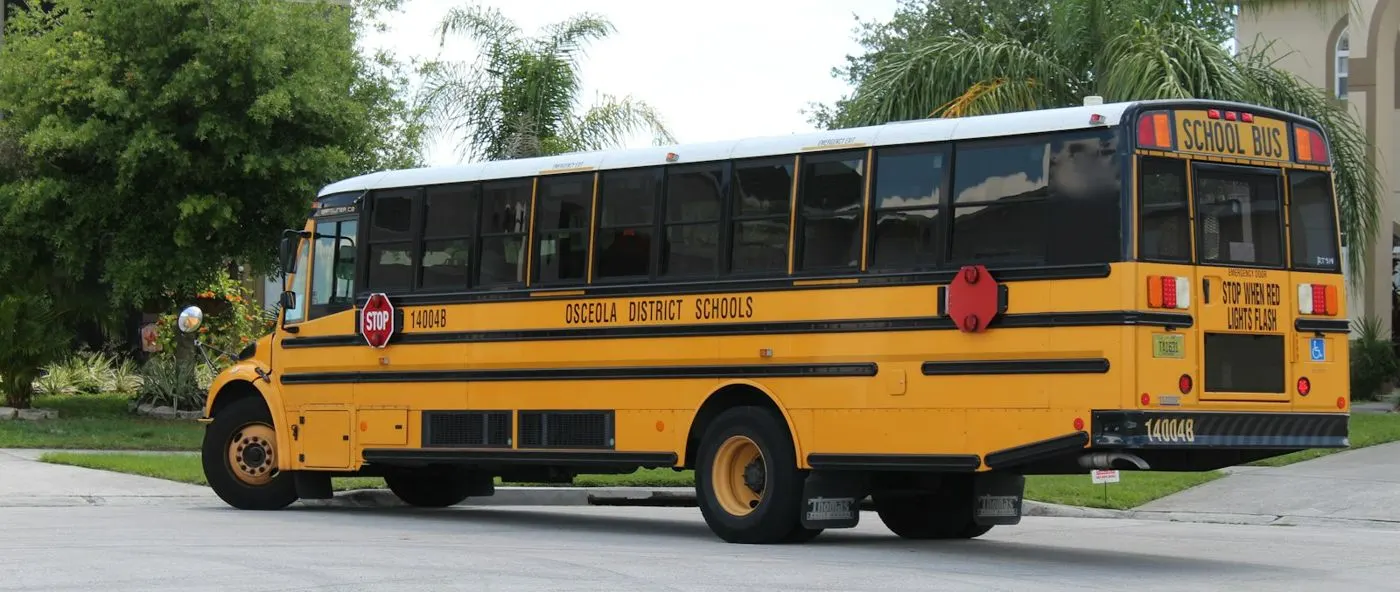
A US school district runs elementary, middle and high schools, a bus depot and an administration building. Its transportation team keeps a fleet of school buses on the road every school day.
Its facilities team looks after roofs, HVAC, plumbing, playgrounds and classrooms, with most large jobs squeezed into the summer break, when buildings are empty.
The challenge
Bus servicing and building repairs are tracked in separate spreadsheets and inboxes. Teachers report problems by email or in the hallway, and summer work is planned in a rush in June.
- Bus mileage is read off odometers by hand, so services are late or missed.
- Teacher requests arrive by email and phone, and some are never answered.
- Principals cannot see when a reported problem will be fixed.
- Summer projects are listed late, leaving too little time for parts and contractors.
- Nobody can show the board what each building costs to maintain.
How it is set up in Asset Infinity
The district runs fleet and facilities maintenance in Asset Infinity, with one asset register for every bus, building and major system.
GPS trackers on buses
Each bus’s tracker reports location and odometer, and the mileage feeds its preventive plans without anyone reading the dashboard. (Connected)
Requests from teachers
Teachers raise requests from the web, mobile app, email or by scanning the QR label in a classroom, with a photo. They can follow the status. (Work)
Plans by mileage and by date
Bus services run on mileage. Building plans run on dates, with HVAC, roofs and fire systems scheduled into the summer break. (Maintenance)
Costs by school and by bus
Dashboards show open requests by school and buses due for service, and reports show labor and parts spent on each asset. (Insight)
How it works day to day
Here is how a school year and its summer break run in Asset Infinity.
- Teacher: reports a problem. A teacher scans the QR label by the classroom door, picks “heating not working”, adds a photo and sends the request.
- Facilities supervisor: assigns the job. The supervisor turns the request into a work order and assigns an HVAC technician, who is notified on the mobile app.
- Technician: fixes and closes. The technician records the work, parts used and photos, then closes the work order. The teacher sees it is done.
- System: tracks bus mileage. Each bus’s GPS tracker sends its odometer. When a bus reaches its service mileage, its preventive plan creates a work order for the depot.
- Fleet technician: services and inspects. The technician runs the service checklist with required readings and a signature. A failed brake check raises corrective work and keeps the bus off its route.
- Facilities director: plans the summer. In spring, date-based plans for roofs, HVAC, fire systems and playgrounds are set to fall due in June and July, school by school.
- Business office: reviews costs. Scheduled reports show labor and parts by school and by bus, ready for budget meetings.
Before and after
| Before | With Asset Infinity | |
|---|---|---|
| Bus mileage | Read off the odometer by hand | Sent by each bus’s GPS tracker |
| Bus servicing | Late or missed when mileage was not checked | A work order when the service mileage is reached |
| Teacher requests | Email, phone and hallway conversations | A tracked request with a photo and status |
| Summer work | Listed in June | Date-based plans set in spring, per school |
| Costs | Mixed in general ledgers | Labor and parts per bus and per building |
The first month
- Buses and buildings loaded. Buses, schools, rooms and major building systems are imported, and classrooms get QR labels.
- Trackers linked. Each bus’s GPS tracker is linked to its record, and mileage-based service plans are set up.
- Teachers invited. Teachers and principals get access to raise and follow requests; technicians start on the mobile app.
Example results
- Every bus serviced on the mileage its GPS tracker reports
- 100% of teacher requests tracked from report to close
- 1 summer work list per school, planned before classes end
- Teachers see the status of their request instead of emailing to ask.
- Requests that wait too long trigger reminders to the facilities supervisor.
- Pre-trip and annual bus inspections are recorded with required fields and signatures.
- Repair history per bus supports replacement decisions in the budget cycle.
Why it worked
Buses on time for service
Mileage comes from the tracker, so no bus runs past its service interval because someone forgot to read the odometer.
Easy for teachers
Raising a request takes a minute from a phone or a QR label, and teachers can see when it will be fixed.
Summers that are planned
Building work is scheduled ahead for the weeks schools are empty, with time to order parts and book contractors.
Looking ahead
With buses and buildings in one register, the district’s transportation and facilities teams work from the same record, and teachers report problems in a minute instead of chasing them.
Because every service and repair is tied to an asset and a school, the district can show the board where its maintenance budget goes and which buses and systems are due for replacement.