






The client
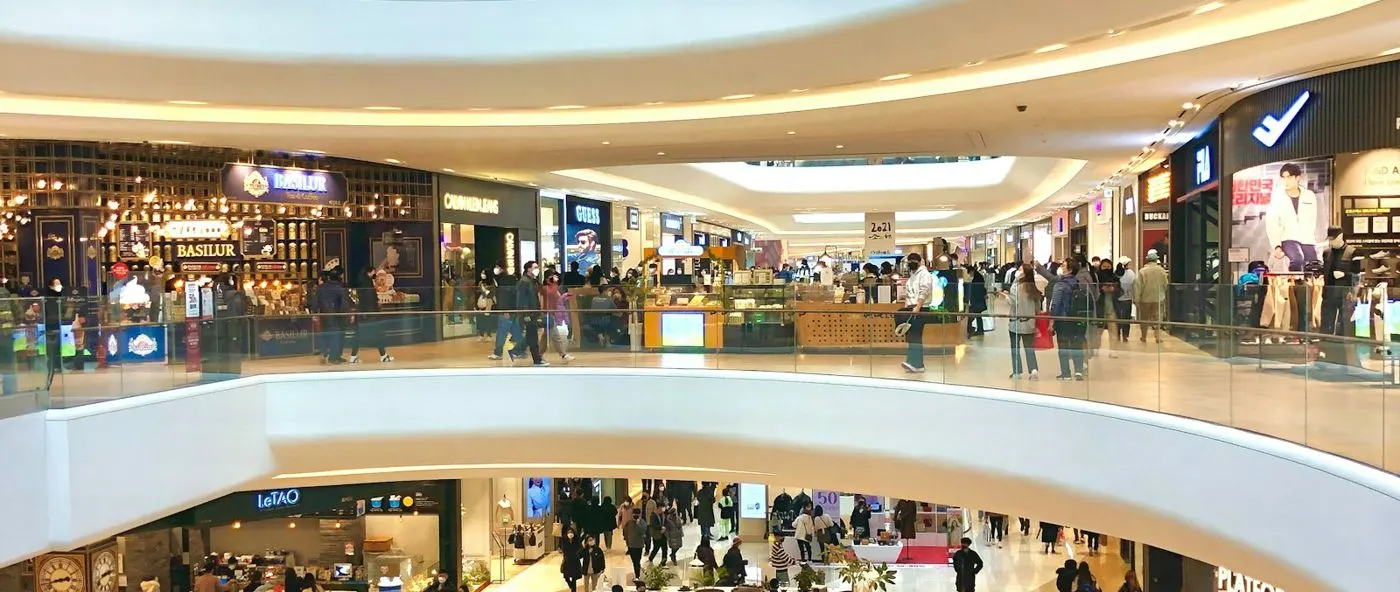
The client is a large retailer headquartered in Dubai, with stores across the Middle East and regional operations teams supporting them.
Stores, departments and regional teams all raise requests for help, some about customers and some about day-to-day operations. Central support teams have to pick each one up, route it and see it through.
The challenge
Issues were reported regularly, but handling them depended on emails, calls, spreadsheets and repeated coordination between store and support teams. With no central queue, requests could be delayed, missed or handled differently each time.
- Requests arrived by email and phone and were tracked in spreadsheets.
- Ownership was unclear, so some requests waited while others were handled twice.
- Stores called support again and again to ask about status.
- Service handling varied between stores, departments and regions.
- There was no single view of what was open, urgent or late.
What they set up in Asset Infinity
The retailer moved customer and operational support requests into Asset Infinity’s Work feature, with categories, priorities, assignment and response tracking shared by stores and support teams.
One queue for every store
Stores and departments raise requests from the web or mobile app, choosing a category and a priority, so every issue lands in the same place. (Work)
Assignment by team
Each category routes to the right store, regional or support team, and the person who takes it is named on the request. (Work)
Response targets and escalation
SLA timers track response and resolution. Requests that wait too long trigger reminders and escalate to a supervisor. (Work)
Status everyone can see
Dashboards show open requests by store, category, priority and owner, so pending actions are visible without a phone call. (Insight)
How it works day to day
Here is how a store’s request for help runs now.
- Store staff: raise the request. From the web or mobile app, staff raise a request, pick a category and priority, and add a description or photo.
- System: routes it to the right team. The category decides which support or regional team receives it, and that team is notified.
- Support lead: assigns an owner. The lead assigns the request to a named person. The store can see who has it.
- System: watches the clock. SLA timers run against the priority. A request that sits too long triggers a reminder, then an escalation to a supervisor.
- Support agent: works and updates it. The agent updates the status and adds notes and messages on the request as work progresses.
- Support agent: closes the request. Once resolved, the request is closed with a note on what was done, and the store sees the outcome.
- Operations manager: reviews service by store. Dashboards and scheduled reports show open, late and closed requests by store, category and team.
Before and after
| Before | With Asset Infinity | |
|---|---|---|
| Raising an issue | Email, phone call or spreadsheet entry | A request with a category and priority |
| Ownership | Unclear who was handling it | A named owner on every request |
| Status | Stores called to ask | Visible on the request |
| Late requests | Missed or noticed too late | Reminders and escalation |
| Ways of working | Different in each store and region | One process for every store |
| Oversight | No single view | Dashboards by store, category and team |
How it rolled out
- Requirements reviewed. The team reviewed support channels, request types, response delays and the way each region worked.
- Categories, priorities and routing set up. Request categories, priorities, assignment, escalation and closure steps were configured for each retail support need.
- Teams trained and refined. Store and support teams were trained, and the setup was refined after go-live as usage was monitored.
The results
- Customer and operational requests from every store consolidated in one helpdesk
- Clear ownership across store, regional and support teams
- Fewer follow-up calls and emails to check on request status
- Faster assignment and response to support requests
- Better coordination between stores, operations and support teams
Why it worked
One place to ask
Stores no longer choose between email, phone and spreadsheets. Every request goes into the same queue.
Owners and clocks
Each request has a named owner and a response target, so delays are flagged instead of discovered.
Shared visibility
Store staff, support teams and managers all see the same status, which cuts the follow-up calls.
Looking ahead
The retailer moved from scattered emails and calls to one helpdesk shared by its stores and support teams. Each request now has an owner, a priority and a status anyone involved can check.
With every request recorded by category and store, the team can see where service slows down and which stores and issue types need attention.