


In this article
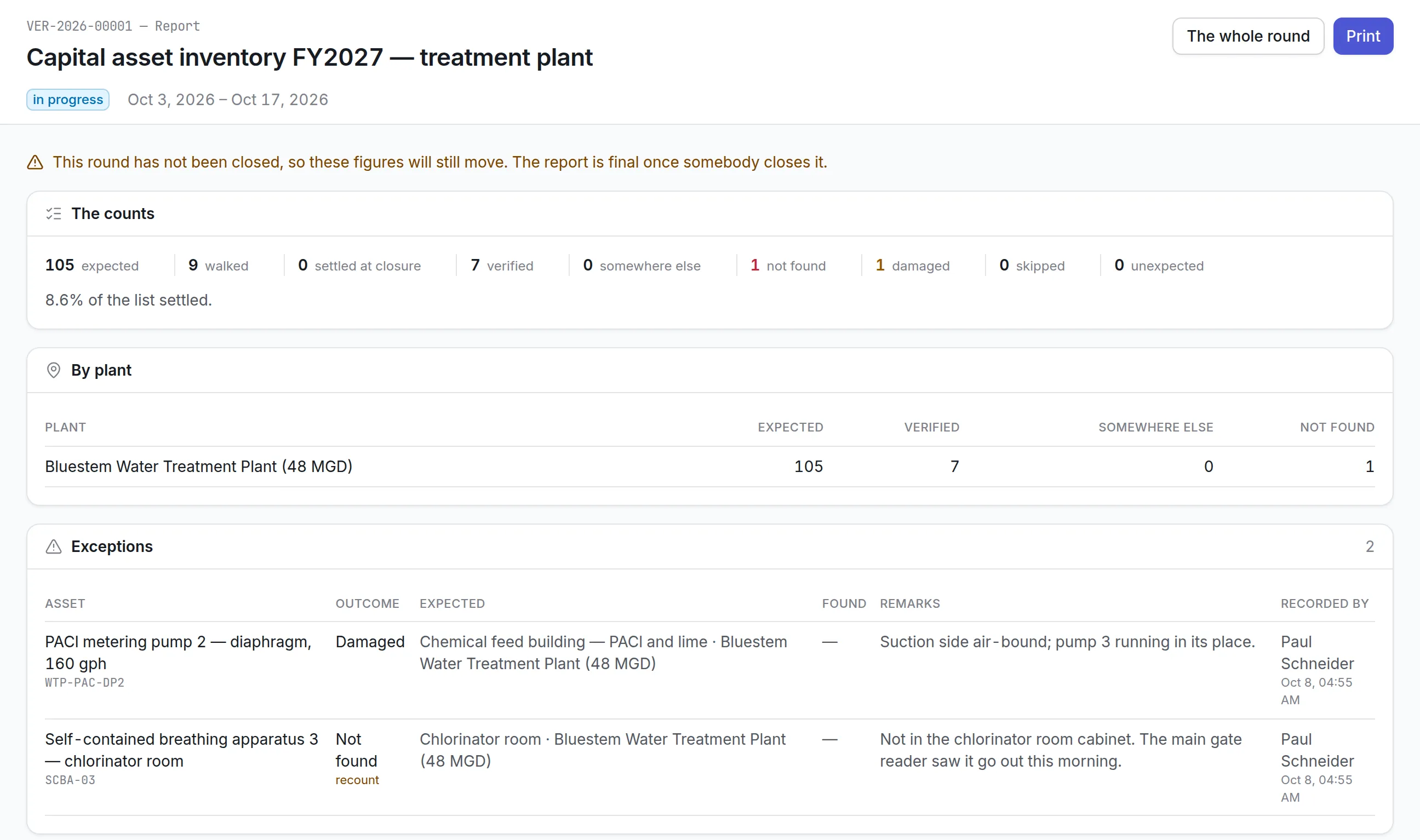
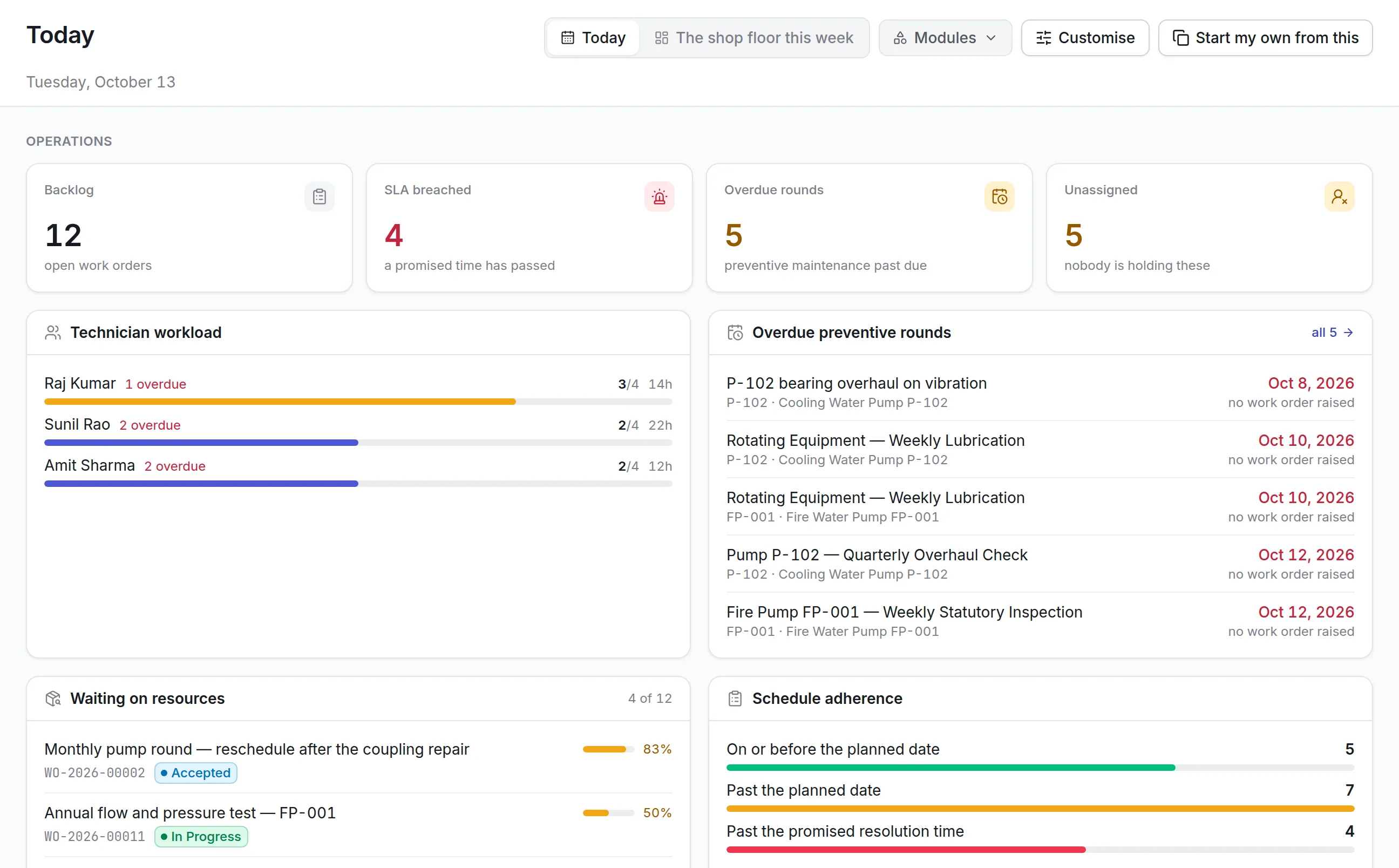
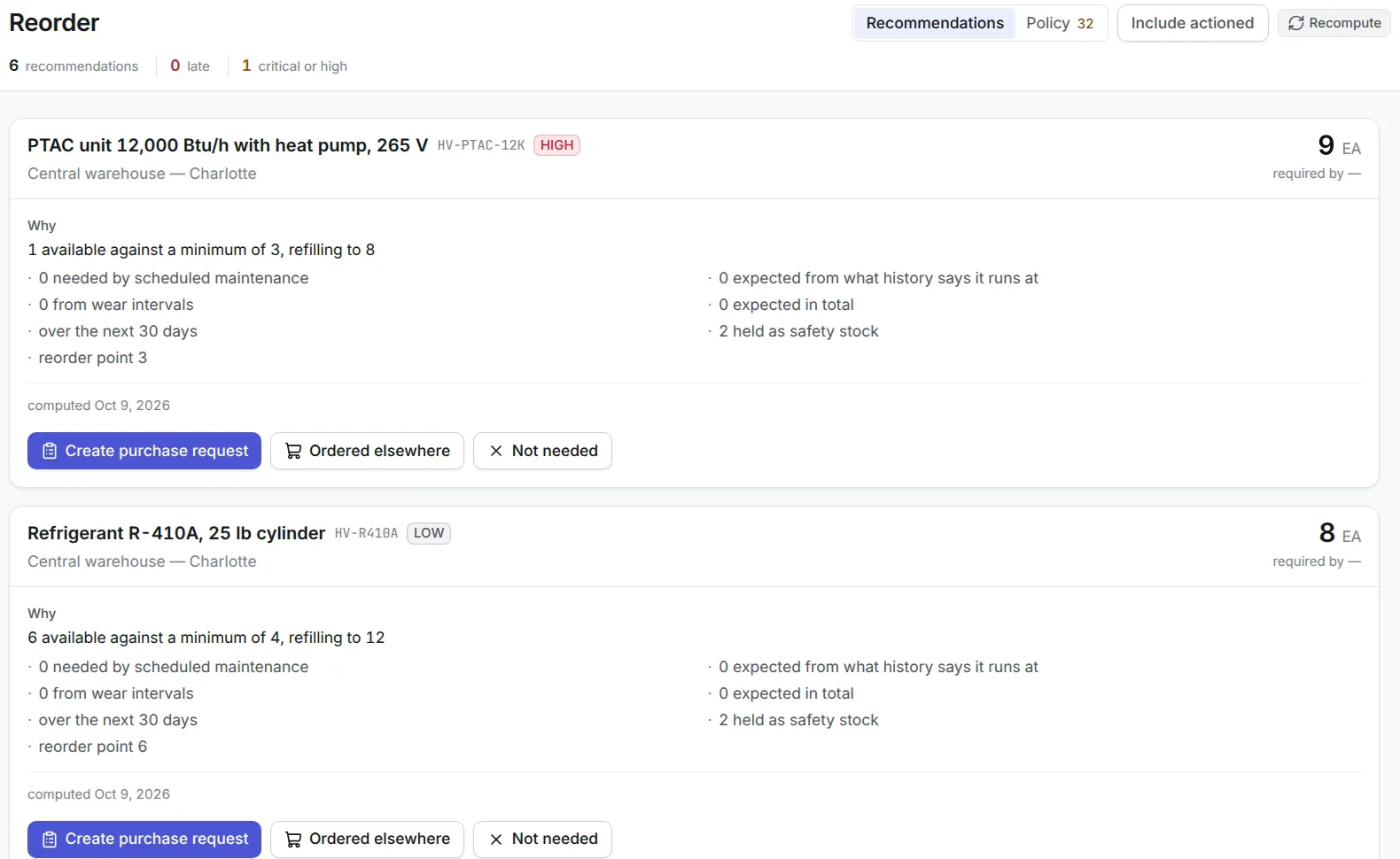
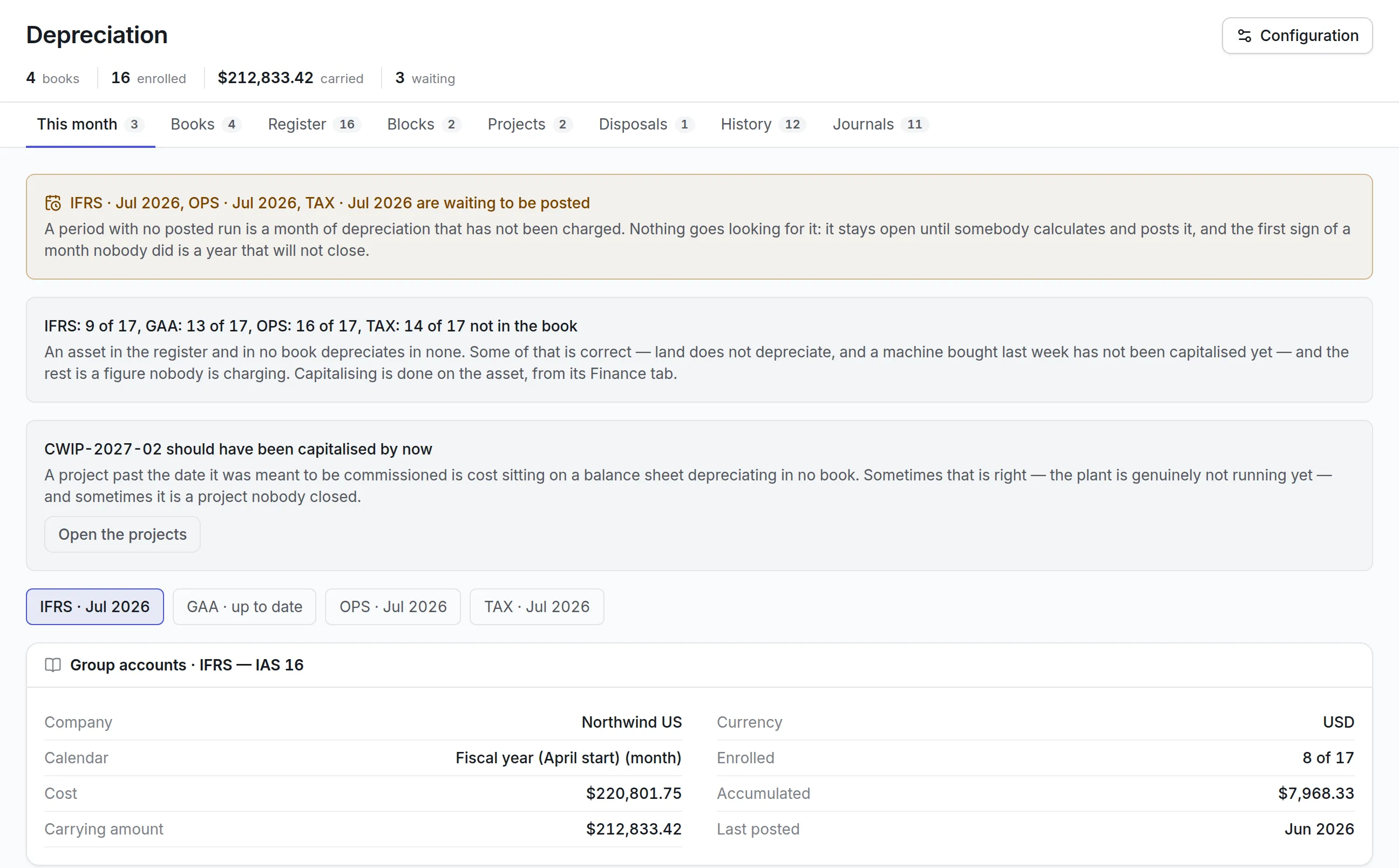
- What Is Service Request Management?
- What Is Incident Management?
- Why Service Requests and Incidents Are Often Confused
- Service Request Management vs Incident Management: Main Difference
- Simple Example
- Key Differences Between Service Request and Incident Management
- 1. Purpose
- 2. Nature of Work
- 3. Trigger
- 4. Urgency
- 5. Workflow
- 6. Approval
- 7. Resolution Method
- 8. SLA Structure
- 9. Priority
- 10. Automation Potential
- 11. Expected Outcome
- 12. Reporting
- What Is a Service Request?
- Common Types of Service Requests
- Access Requests
- Account Requests
- Equipment Requests
- Software Requests
- Information Requests
- Facility Service Requests
- Maintenance Service Requests
- Human Resources Requests
- Procurement Requests
- What Is an Incident?
- Common Types of Incidents
- IT Incidents
- Equipment Incidents
- Facility Incidents
- Security Incidents
- Customer Service Incidents
- Safety Incidents
- Service Request Management Process
- Step 1: Request Submission
- Step 2: Request Categorization
- Step 3: Request Validation
- Step 4: Approval
- Step 5: Assignment
- Step 6: Fulfillment
- Step 7: User Communication
- Step 8: Completion Confirmation
- Step 9: Closure
- Incident Management Process
- Step 1: Incident Identification
- Step 2: Incident Recording
- Step 3: Classification
- Step 4: Priority Assessment
- Step 5: Assignment
- Step 6: Initial Diagnosis
- Step 7: Escalation
- Step 8: Workaround or Resolution
- Step 9: Service Restoration
- Step 10: User Confirmation
- Step 11: Closure
- Step 12: Post-Incident Review
- Incident vs Service Request Examples
- New Laptop vs Broken Laptop
- New Access vs Lost Access
- Software Installation vs Software Failure
- Meeting Room Booking vs Equipment Failure
- Preventive Maintenance vs Breakdown
- New Employee Account vs Login Error
- Information Request vs Service Error
- Service Catalog and Service Request Management
- Benefits of a Service Catalog
- Examples of Service Catalog Items
- Incident Priority vs Service Request Priority
- Incident Priority
- Service Request Priority
- Why Separate Priority Rules Matter
- SLA Management for Service Requests and Incidents
- Incident SLAs
- Service Request SLAs
- SLA Pause Conditions
- Automation in Service Request Management
- Service Request Automation Example
- Automation in Incident Management
- Major Incident Management
- Relationship Between Incidents and Problems
- Relationship Between Service Requests and Changes
- Benefits of Separating Service Requests and Incidents
- Common Classification Mistakes
- Service Request Management Best Practices
- Incident Management Best Practices
- Metrics for Service Request Management
- Metrics for Incident Management
- Reporting Service Requests and Incidents Separately
- How Helpdesk Software Supports Both Processes
- Role of Asset and Maintenance Integration
- Choosing Software for Service Request and Incident Management
- How to Implement Both Processes
- Service Request and Incident Management Across Departments
- Industry Use Cases
- Why Choose Asset Infinity for Service Request and Incident Management?
- Conclusion
- Frequently Asked Questions
A user requests access to a software application. Another employee reports that the same application has stopped working. Both issues may enter the helpdesk as tickets, but they should not follow the same process.
The first is a service request. It represents a standard need that can usually be fulfilled through a predefined workflow. The second is an incident because an existing service has been interrupted and must be restored.
Confusing these two ticket types can create unnecessary delays, incorrect priorities, misleading reports, and poor service-level performance. Routine requests may be treated as emergencies, while genuine disruptions may remain hidden in a general support queue.
Understanding service request management vs incident management helps organizations create clearer workflows, assign tickets correctly, establish realistic service-level agreements, and improve the experience of employees and customers.
Although both processes involve ticket creation, assignment, communication, resolution, and closure, their objectives are different. Incident management focuses on restoring normal service after an interruption. Service request management focuses on delivering a standard service, item, access, or information requested by a user.
This guide explains both processes in detail, including their workflows, objectives, examples, key differences, SLAs, priorities, automation opportunities, performance metrics, and best practices.
What Is Service Request Management?
Service request management is the structured process of receiving, approving, fulfilling, tracking, and closing standard user requests.
A service request usually asks the organization to provide something that is already defined and available.
Examples include:
- Creating a new user account
- Resetting a password
- Providing access to an application
- Installing approved software
- Issuing a laptop or mobile device
- Requesting office supplies
- Booking a meeting room
- Requesting equipment maintenance
- Asking for standard information
- Changing employee details
- Requesting a new access card
- Ordering an approved service
Service requests are normally predictable and repeatable. Because the organization understands how to fulfill them, it can create standard forms, approval steps, task lists, fulfillment times, and service targets.
What Is Incident Management?
Incident management is the process of identifying, recording, prioritizing, assigning, investigating, resolving, and closing an unplanned interruption or reduction in the quality of a service.
The primary objective is to restore normal service as quickly as possible while minimizing operational impact.
Examples of incidents include:
- An application stops working
- A laptop cannot connect to the network
- A production machine breaks down
- A server becomes unavailable
- An air conditioning system fails
- A printer stops responding
- A customer portal becomes slow
- A conveyor system stops moving
- An access control system malfunctions
- A power outage affects operations
An incident represents something that is broken, unavailable, degraded, or behaving unexpectedly.
Why Service Requests and Incidents Are Often Confused
Both processes usually begin when a user submits a ticket. They may also use the same helpdesk portal, support team, software platform, and communication channels.
This makes them appear similar.
However, the reason for the ticket is different.
A user submitting a service request is asking for something new or standard. A user reporting an incident is asking for an existing service to be restored.
Confusion may also occur because users do not always know how to categorize their tickets. They may select the wrong form, mark every request urgent, or provide a description without explaining whether a service is unavailable.
Common examples of confusion include:
- “I need email access” may be a request for a new account or an incident involving an existing account.
- “I need a laptop” may be a new equipment request or a replacement following device failure.
- “The meeting room system is not working” is an incident, while “Please reserve the meeting room system” is a service request.
- “Install approved software” is a service request, while “Installed software is crashing” is an incident.
Clear forms and classification rules help support teams distinguish between the two.
Service Request Management vs Incident Management: Main Difference
The main difference is the objective.
Service request management fulfills a planned and standard user need.
Incident management restores a disrupted or degraded service.
A service request generally follows a predictable fulfillment process. An incident may require diagnosis, troubleshooting, escalation, repair, workaround, and root cause investigation.
Simple Example
Consider an employee who needs access to the company’s finance application.
Service Request
The employee has never had access and requests permission.
The support team verifies approval, creates the account, assigns access rights, and confirms completion.
Incident
The employee previously had access but can no longer log in.
The support team investigates the error, checks permissions, restores access, and confirms that the service is working again.
The same application is involved, but the ticket objective is different.
Key Differences Between Service Request and Incident Management
1. Purpose
Service Request Management
The purpose is to provide a standard service, item, access, information, or approved change.
Incident Management
The purpose is to restore normal service after an unexpected interruption or reduction in performance.
2. Nature of Work
Service Request
The work is usually planned, repeatable, and understood.
Incident
The work may be unpredictable and require investigation or troubleshooting.
3. Trigger
Service Request
Triggered by a user asking for something.
Incident
Triggered by a failure, disruption, error, or service degradation.
4. Urgency
Service Request
Usually follows standard fulfillment timelines unless the request supports an urgent business need.
Incident
Urgency depends on the operational impact, number of users affected, safety risk, and service criticality.
5. Workflow
Service Request
Usually follows a predefined workflow containing approvals, fulfillment tasks, and standard communication.
Incident
Usually follows classification, prioritization, diagnosis, escalation, resolution, and service restoration.
6. Approval
Service Request
May require approval from a manager, department owner, finance team, IT security team, or procurement team.
Incident
Usually does not require approval before investigation begins, especially when service restoration is urgent.
7. Resolution Method
Service Request
Completed through a standard fulfillment procedure.
Incident
Resolved through troubleshooting, repair, workaround, recovery, or replacement.
8. SLA Structure
Service Request
SLAs may focus on fulfillment time, approval time, delivery time, and completion time.
Incident
SLAs typically focus on acknowledgement, response, restoration, and resolution time.
9. Priority
Service Request
Priority may depend on requester role, due date, service type, and business need.
Incident
Priority is usually based on impact and urgency.
10. Automation Potential
Service Request
Highly suitable for workflow automation because tasks are repeatable.
Incident
Automation may assist classification, assignment, alerts, diagnosis, and escalation, but technical investigation is often required.
11. Expected Outcome
Service Request
The user receives the requested service or item.
Incident
The affected service returns to its normal operating condition.
12. Reporting
Service Request
Reports focus on fulfillment volume, turnaround time, approval delays, backlog, and requester satisfaction.
Incident
Reports focus on downtime, response time, resolution time, incident volume, recurring failures, and SLA compliance.
What Is a Service Request?
A service request is a formal user request for a predefined service, access, product, information, or standard action.
A request should usually be:
- Repeatable
- Low risk
- Clearly defined
- Supported by a standard procedure
- Measurable
- Suitable for automation
- Included in the service catalog
Not every user request is automatically a service request. A vague complaint or unexpected failure should be reviewed and classified correctly.
Common Types of Service Requests
Access Requests
Examples include:
- Application access
- Folder permission
- Database access
- Building access
- System role assignment
- VPN access
- Shared mailbox access
These requests often require approval and security validation.
Account Requests
Examples include:
- New user account
- Account update
- Password reset
- Account deactivation
- User profile change
- Email account setup
Equipment Requests
Examples include:
- Laptop allocation
- Mobile device request
- Monitor request
- Keyboard or mouse replacement
- Tool issuance
- Personal protective equipment
- Office furniture
Software Requests
Examples include:
- Approved application installation
- Software license allocation
- Application upgrade
- Plugin installation
- Standard configuration change
Information Requests
Examples include:
- Policy clarification
- Product information
- Account details
- Process guidance
- Service availability
- Report request
Facility Service Requests
Examples include:
- Workspace setup
- Meeting room arrangement
- Furniture movement
- Cleaning request
- Lighting installation
- Temperature adjustment
- Parking access
Maintenance Service Requests
Examples include:
- Scheduled equipment inspection
- Calibration request
- Preventive maintenance
- Asset relocation
- Standard repair request
- Equipment installation
A maintenance request may become an incident if equipment has unexpectedly failed and operations are affected.
Human Resources Requests
Examples include:
- Onboarding support
- Employee document request
- Benefits query
- Policy clarification
- Payroll information
- Exit process request
Sensitive information should be protected through role-based access.
Procurement Requests
Examples include:
- Purchase request
- Vendor registration
- Order status request
- Quotation request
- Contract document request
- Approved item purchase
What Is an Incident?
An incident is an unplanned event that interrupts a service or reduces its quality.
The service does not need to be completely unavailable. Slow performance, intermittent failures, incorrect behavior, and reduced functionality may also qualify as incidents.
An incident may affect:
- One user
- A department
- A location
- Multiple customers
- A production process
- The entire organization
The level of impact helps determine its priority.
Common Types of Incidents
IT Incidents
Examples include:
- Application outage
- Network failure
- Login problem
- Server downtime
- Email disruption
- Device malfunction
- Data synchronization error
- Printer failure
Equipment Incidents
Examples include:
- Machine breakdown
- Conveyor failure
- Motor overheating
- Sensor malfunction
- Vehicle failure
- Tool damage
- Medical device error
Facility Incidents
Examples include:
- HVAC failure
- Water leakage
- Power interruption
- Elevator breakdown
- Fire alarm malfunction
- Plumbing failure
- Lighting outage
Security Incidents
Examples include:
- Unauthorized access
- Lost access card
- Suspicious login
- Theft
- Security alarm failure
- Access control malfunction
Some security events may require a separate security incident workflow.
Customer Service Incidents
Examples include:
- Customer portal outage
- Payment failure
- Order processing disruption
- Service interruption
- Product malfunction
- Delivery tracking error
Safety Incidents
Examples include:
- Unsafe equipment
- Chemical spill
- Workplace injury
- Electrical hazard
- Damaged safety guard
- Emergency system failure
Safety incidents may require immediate action beyond a standard helpdesk workflow.
Service Request Management Process
A structured service request process improves consistency and fulfillment speed.
Step 1: Request Submission
The user submits a request through:
- Self-service portal
- Mobile application
- Chat
- Service desk
- QR code
- Standard request form
The form should capture all information needed to begin fulfillment.
Step 2: Request Categorization
The request is categorized by:
- Service
- Department
- Request type
- Location
- User group
- Asset category
- Approval requirement
Accurate categorization helps route the request correctly.
Step 3: Request Validation
The service team confirms:
- The requested service exists
- The user is eligible
- Required information is complete
- The request is within scope
- A duplicate request does not already exist
- Required documents are attached
Incomplete requests may be returned to the user for additional information.
Step 4: Approval
Some requests require approval before fulfillment.
Possible approvers include:
- Reporting manager
- Department head
- IT security
- Finance
- Procurement
- Asset owner
- Facility manager
- Human resources
Approval workflows should be automated where possible.
Step 5: Assignment
The approved request is assigned to the correct team or employee.
Assignment may be based on:
- Request category
- Location
- Skill
- Department
- Workload
- Service owner
- Shift
Step 6: Fulfillment
The assigned team completes the required tasks.
Examples include:
- Creating an account
- Installing software
- Issuing equipment
- Providing access
- Sharing information
- Scheduling a service
- Completing an approved purchase
Step 7: User Communication
The requester should receive updates at important stages, such as:
- Request received
- Approval required
- Request approved
- Work in progress
- Additional information needed
- Request completed
Step 8: Completion Confirmation
The service team records:
- Actions completed
- Items issued
- Approvals received
- Access provided
- Completion date
- Supporting documents
Step 9: Closure
The request is closed after fulfillment is complete and, where appropriate, confirmed by the requester.
Incident Management Process
Incident management focuses on restoring service quickly while maintaining clear communication.
Step 1: Incident Identification
The incident may be identified by:
- User report
- Monitoring tool
- Equipment sensor
- Automated alert
- Technician observation
- Customer complaint
- Operator report
Step 2: Incident Recording
The incident record should include:
- Description
- Affected service
- Affected asset
- Location
- Date and time
- Reporter
- Symptoms
- Impact
- Supporting evidence
Step 3: Classification
The incident is categorized by:
- Service
- Asset
- Failure type
- Department
- Location
- Technical area
- Security or safety impact
Step 4: Priority Assessment
Incident priority is usually based on impact and urgency.
Impact
Impact considers:
- Number of users affected
- Business process affected
- Revenue impact
- Safety risk
- Customer impact
- Operational downtime
Urgency
Urgency considers how quickly the incident must be resolved.
A high-impact, high-urgency incident should receive the highest priority.
Step 5: Assignment
The incident is assigned to the team with the required knowledge or responsibility.
Automated assignment can reduce response delays.
Step 6: Initial Diagnosis
The support team reviews:
- Symptoms
- Recent changes
- Previous incidents
- Asset history
- System logs
- Error messages
- Known solutions
- Knowledge articles
Step 7: Escalation
The incident may require:
Functional Escalation
Transfer to a specialist with deeper technical expertise.
Hierarchical Escalation
Escalation to management because of business impact, delay, or service risk.
Step 8: Workaround or Resolution
A workaround restores partial or temporary service without removing the underlying cause.
A resolution restores service and addresses the immediate incident.
Examples include:
- Restarting a system
- Replacing a failed part
- Restoring a backup
- Correcting permissions
- Repairing equipment
- Reconfiguring a service
- Switching to backup infrastructure
Step 9: Service Restoration
The affected service is tested to confirm that normal operation has returned.
Step 10: User Confirmation
The requester or affected users may confirm that the incident has been resolved.
Step 11: Closure
The incident record should include:
- Resolution details
- Downtime
- Actions taken
- Parts used
- Root cause, if known
- Related problems
- Knowledge article
- Closure notes
Step 12: Post-Incident Review
Major and recurring incidents may require a review to evaluate:
- What happened
- How the team responded
- What caused delays
- Whether communication was effective
- How recurrence can be prevented
Incident vs Service Request Examples
New Laptop vs Broken Laptop
Service Request
An employee needs a laptop for onboarding.
Incident
An employee’s assigned laptop will not start.
New Access vs Lost Access
Service Request
A user needs access to a new application.
Incident
A user previously had access but now receives an error.
Software Installation vs Software Failure
Service Request
An employee requests installation of approved software.
Incident
The installed software crashes during use.
Meeting Room Booking vs Equipment Failure
Service Request
An employee requests a meeting room reservation.
Incident
The meeting room display or conferencing system stops working.
Preventive Maintenance vs Breakdown
Service Request
A department requests scheduled equipment servicing.
Incident
The equipment stops operating unexpectedly.
New Employee Account vs Login Error
Service Request
HR requests account creation for a new employee.
Incident
An existing employee cannot log in to their account.
Information Request vs Service Error
Service Request
A customer asks how to update their payment method.
Incident
The payment update page produces an error.
Service Catalog and Service Request Management
A service catalog is a structured list of services users can request.
It may include:
- Service description
- Eligibility
- Request form
- Required information
- Approval process
- Expected fulfillment time
- Cost
- Service owner
- Support hours
A well-designed service catalog improves service request management by giving users clear and standardized options.
Benefits of a Service Catalog
A service catalog helps organizations:
- Standardize requests
- Reduce incorrect ticket classification
- Capture complete information
- Automate approvals
- Set realistic fulfillment targets
- Improve user self-service
- Reduce back-and-forth communication
- Clarify available services
Examples of Service Catalog Items
Common catalog items include:
- Request a laptop
- Create a user account
- Install software
- Request application access
- Replace an access card
- Request office supplies
- Schedule calibration
- Request preventive maintenance
- Request employee documentation
- Submit a purchase request
Each item can have its own form, approval workflow, tasks, and SLA.
Incident Priority vs Service Request Priority
Incident and request priorities should not always be defined in the same way.
Incident Priority
Incident priority is generally determined by impact and urgency.
A service outage affecting hundreds of users may be critical.
A minor issue affecting one user may be low priority.
Service Request Priority
Service request priority may consider:
- Required completion date
- Business importance
- Requester role
- Onboarding deadline
- Compliance need
- Operational dependency
- Service type
A new laptop request may be important, but it is not automatically a critical incident.
Why Separate Priority Rules Matter
Using the same priority rules for every ticket can lead to:
- Routine requests being marked critical
- Genuine incidents being delayed
- Incorrect SLA calculations
- Overloaded support queues
- Misleading reports
- Poor resource allocation
SLA Management for Service Requests and Incidents
Both processes need measurable service targets, but the targets are usually different.
Incident SLAs
Incident SLAs may include:
- Acknowledgement time
- First response time
- Restoration time
- Resolution time
- Communication frequency
- Escalation time
Higher-priority incidents usually have shorter targets.
Service Request SLAs
Service request SLAs may include:
- Approval time
- Assignment time
- Fulfillment time
- Delivery time
- Completion time
- Requester update frequency
The fulfillment target should reflect the request type.
For example, a password reset may be completed quickly, while equipment procurement may require several business days.
SLA Pause Conditions
SLA timers may pause when waiting for:
- Requester information
- Manager approval
- Vendor response
- Equipment delivery
- Scheduled access
- Required documentation
Pause rules should be clearly documented to prevent incorrect SLA reporting.
Automation in Service Request Management
Service requests are highly suitable for automation because their workflows are usually predictable.
Automation may include:
- Converting forms into tickets
- Categorizing the request
- Validating required fields
- Routing approval
- Assigning fulfillment tasks
- Sending reminders
- Updating status
- Notifying the requester
- Closing completed requests
- Generating reports
Service Request Automation Example
An employee submits a software access request.
The system can automatically:
- Capture employee and application details.
- Route the request to the manager.
- Send approved requests to the application owner.
- Create an access task.
- Notify the employee after access is provided.
- Close the request after confirmation.
This reduces manual coordination.
Automation in Incident Management
Incident automation focuses on faster detection, routing, response, and escalation.
Automation may include:
- Creating incidents from monitoring alerts
- Detecting duplicate incidents
- Assigning priority
- Routing to the correct support group
- Notifying affected users
- Escalating approaching SLA breaches
- Linking related incidents
- Creating maintenance work orders
- Suggesting knowledge articles
- Triggering major incident workflows
Automation supports the response process, but diagnosis and resolution may still require technical judgment.
Major Incident Management
A major incident is a high-impact disruption that requires urgent coordination and communication.
Examples include:
- Organization-wide system outage
- Major production shutdown
- Critical infrastructure failure
- Significant customer service interruption
- Safety-critical equipment failure
- Large-scale network disruption
A major incident workflow may include:
- Immediate escalation
- Incident commander
- Specialized response team
- Frequent stakeholder updates
- Executive communication
- Temporary workaround
- Recovery coordination
- Post-incident review
Major incidents should not be managed like routine support tickets.
Relationship Between Incidents and Problems
An incident focuses on restoring service.
A problem focuses on identifying and eliminating the underlying cause of one or more incidents.
For example:
- Several users report repeated application crashes.
- Each crash is recorded as an incident.
- A problem record is created to investigate the recurring cause.
- The technical team identifies a software defect.
- A permanent fix is implemented.
Incident management restores service quickly, while problem management prevents recurrence.
Relationship Between Service Requests and Changes
Some service requests may require a change to a system, asset, configuration, or environment.
For example:
- A user requests additional software.
- Installation requires a configuration change.
- The request triggers an approved change workflow.
- The change is implemented and tested.
- The service request is completed.
Standard, low-risk changes may be preapproved and included in the request workflow.
Benefits of Separating Service Requests and Incidents
Clearer Prioritization
True disruptions can be prioritized based on impact and urgency without competing with routine requests.
Faster Incident Resolution
Support teams can focus on restoring disrupted services.
More Predictable Request Fulfillment
Standard requests can follow repeatable workflows and completion targets.
Better SLA Reporting
Organizations can measure incident response separately from request fulfillment.
Improved User Experience
Users receive forms and communication designed for their specific needs.
Better Automation
Service requests can be heavily automated, while incidents can use assignment and escalation automation.
More Accurate Resource Planning
Managers can understand how much work comes from incidents and how much comes from fulfillment.
Better Trend Analysis
Incident trends reveal service reliability problems, while request trends reveal demand for services.
Improved Accountability
Each ticket type has a clear owner, workflow, priority, and outcome.
Stronger Service Improvement
Organizations can reduce recurring incidents while optimizing frequently requested services.
Common Classification Mistakes
Treating Every Ticket as an Incident
This inflates incident volume and makes reliability reporting inaccurate.
Treating Failures as Service Requests
This may delay urgent service restoration.
Letting Users Set Final Priority
Users can suggest urgency, but the service team should validate impact and priority.
Using One Form for Every Ticket
A generic form often fails to capture the details needed for correct classification.
Combining Fulfillment and Resolution Metrics
Request fulfillment time should not be compared directly with incident repair time without context.
Closing Tickets Without Proper Classification
Incorrectly classified tickets reduce the quality of future reports.
Ignoring Ticket Reclassification
A request may later be identified as an incident, or an incident may turn out to be a standard request. The software should allow controlled reclassification.
Service Request Management Best Practices
Build a Clear Service Catalog
Provide understandable request options for users.
Use Request-Specific Forms
Collect the required information at submission.
Standardize Approval Workflows
Define who approves each request and when approval is required.
Automate Repeatable Tasks
Reduce manual assignment, reminders, and status updates.
Define Fulfillment Targets
Create realistic SLAs based on request complexity.
Track Approval Delays
Approval time can represent a major portion of request turnaround time.
Communicate Status Clearly
Tell users whether the request is waiting for approval, fulfillment, delivery, or confirmation.
Review Popular Requests
High-volume requests may be suitable for additional automation or self-service.
Maintain Request Templates
Standard task lists improve fulfillment consistency.
Measure User Satisfaction
Collect feedback after the request is completed.
Incident Management Best Practices
Make Incident Reporting Easy
Users should be able to report failures quickly.
Capture Impact and Symptoms
Forms should ask what is affected, how many users are involved, and what error is occurring.
Prioritize by Impact and Urgency
Do not base priority only on requester preference.
Automate Assignment
Route incidents to the correct team based on service, location, and category.
Define Escalation Rules
Escalate high-impact and overdue incidents before service targets are missed.
Maintain Communication
Affected users should receive regular updates.
Use Knowledge Articles
Document proven fixes and workarounds.
Link Incidents to Assets
Connect equipment or device incidents with maintenance and service history.
Review Repeat Incidents
Recurring failures should create problem investigations or preventive actions.
Conduct Major Incident Reviews
Document lessons and improvement actions after significant outages.
Metrics for Service Request Management
Important service request KPIs include:
Request Volume
Measures how many requests are submitted during a period.
Average Fulfillment Time
Measures the time from request creation to completion.
Average Fulfillment Time = Total Fulfillment Time ÷ Completed Requests
Approval Time
Measures how long requests wait for authorization.
Request Backlog
Shows the number of incomplete requests.
Fulfillment SLA Compliance
Measures requests completed within the agreed target.
Fulfillment SLA Compliance = Requests Completed Within SLA ÷ SLA-Eligible Requests × 100
Request Rejection Rate
Measures how many requests are rejected because of eligibility, missing approval, incomplete information, or policy restrictions.
Request Reopen Rate
Measures how many completed requests require additional work.
Automation Rate
Measures the percentage of request tasks completed automatically.
Self-Service Adoption
Measures how many requests are submitted through the service catalog or portal.
Requester Satisfaction
Measures user satisfaction after fulfillment.
Metrics for Incident Management
Important incident KPIs include:
Incident Volume
Measures the number of incidents reported.
First Response Time
Measures how quickly the support team responds.
Mean Time to Restore Service
Measures the average time required to restore normal operation.
Mean Time to Resolve
Measures the average time needed to complete incident resolution.
Incident SLA Compliance
Measures the percentage of incidents meeting response and resolution targets.
Major Incident Count
Tracks the number of high-impact disruptions.
Repeat Incident Rate
Measures recurring incidents involving the same service, asset, or cause.
Reopen Rate
Measures incidents that return after being marked resolved.
Escalation Rate
Tracks incidents requiring functional or hierarchical escalation.
Downtime
Measures the period during which the service remains unavailable or degraded.
User Satisfaction
Measures the experience of affected users after restoration.
Reporting Service Requests and Incidents Separately
Separating reports provides clearer operational insight.
A service request dashboard may show:
- Requests awaiting approval
- Requests in fulfillment
- Requests by service
- Average fulfillment time
- Approval delay
- Request backlog
- SLA compliance
- Automation rate
An incident dashboard may show:
- Open incidents
- Critical incidents
- Service downtime
- First response time
- Resolution time
- Incidents approaching SLA
- Repeat incidents
- Major incident status
Combined dashboards may still provide an overall helpdesk view, but ticket types should remain distinguishable.
How Helpdesk Software Supports Both Processes
Modern helpdesk software can manage service requests and incidents through separate but connected workflows.
Key capabilities may include:
- Custom ticket forms
- Service catalog
- Incident forms
- Automated classification
- Priority rules
- Approval workflows
- Assignment automation
- SLA management
- Escalation rules
- Status tracking
- Request templates
- Knowledge base
- Self-service portal
- Asset linking
- Maintenance work orders
- Reporting dashboards
- Audit trails
- Mobile access
The software should allow organizations to configure different statuses, fields, priorities, and SLAs for each process.
Role of Asset and Maintenance Integration
Many service requests and incidents involve physical assets.
For example:
- An employee requests a new laptop.
- The approved request creates an asset allocation task.
- The laptop is assigned to the employee.
- The asset record is updated.
In another example:
- A production machine stops working.
- The user reports an incident.
- The incident is linked to the machine.
- A maintenance work order is created.
- Repair costs and downtime are recorded.
- The incident is closed after the machine returns to service.
Connecting tickets with asset and maintenance records provides better context and lifecycle visibility.
Choosing Software for Service Request and Incident Management
Organizations should evaluate whether the platform supports:
- Separate request and incident workflows
- Custom submission forms
- Service catalog management
- Automated categorization
- Approval workflows
- Impact and urgency priority rules
- Multiple SLA policies
- Escalation
- Major incident management
- Knowledge base
- Self-service portal
- Asset linking
- Work order integration
- Reporting
- Role-based access
- Mobile support
- Audit trails
- Multi-location operations
The right platform should be flexible enough to support standard fulfillment and urgent restoration without forcing both into one generic workflow.
How to Implement Both Processes
Step 1: Review Existing Tickets
Analyze current support tickets to identify common requests and incidents.
Step 2: Define Ticket Types
Document clear definitions and examples.
Step 3: Create a Service Catalog
Convert common, repeatable requests into catalog items.
Step 4: Build Separate Forms
Request forms should capture fulfillment details. Incident forms should capture symptoms, impact, and affected services.
Step 5: Define Priority Rules
Use business impact and urgency for incidents. Use due date and business need for service requests.
Step 6: Configure Workflows
Create approval and fulfillment workflows for requests and diagnosis and escalation workflows for incidents.
Step 7: Set SLAs
Define realistic response, resolution, approval, and fulfillment targets.
Step 8: Configure Assignment Rules
Route tickets based on category, service, asset, location, and expertise.
Step 9: Build Automation
Automate standard request tasks and incident alerts.
Step 10: Create Knowledge Articles
Document frequently used solutions and fulfillment instructions.
Step 11: Train Support Teams
Teams should understand classification, priority, SLA, escalation, and reclassification.
Step 12: Train Users
Explain which form to use and what information to include.
Step 13: Launch a Pilot
Test the workflows with a limited team or location.
Step 14: Review Reporting
Verify that request and incident data is separated accurately.
Step 15: Improve Continuously
Refine catalog items, workflows, automation, categories, and targets based on performance data.
Service Request and Incident Management Across Departments
IT Support
Service requests may include account creation, software installation, and access. Incidents may include outages, device failures, and login errors.
Facilities Management
Service requests may include workspace setup or equipment installation. Incidents may include HVAC breakdowns, leaks, and power failures.
Maintenance Teams
Service requests may include planned inspections and equipment relocation. Incidents may include breakdowns, overheating, and safety failures.
Human Resources
Service requests may include employee documents, benefits support, and onboarding. Incidents may involve HR system outages or access problems.
Procurement
Service requests may include purchase approvals and order status. Incidents may involve procurement platform failures or serious supplier service disruptions.
Customer Support
Service requests may include information, account updates, and product guidance. Incidents may involve service outages, application failures, or customer-impacting defects.
Industry Use Cases
Manufacturing
Manufacturers manage equipment requests, access requests, preventive maintenance, machine breakdowns, system outages, and production interruptions.
Healthcare
Healthcare organizations manage device allocation, user access, facility services, equipment failures, IT disruptions, and safety incidents.
Education
Schools and colleges manage classroom equipment requests, user accounts, software access, network incidents, and facility breakdowns.
Hospitality
Hotels manage guest requests, room service needs, access requests, HVAC failures, equipment breakdowns, and facility incidents.
Logistics and Warehousing
Warehouses manage scanner requests, vehicle access, equipment allocation, conveyor failures, system incidents, and facility issues.
Retail
Retail businesses manage access, equipment requests, point-of-sale incidents, store maintenance, and customer service disruptions.
Financial Services
Financial organizations manage system access, equipment requests, account support, application incidents, service outages, and compliance-related disruptions.
Why Choose Asset Infinity for Service Request and Incident Management?
Asset Infinity helps organizations manage service requests and incidents through structured, configurable workflows connected with assets, maintenance, and support operations.
With Asset Infinity, businesses can:
- Create separate request and incident categories
- Configure custom ticket forms
- Build service request workflows
- Manage approvals
- Assign fulfillment tasks
- Categorize and prioritize incidents
- Automate ticket assignment
- Define response and resolution SLAs
- Track request fulfillment time
- Monitor incident restoration time
- Configure alerts and escalations
- Link tickets with assets and locations
- Convert equipment incidents into work orders
- Access asset service and maintenance history
- Attach documents and photographs
- Track pending, overdue, and reopened tickets
- Use mobile devices to update requests
- Generate service and incident reports
- Compare performance across departments and locations
- Maintain complete audit trails
By connecting service desk processes with asset and maintenance information, Asset Infinity helps teams fulfill standard requests efficiently while responding quickly to operational disruptions.
Conclusion
Service request management and incident management are both essential helpdesk processes, but they address different user needs.
Service request management focuses on delivering a standard service, item, access, information, or approved action. Incident management focuses on restoring a service that has become unavailable, degraded, or disrupted.
Although both processes use tickets, assignment, communication, SLAs, and reporting, their workflows should remain separate. Service requests benefit from catalogs, approval workflows, templates, and extensive automation. Incidents require impact-based prioritization, diagnosis, escalation, restoration, and sometimes root cause investigation.
Organizations that treat every ticket the same may experience incorrect priorities, delayed incident response, inefficient request fulfillment, and inaccurate reports.
Helpdesk software such as Asset Infinity allows businesses to configure separate service request and incident workflows while connecting tickets with assets, locations, users, and maintenance work orders.
With clear definitions, appropriate forms, realistic service targets, automation, and accurate reporting, organizations can improve service delivery, reduce disruption, strengthen accountability, and provide users with a more consistent support experience.
Frequently Asked Questions
1. What is the main difference between a service request and an incident?
A service request asks for a standard service, item, access, or information. An incident reports an unexpected interruption, failure, or reduction in the quality of an existing service.
2. Is a password reset a service request or an incident?
A routine forgotten-password reset is usually a service request. However, if users cannot reset passwords because the authentication system has failed, the system failure should be recorded as an incident.
3. Do service requests and incidents have different SLAs?
Yes. Service request SLAs generally focus on approval and fulfillment time, while incident SLAs focus on acknowledgement, response, service restoration, and resolution time.
4. Can a service request become an incident?
Yes. A request may be reclassified as an incident if the support team discovers that an existing service has failed or is not operating as expected.
5. How does helpdesk software manage service requests and incidents?
Helpdesk software provides separate forms, workflows, priorities, SLAs, assignments, approvals, escalations, dashboards, and reports for each ticket type. It can also link requests and incidents with assets and maintenance work orders.