


The client
The client is a global health non-profit working to save lives and reduce the burden of disease in low- and middle-income countries. It helps governments and the private sector build and sustain high-quality health systems.
Operating in more than 35 countries, it holds many IT assets and a large inventory, all assigned to staff working across different locations.
The challenge
IT assets and inventory were tracked in Excel. With staff in many locations, it was hard to know where each asset was and who held it, and spreadsheets had no way to handle approvals or problems.
- No clear record of where each IT asset was and whom it belonged to.
- Inventory could not be kept at the right level in Excel.
- Transfers between employees needed a chain of approval that spreadsheets could not show.
- No way to raise and track a ticket when an IT asset had a problem.
What they set up in Asset Infinity
The organization moved its IT assets and inventory into Asset Infinity, with transfers, approvals and problems handled in the same system.
IT assets with custodians
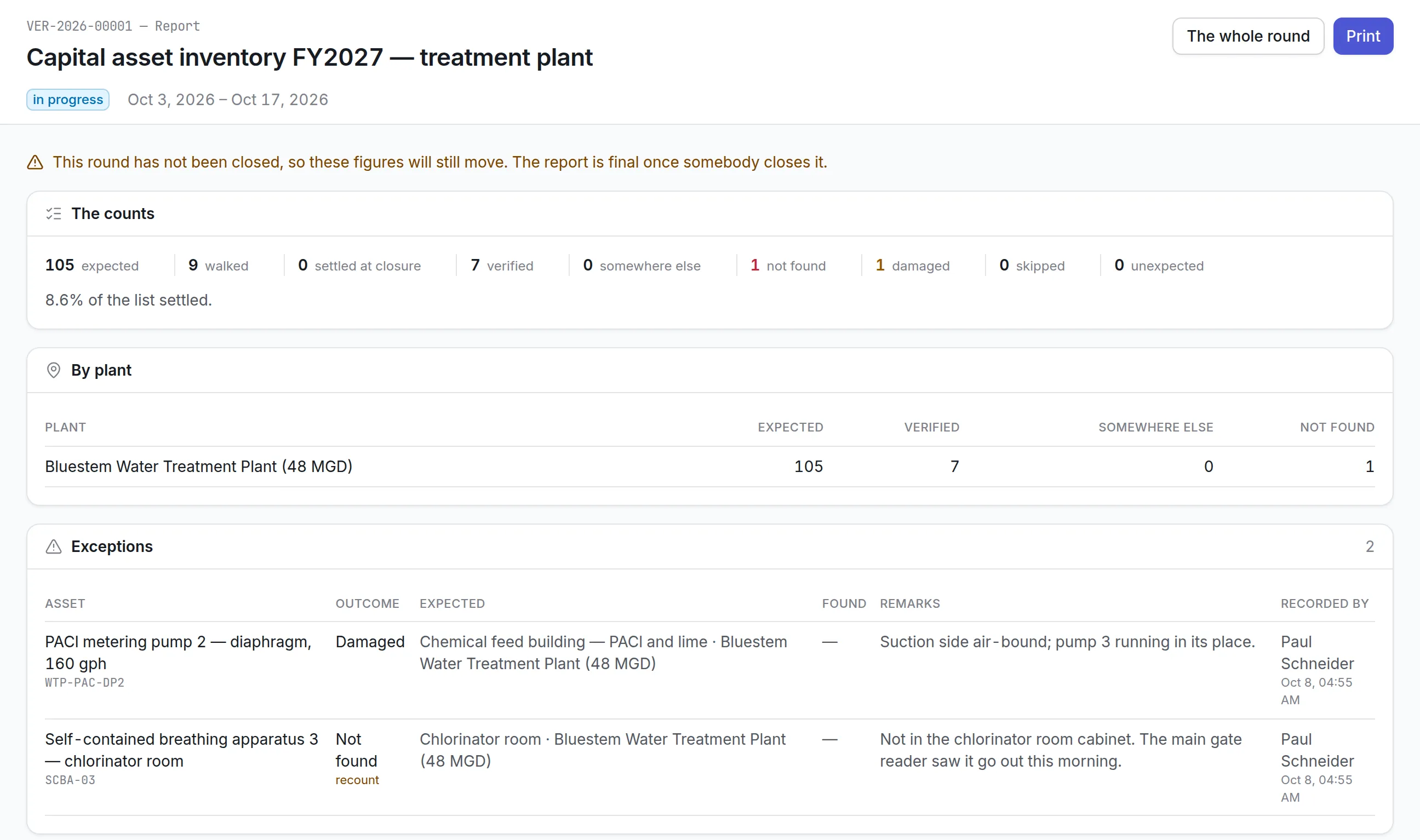
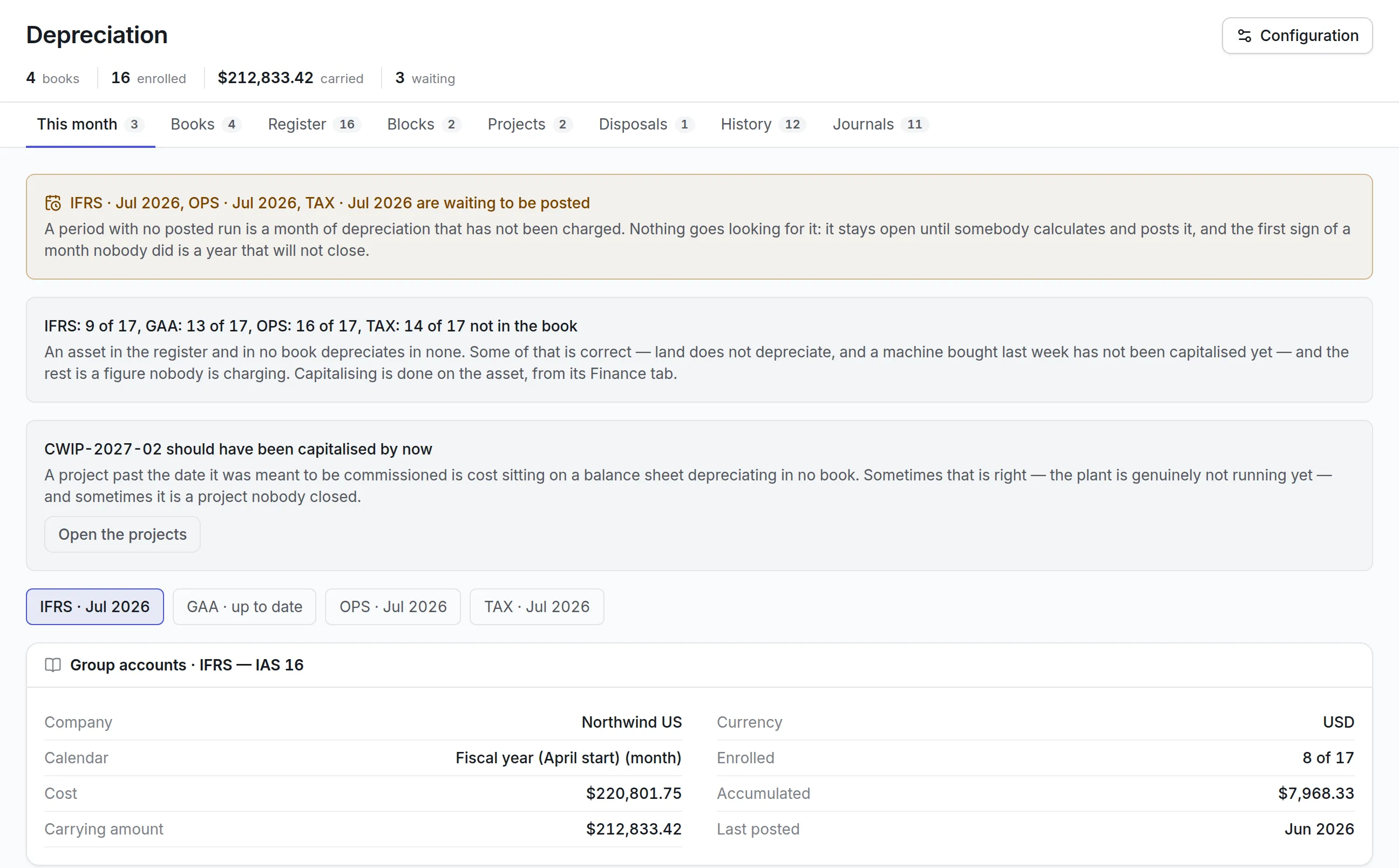
Every IT asset is in one register with a QR label, its location and the employee who holds it, so anyone can see where it is. (Assets)
Transfers with approval
Moving an asset from one employee to another goes through the organization’s chain of approval, and the custodian changes only once it is approved. (Assets)
Inventory at the right level
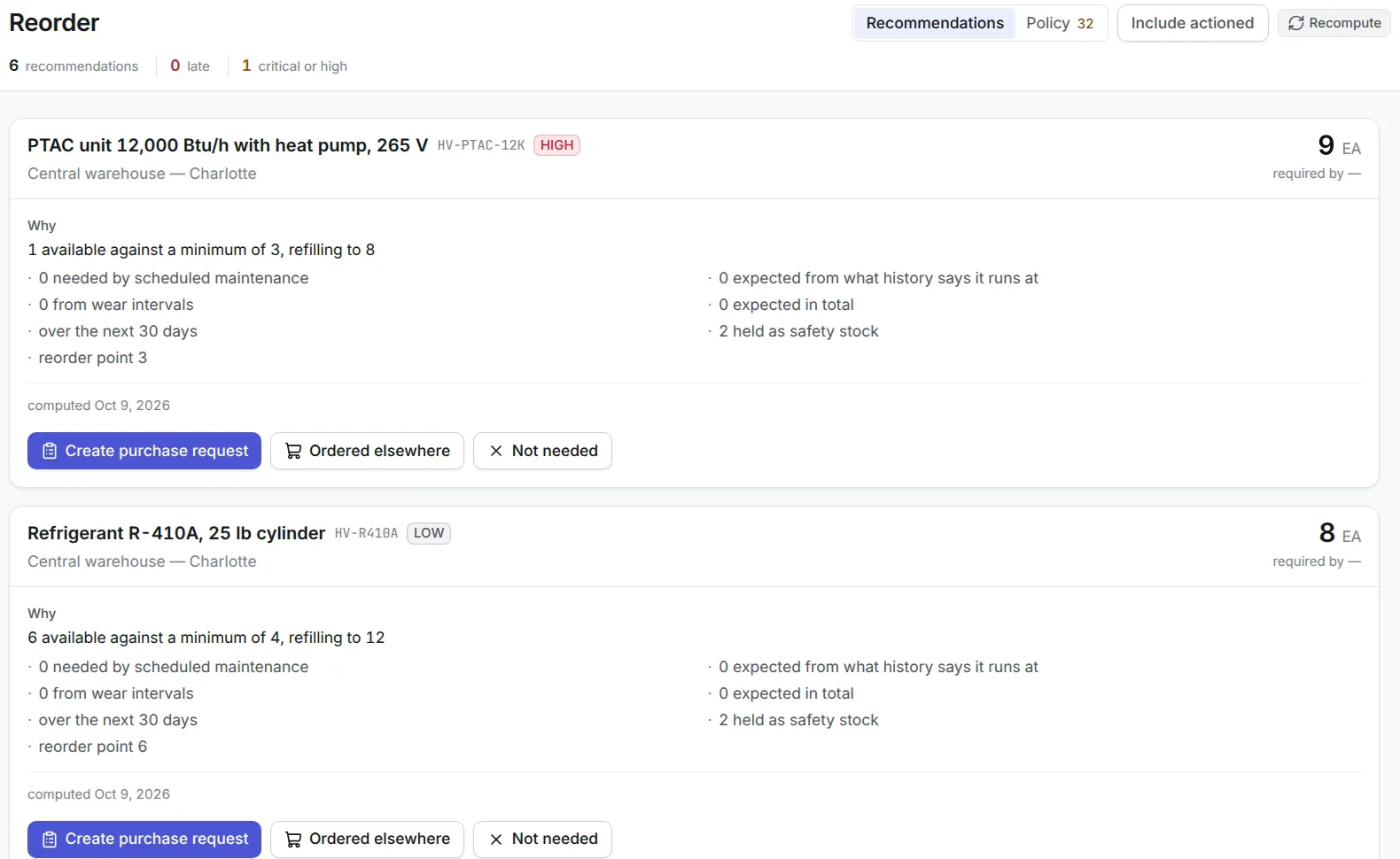
Inventory shows what was bought, how much was used and what is left, with reorder levels so stock is neither short nor excessive. (Stores)
Tickets for faulty assets
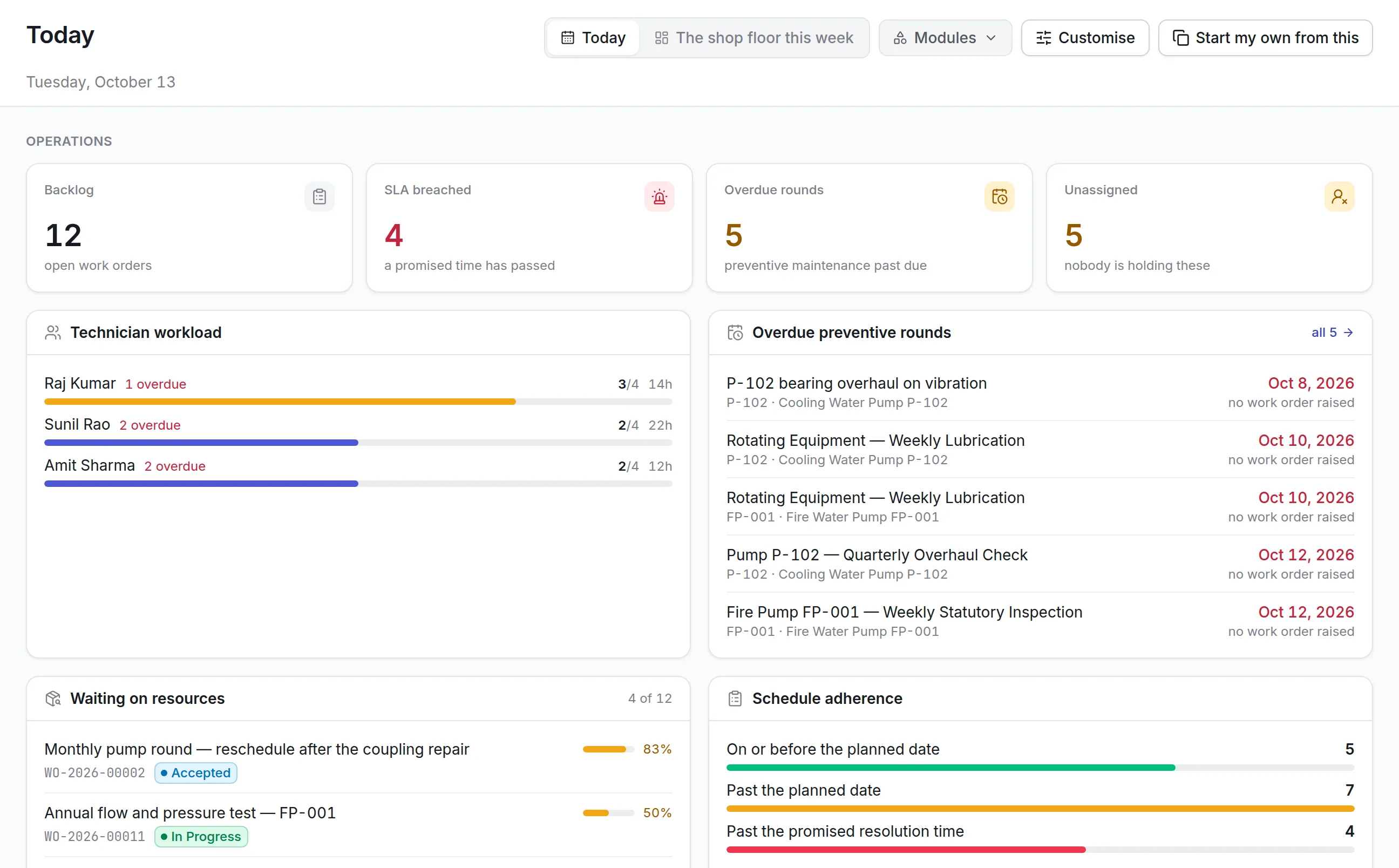
A problem with an IT asset is raised as a ticket against it, and the people responsible are alerted to resolve it. (Work)
How it works day to day
This is how an IT asset is handled now, from issue to repair.
- IT team: registers and labels the asset. A new laptop or device is added to the register with a QR label, its purchase details and its location.
- IT team: checks it out to an employee. The asset is checked out to the employee who will use it, so the register shows who holds it.
- Employee: requests a transfer. When an asset is to move to a colleague, the transfer request goes through the approval chain, with reminders to approvers.
- System: updates the custodian. Once approved, the asset’s custodian and location change in the register, with the move kept in its history.
- Employee: raises a ticket. If the asset has a problem, the employee scans its QR label or uses the web app to raise a ticket against it.
- IT technician: resolves the problem. The technician is alerted, works the ticket as a work order and closes it with notes when the asset is fixed.
- Storekeeper: keeps inventory in balance. Items issued from stock are recorded, and reorder advice shows what to buy before it runs short.
Before and after
| Before | With Asset Infinity | |
|---|---|---|
| Asset records | Excel spreadsheets | One register with QR labels |
| Who holds what | Hard to know across locations | A custodian on every asset |
| Transfers | Approval chain not visible | Approved in the system before the move |
| Inventory | Could not be tracked in Excel | Tracked in real time with reorder levels |
| Faulty assets | No tickets | Tickets raised and tracked against the asset |
| Theft and misplacement | A recurring risk | Reduced |
How it rolled out
- Assets tagged. IT assets were labeled with QR codes and recorded with their custodians and locations.
- Approvals configured. The organization’s approval chain for asset transfers was set up as approval steps.
- Inventory moved over. Inventory records moved from Excel into the system for real-time tracking.
The results
- 35+ countries where the organization operates
- A complete view of every IT asset in the organization.
- Less theft and misplacement of IT assets since they have been tracked.
- Clear accountability for each asset, with less mismanagement.
- Manual processes replaced by automated ones, raising staff efficiency.
- Reliable, error-free asset data shared across the organization.
Why it worked
Accountability by design
Every asset has a named holder, and it only moves through an approved transfer.
One place for assets and issues
Tickets sit against the asset they concern, building a history of each device.
Simple for staff
Employees raise transfers and tickets themselves and can see where each one stands.
Looking ahead
With every IT asset recorded against its holder, transfers approved in the system and problems raised as tickets, the organization knows where its equipment is across the countries it works in.
Its staff spend less time chasing spreadsheets, and the data they rely on is accurate and shared across the organization.