


The client
The client is a large aviation group headquartered in Germany, with ground operations at several international hubs.
Each hub runs a fleet of ground support equipment: aircraft tugs, baggage tractors, belt loaders and ground power units. The fleet is costly to buy and to fuel, and every turnaround depends on the right unit being free at the right stand.
The challenge
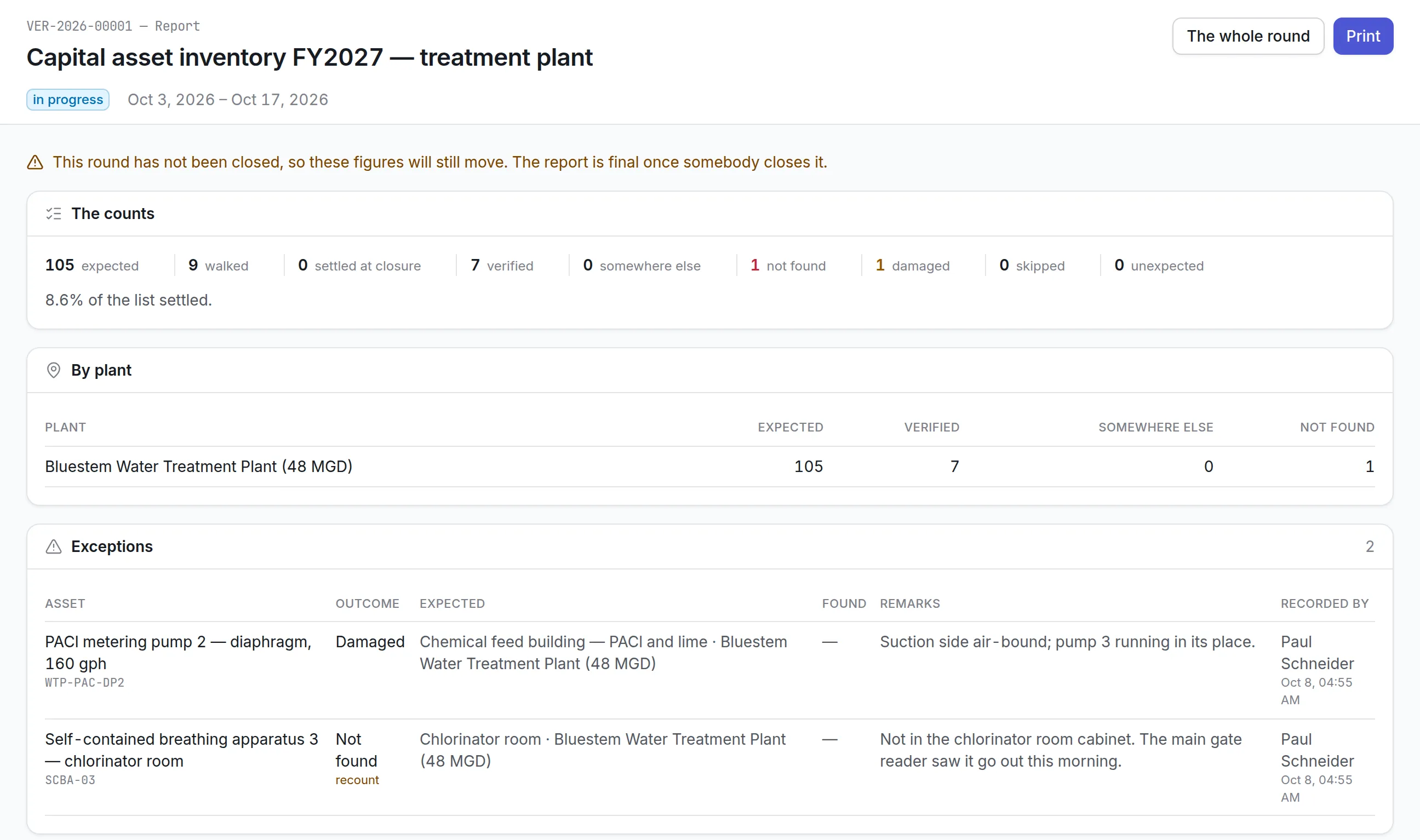
Usage was logged differently at each hub, and fuel and engine hours were not recorded against the unit. Some equipment worked every turnaround while identical units stood parked, and nobody could prove which.
- Each hub kept its own usage log, in its own format.
- Engine hours and fuel drawn were not tied to individual units.
- Idle units went unnoticed while busy stands waited for equipment.
- Fleet planning for the next season relied on guesswork.
- Supervisors spent hours collecting usage figures by hand.
What they set up in Asset Infinity
The group registered every ground support unit in Asset Infinity and recorded its engine hours, fuel and shift use against it, with figures from its ground operations systems arriving through the API.
A register of the ground fleet
Every tug, tractor, belt loader and ground power unit has a record with its hub, equipment type, label and history, so usage always lands on the right unit. (Assets)
Check-out at shift start
Ramp crews check a unit out by scanning its QR label and return it at shift end, so the record shows which crew used which unit, and when. (Assets)
Engine hours and fuel by unit
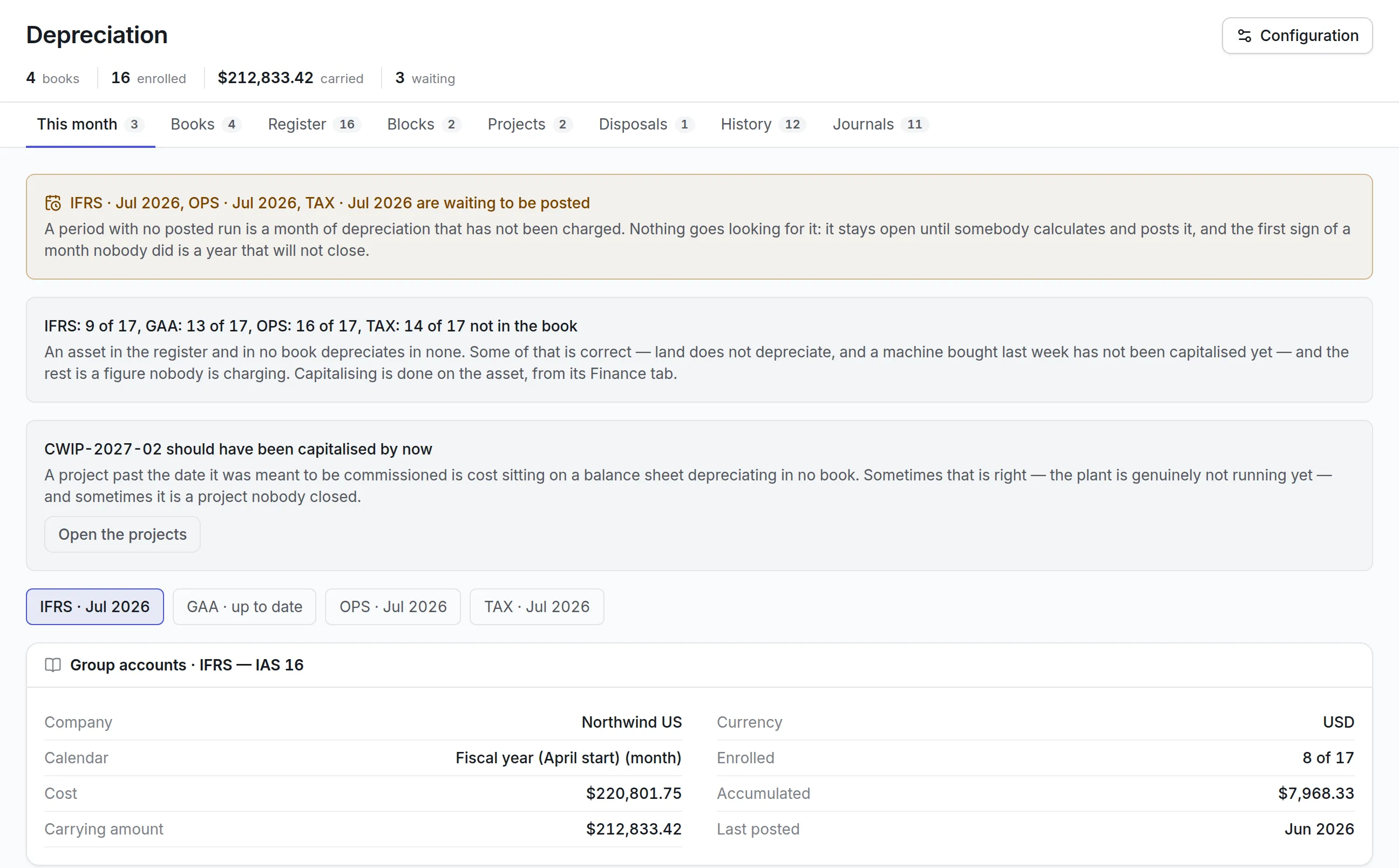
Engine hour readings and fuel drawn are recorded against each unit under its usage category, with figures from the operations systems arriving through the API. (Energy)
Idle and overworked units
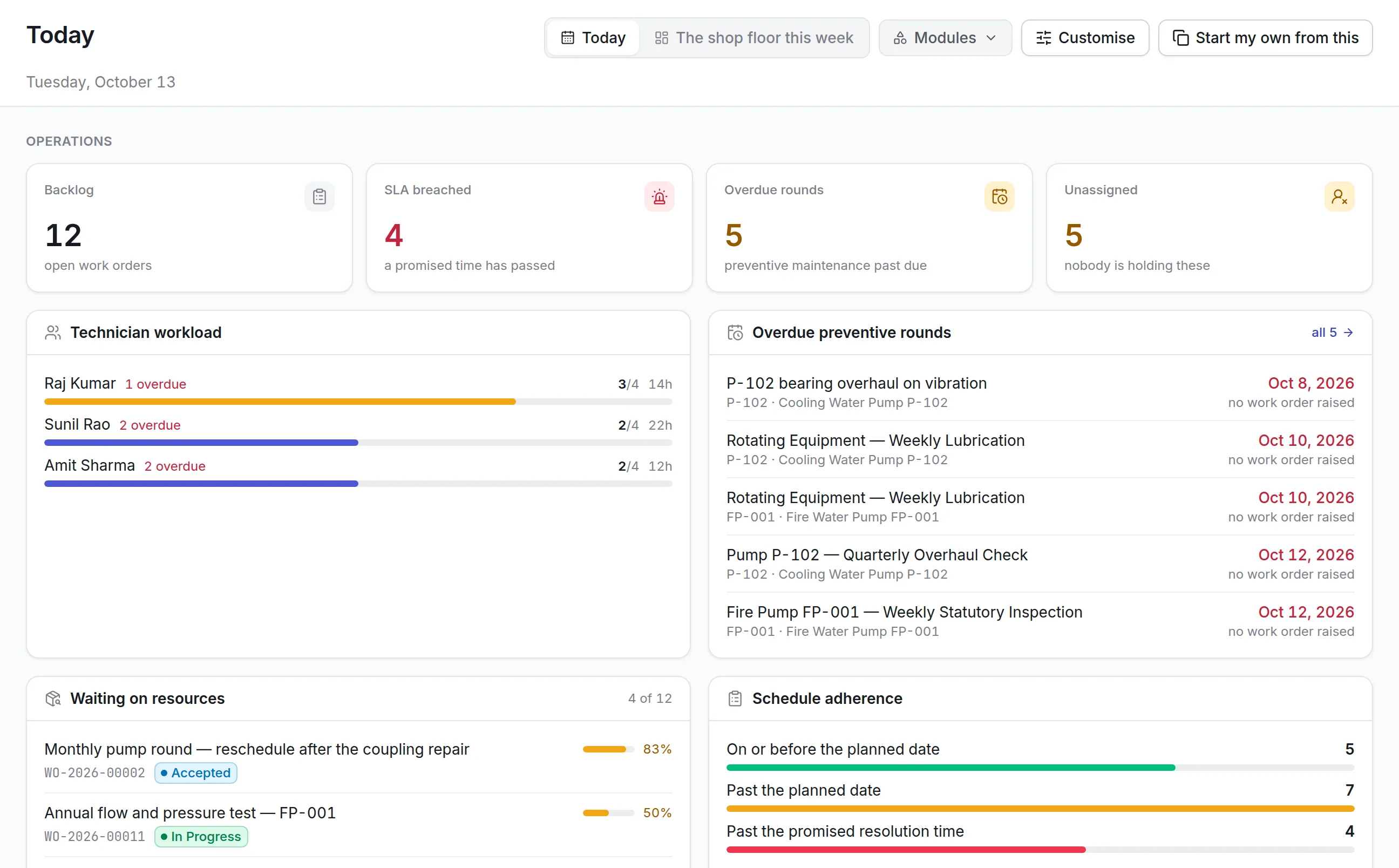
Hub dashboards rank units by hours worked, so planners see which sit parked and which carry most of the load. (Insight)
How it works day to day
A turnaround day at a hub now leaves a usage record for every unit on the ramp.
- Ramp agent: checks out a unit. At shift start the agent scans the QR label on a tug or belt loader in the mobile app and checks it out to the crew.
- System: takes in operations data. Engine hours and fuel figures from the ground operations systems arrive through the API and are stored against the unit.
- Ramp agent: returns the unit. At shift end the unit is checked back in, and an engine hour reading is entered by hand where no system supplies one.
- Hub supervisor: moves idle equipment. The hub dashboard shows units with few hours logged this week. The supervisor sends them to the stands that have been waiting for equipment.
- Fleet planner: compares hubs. Usage by equipment type is compared across hubs, so a hub short of belt loaders can take spare units from another.
- System: sends the usage report. A scheduled report of hours and fuel by unit and hub goes to ground operations management.
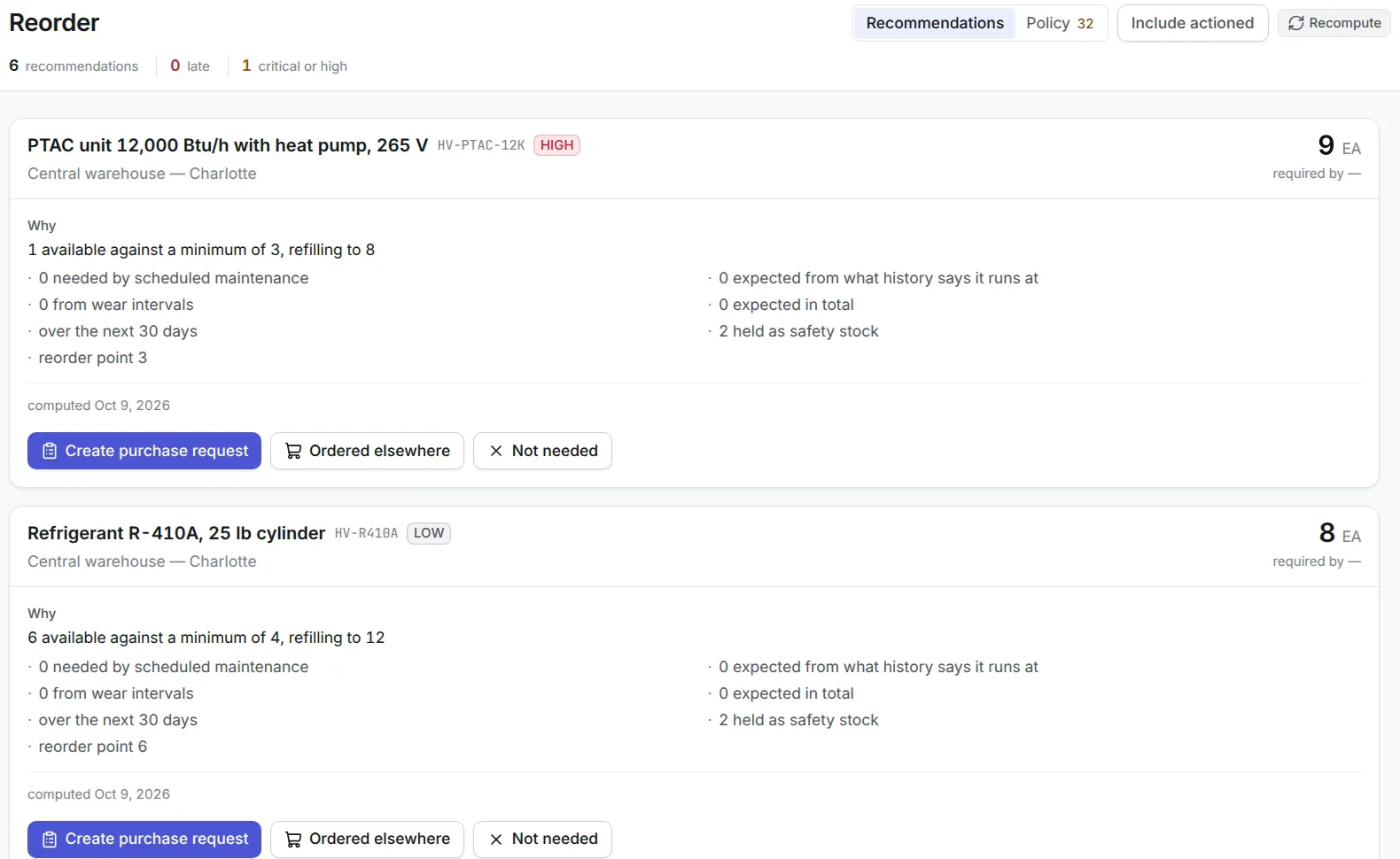
- Operations manager: plans the fleet. Before buying or leasing more equipment, the manager checks recorded utilization by type and hub.
Before and after
| Before | With Asset Infinity | |
|---|---|---|
| Usage logs | Kept differently at each hub | One record per unit, across all hubs |
| Engine hours and fuel | Not tied to a unit | Recorded against each unit |
| Who used what | Unknown | Checked out to a crew by QR scan |
| Idle equipment | Unnoticed | Visible on the hub dashboard |
| Utilization | Uneven and unmeasured | Improved by 33% |
| Old logs | Left in separate systems | Migrated into Asset Infinity |
How it rolled out
- Usage logs reviewed. A review of each hub’s usage logs showed where records were missing or kept differently.
- Systems linked, logs migrated. Ground operations systems were connected through the API, old usage logs moved in, and usage categories set per equipment type.
- Ramp teams trained. Ramp crews and support teams learned the shift check-out, with regular system reviews after go-live.
The results
- 33% improvement in asset utilization
- Usage of every ground support unit visible across all hubs
- Fuel and engine hours recorded against the unit that used them
- Seasonal fleet planning based on recorded usage instead of estimates
- Less time spent collecting usage figures by hand
Why it worked
Usage lands on the unit
Each scan, reading and fuel figure belongs to a specific unit, so utilization can be compared unit by unit and hub by hub.
Little extra work on the ramp
Crews scan a label on equipment they already handle, and the operations systems supply the rest through the API.
Old logs kept
Usage history from the old logs was migrated, so the first comparisons did not wait for months of new data.
Looking ahead
By recording every ground support unit’s use in one place, the group found the idle equipment it already owned and put it to work, improving asset utilization by 33%.
The same records now inform fleet decisions: which equipment types each hub needs more of, and which it can do without.