


The client
The client is a financial institution headquartered in Singapore, serving customers through a network of branches and office locations, with a central procurement team buying for all of them.
Branches order counter equipment, furniture, printers, printed forms and stationery. Head-office departments buy IT accessories, office fit-out items and services. Each purchase is charged to a department, and each department head answers for what it spends.
The challenge
Purchase requests reached procurement by email and phone, from many departments at once. Approvals sat in inboxes, and nobody could see where a request had stopped or what a department had already committed.
- Requests arrived in different formats, often missing the department or the reason for the purchase.
- Budget holders approved by email, so approvals were slow and hard to find later.
- Procurement chased approvers and vendors by hand, request by request.
- Branches could not see whether their order had been placed or when it would arrive.
- Department planning suffered because committed spend was not visible until invoices came in.
What they set up in Asset Infinity
The bank ran purchasing through Asset Infinity’s Suppliers feature, with approval steps per department and spend tracked against each department’s budget.
One request form for every department
Branch and department staff raise purchase requests on one form, with the item, quantity, cost center and reason, so procurement receives complete requests. (Suppliers)
Budget-holder approval steps
Each department’s requests go to its own approvers in a configured order, with reminders when a request waits, and every decision recorded. (Platform)
Quotes, orders and receipts on one record
Procurement collects quotes from approved vendors, raises the purchase order, and the branch records receipt, so the vendor invoice can be checked against both. (Suppliers)
Committed spend per department
Budgets are set per department, and approved purchases count against them, so department heads see what is committed before the invoice arrives. (Finance)
How it works day to day
This is how a branch order for new counter printers now moves.
- Branch operations officer: raises the purchase request. The officer fills in the request form with the printers needed, the branch cost center and the reason, and notes which units have failed.
- Department head: approves against the budget. The approver sees the request with the department’s committed spend beside it and approves or returns it. A reminder follows if it waits.
- Procurement officer: requests quotes. Procurement sends an RFQ to approved vendors and records each quote on the request, so the comparison stays with the purchase.
- Procurement officer: places the order. The chosen quote becomes a purchase order to the vendor, and the branch can see that the order has been placed.
- Branch operations officer: records the delivery. When the printers arrive, the branch records the receipt against the purchase order, noting any short or damaged items.
- Accounts payable: checks the invoice. The vendor invoice is entered against the order and the receipt, so only what was ordered and delivered is paid.
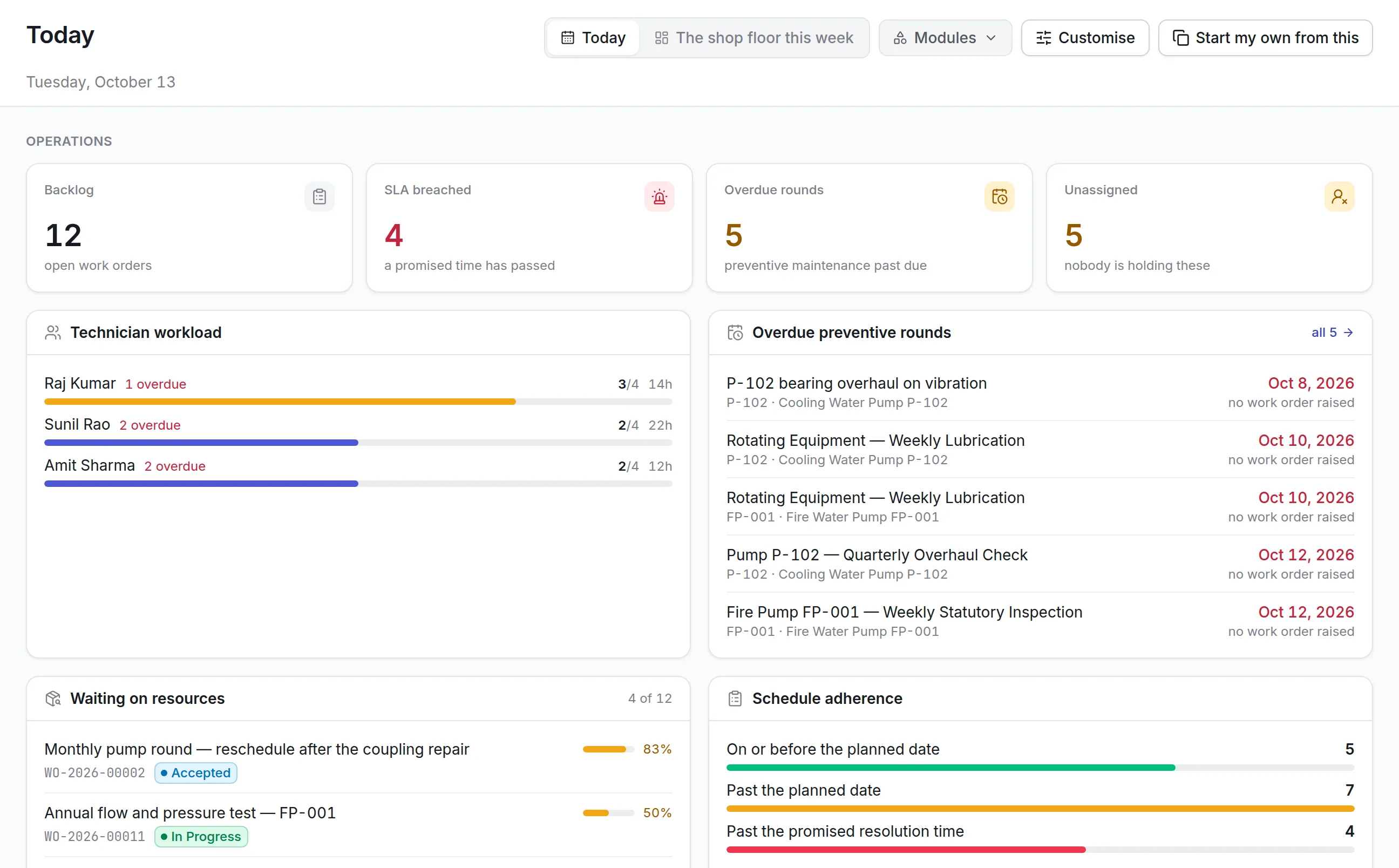
- Finance manager: reviews spend by department. Scheduled reports show open requests, orders awaiting delivery and spend against each department’s budget.
Before and after
| Before | With Asset Infinity | |
|---|---|---|
| Requests | Email and phone, in many formats | One form with cost center and reason |
| Approvals | Slow, buried in inboxes | Approval steps with reminders, on record |
| Follow-up | Procurement chased each request by hand | Status visible to everyone involved |
| Branch visibility | No view of order progress | Branches see the order and record receipt |
| Planning | Spend visible only when invoices came | Committed spend shown against budgets |
How it rolled out
- Purchasing reviewed. The team mapped how each department requested and approved purchases, and where requests stalled.
- Records and rules moved. Past purchase records came across, and categories and department approval steps were configured.
- Buyers and approvers trained. Procurement staff, branch teams and department approvers were trained in hands-on sessions.
The results
- 30% more efficient branch and office purchasing
- Every purchase can be traced from request to receipt across departments.
- Approvals move without procurement chasing them by email.
- Departments plan purchases with their committed spend in view.
- Branches follow their own orders instead of calling procurement.
Why it worked
Approvers kept their role
Department heads approve as before, but in one place with the budget beside the request, so faster approvals did not mean looser control.
The branch closes the loop
Receipt is recorded by the people who unpack the delivery, which makes invoice checks reliable.
Spend seen early
Seeing committed spend at approval time helps departments plan before money is gone.
Looking ahead
With requests, approvals, quotes, orders and receipts in one place, the bank buys for its branches and departments with less chasing and more control, and purchasing became 30% more efficient.
Because each order is tied to a department and a budget, the same records now support spend reviews with vendors and planning for the next year’s branch needs.