


The client
The client is a medium-sized logistics and transportation company whose operations reach into rural areas where network connectivity is limited.
It audits those operations regularly. Auditors worked on paper in the field and their findings were typed up later, so management saw results late and with errors.
The challenge
Paper audits did not suit operations spread across remote rural sites. Manual data entry introduced errors and delays, and managers lacked timely insight into what auditors found.
- Paper-based audits were slow and hard to manage in remote areas.
- Retyping findings caused errors and discrepancies.
- Administrative delays held up data entry and reporting.
- No timely view of audit findings to support decisions.
What they set up in Asset Infinity
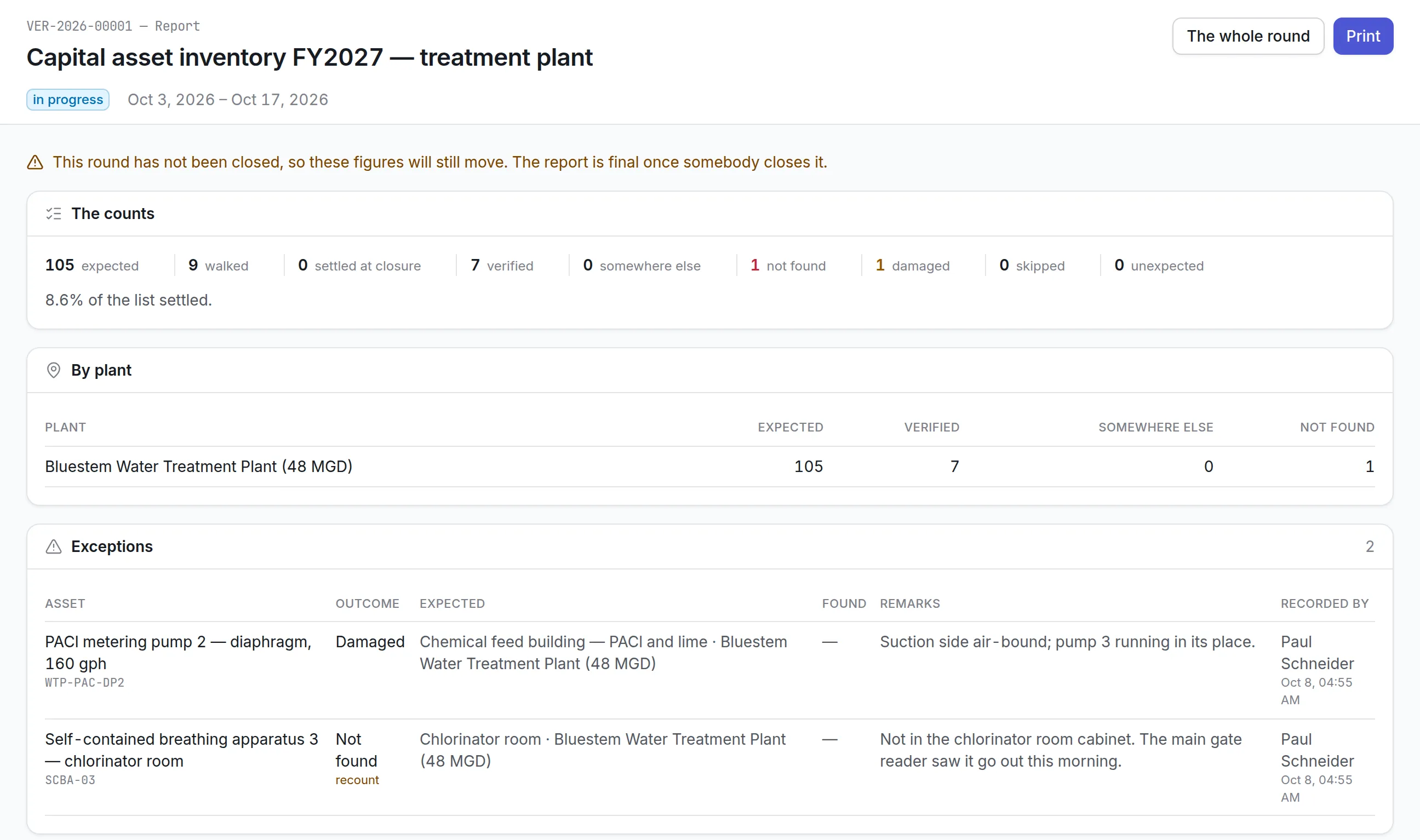
The company configured Asset Infinity around its own audit process and equipped field auditors with the mobile app.
Audit checklists on the phone
Each audit is a checklist in the mobile app, built to match the company’s own process, with required fields so nothing is skipped. (Maintenance)
Photos as evidence
Auditors attach photos to their findings, so reviewers see what the auditor saw without a second visit. (Maintenance)
Configured without code
Audit forms, fields and questions were set up to match the client’s own audit process, so auditors record exactly what the company needs. (Platform)
Central audit records
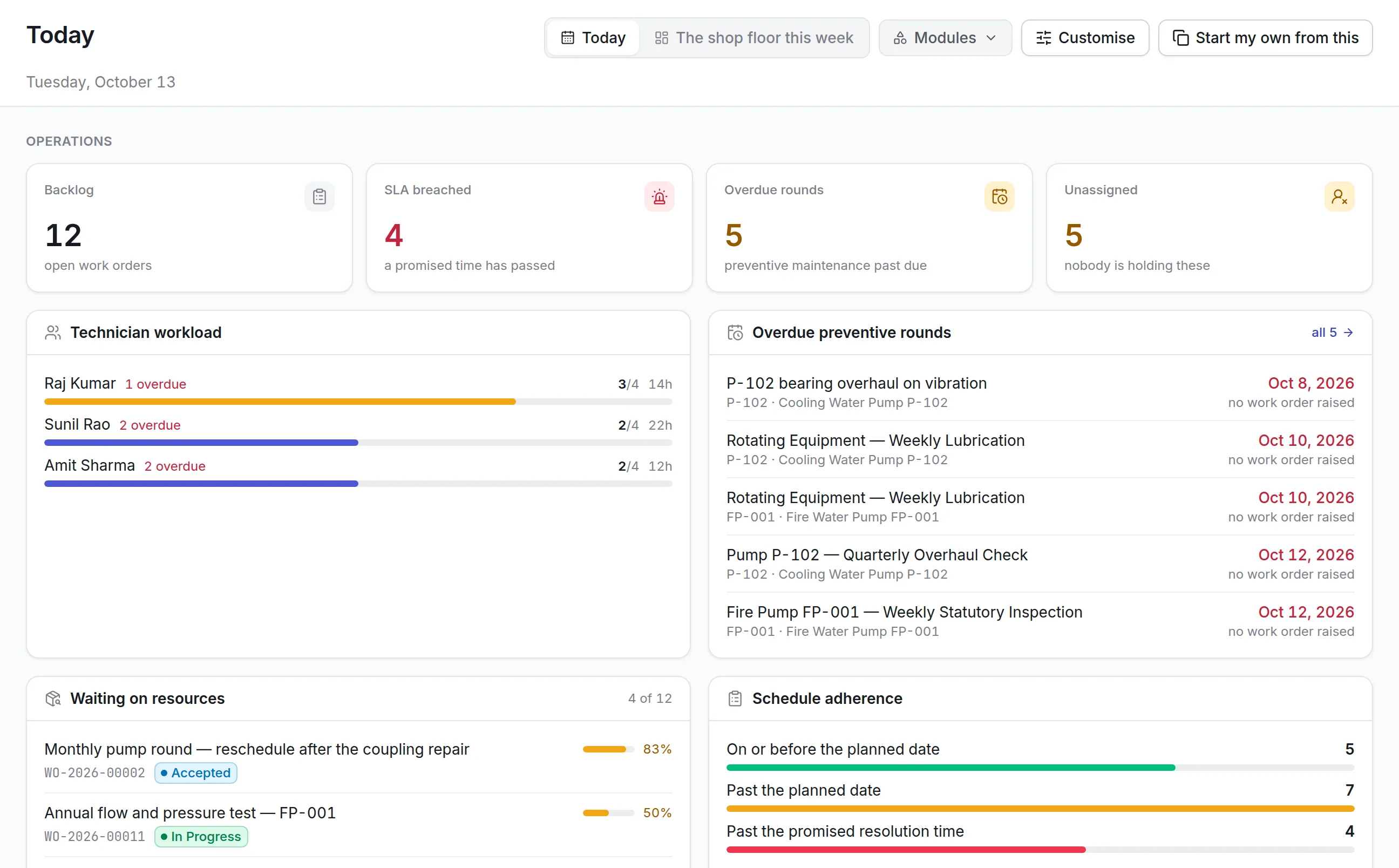
Submitted audits land in one central record, and dashboards show findings across locations without anyone retyping them. (Insight)
How it works day to day
Here is how an audit runs now, from assignment to the manager’s dashboard.
- Audit manager: schedules the audit. The manager schedules an audit for a location and assigns it to a field auditor, who is notified in the mobile app.
- Field auditor: works through the checklist. On site, the auditor answers each question in the app. Required fields cannot be skipped.
- Field auditor: captures evidence. Photos and readings are attached to the findings they support, so nothing has to be described from memory later.
- Field auditor: submits the audit. The completed audit is submitted from the app and reaches the central record, with no paper form to type up.
- System: updates the reports. Submitted findings appear in reports and dashboards straight away, with no administrative step between the auditor and the manager.
- Audit manager: reviews findings. The manager reviews the submitted audit and photos and decides what action each finding needs.
- Operations head: looks across locations. Dashboards show audit findings and trends across all rural locations, supporting quick decisions.
Before and after
| Before | With Asset Infinity | |
|---|---|---|
| Audit method | Paper forms in the field | Checklists in the mobile app |
| Data entry | Retyped later, with errors | Entered once by the auditor; 30% more accurate |
| Evidence | Written descriptions | Photos attached to findings |
| Reporting | Administrative delays | Findings in one central record |
| Audit efficiency | Slow, fewer audits completed | 55% higher |
How it rolled out
- Needs assessment. The client and the Asset Infinity team reviewed audit workflows and the realities of working in rural areas.
- Configured to the audit process. Checklists, image capture and reporting were set up to match the client’s existing audits.
- Mobile app deployed. Field auditors received the mobile app on their own devices.
The results
- 55% higher audit efficiency
- 30% better data accuracy than paper
- 20% higher overall operational efficiency
- More audits completed in the same time
- Fewer administrative delays in data entry and reporting
- Prompt decisions based on findings from the field
Why it worked
Fitted to the existing audit
Checklists followed the company’s own audit process, so auditors did not have to learn a new method.
Entered once, at the source
Auditors record findings where they see them, which removes the retyping that caused errors.
Phones auditors already carry
The mobile app ran on auditors’ own devices, so rollout needed no special hardware.
Looking ahead
By moving audits from paper to the mobile app, the company completes more audits with fewer errors, and managers see findings without waiting for paperwork.
The audit history now kept in one place shows which locations need attention, so the company can direct its auditors where they matter most.