

Connect Claude, ChatGPT or Microsoft Copilot to Asset Infinity
Asset Infinity is AI-ready. Put it into the assistant your team already uses, whether that’s Claude, ChatGPT, Microsoft Copilot or a developer’s editor, and ask about your work in your own words. The assistant asks as you, sees only what you can see, and every question it asks is recorded with your name on it.
In this walkthrough we set it up at Northwind Manufacturing, a plant in Columbus, Ohio, step by step:
- Find the address on your own profile, under Security → AI apps you have let in, with the steps for each app
- Add it to Claude as a custom connector, allow it on Asset Infinity’s approval page, then ask about pump P-102 and raise a request
- Add it to ChatGPT through developer mode with OAuth, and ask which parts are at their reorder point
- Give a Copilot Studio agent an MCP tool, publish it to Teams, and see a technician allow it as himself and ask about his jobs
- Connect Claude Code with one command and
/mcp, and Cursor or VS Code with the same address inmcp.json - See every app you have let in and end one, and see who connected and every question asked under Settings → MCP
The AI apps’ screens are recreated for illustration; every Asset Infinity screen is the product itself.
Asset Infinity is one platform for your assets, the maintenance that keeps them running, the stores and suppliers behind them, and the AI assistants your team already uses.
Book a demo or start your 14-day free trial at https://www.assetinfinity.com, email sales@assetinfinity.com, or call +1-855-823-2600.
Transcript
Introduction
Asset Infinity is AI-ready. You can put it into the assistant your team already uses, whether that's Claude, ChatGPT, Microsoft Copilot or a developer's editor, and ask about your work in your own words. We'll set it up at Northwind Manufacturing, a plant in Columbus, Ohio: first the address in Asset Infinity, then each assistant, then what you see afterwards.
Part 1: Find your address
Everything starts with one address, and it's on your own profile. Meera Iyer is a maintenance supervisor. She opens her profile, and goes to Security. Under AI apps you have let in, there's a tab for each kind of assistant. Each one says exactly where the address goes in that app: ChatGPT, Microsoft Copilot, Claude Code, Cursor or VS Code. She copies the address. Nobody has to switch anything on for her, because the assistant will only ever see what she can see.
Part 2: Connect Claude
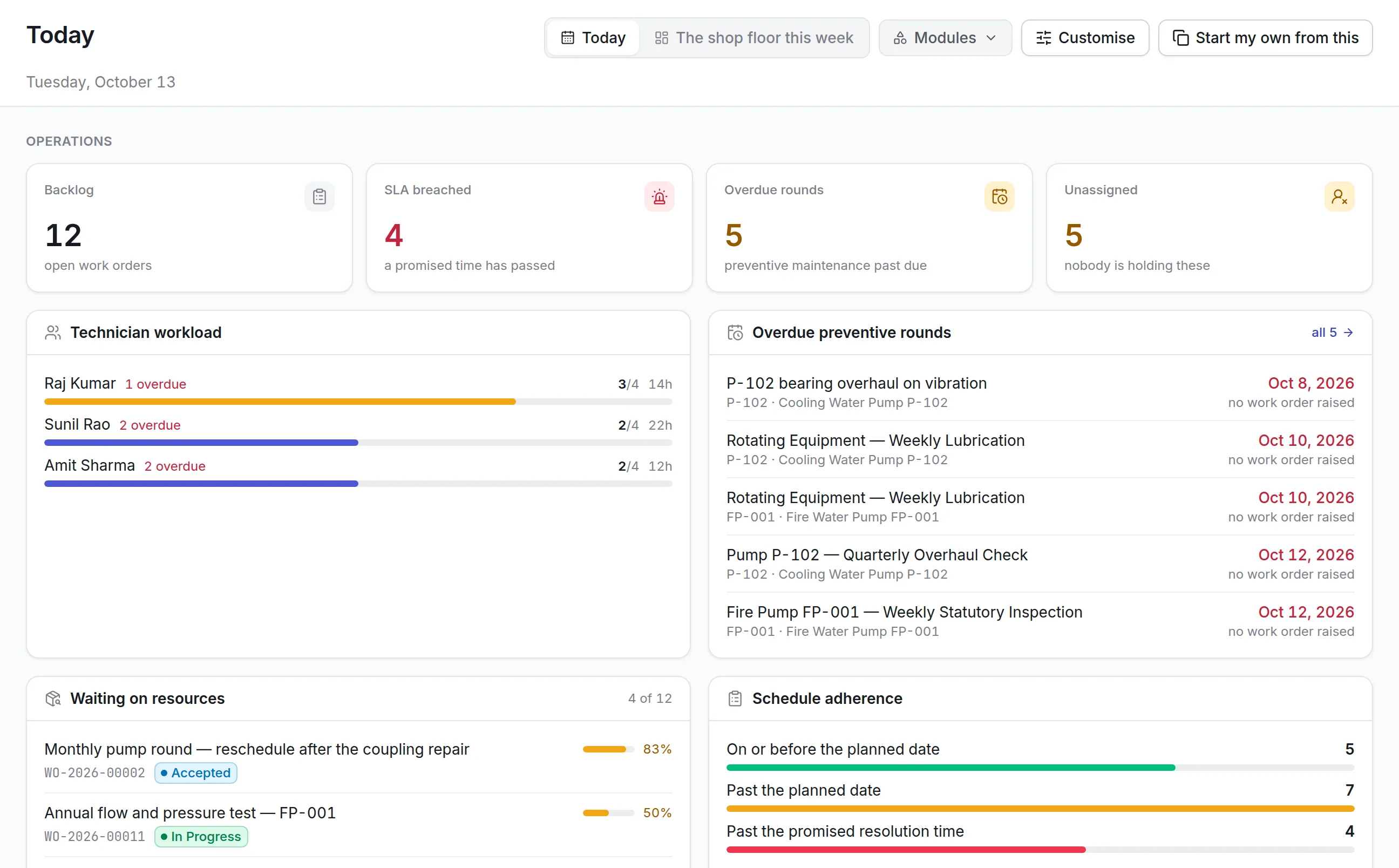
Claude takes it as a custom connector, on the web or in the desktop app. In Claude, open Settings, then Connectors. Add a custom connector, name it Asset Infinity, and paste the address. Press Connect, and Claude sends you to Asset Infinity to sign in. Asset Infinity asks one question: let this app ask questions as you? It lists everything the app will be able to ask. Two of those change something, raising a request and leaving a comment, and the rest only read. Allow it, and Claude is connected. Now ask in plain words. What's open on pump P-102 this week, and who has it? Claude reads the open work and the maintenance due, from Northwind's own records, and sees that the critical vibration job has nobody on it. Ask it to raise a request for a steam leak, and it checks with you first. Allow it once, and the request is raised in your name, waiting for triage.
Part 3: Connect ChatGPT
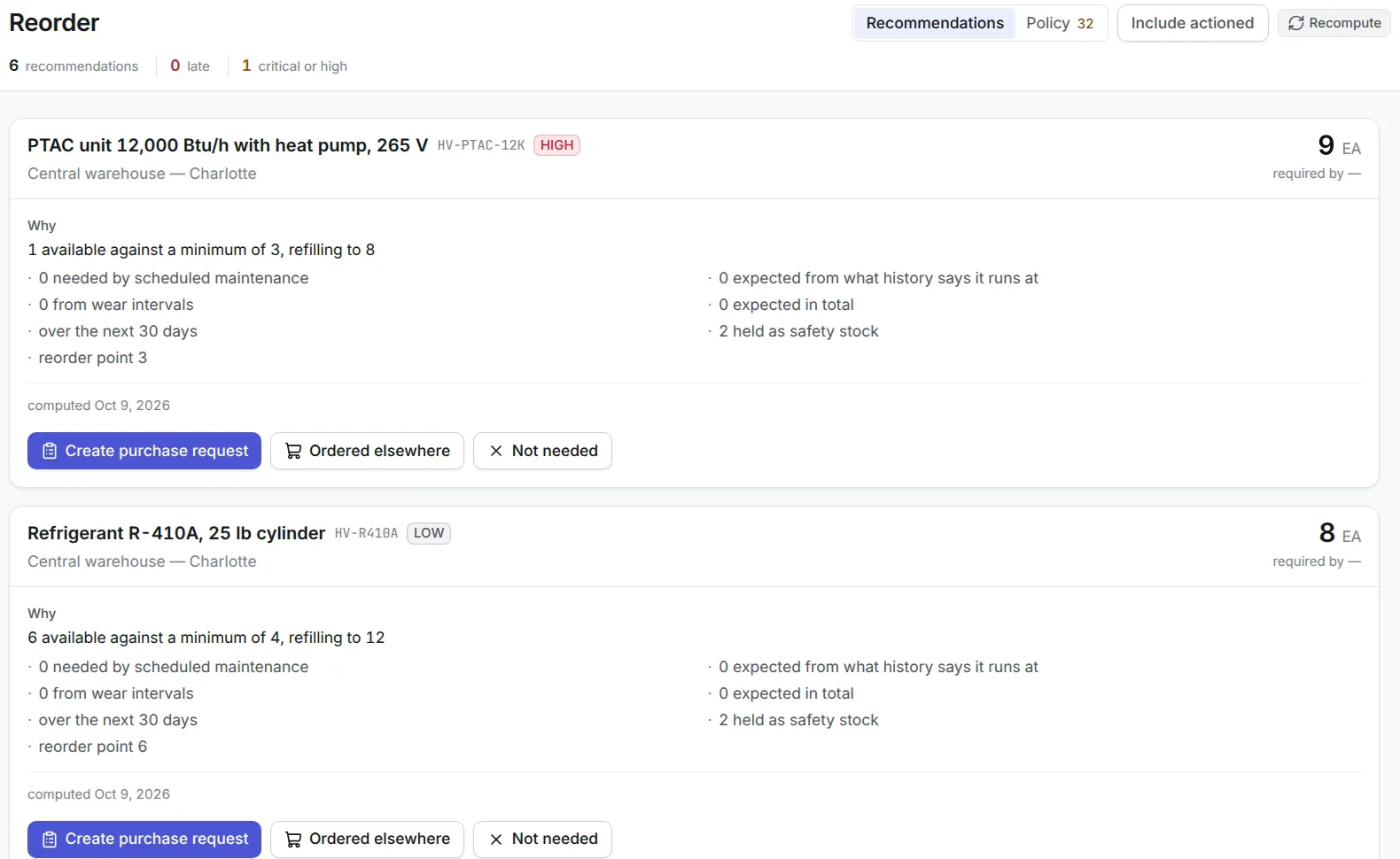
ChatGPT connects the same way, through developer mode. In ChatGPT, open Settings, then Connectors, then Advanced, and switch on developer mode. Create a connector. Paste the same address as the MCP server URL, and choose OAuth. ChatGPT sends you to Asset Infinity, and you allow it, once. Choose Asset Infinity in a chat, and ask which parts are at their reorder point. The 65 millimetre seal is, and there's a fire pump job that may need one, so it says to reorder now.
Part 4: Connect Microsoft Copilot
In a Microsoft 365 company, put it into a Copilot agent, and take it to Teams. In Copilot Studio, open your agent, then Tools, and add a tool. Choose Model Context Protocol, paste the address, and choose OAuth 2.0. Sign in once to create the connection, add it to the agent, and publish the agent to Teams. Sunil Rao is a technician. In Teams, he asks the agent what's on his list. The first time, he allows it himself. The agent asks as whoever is talking to it, not as whoever built it. So Sunil gets his own jobs, and the one to start first.
Part 5: Claude Code, Cursor and VS Code
For developers and analysts, it's one command. Arjun Mehta is a planner. In Claude Code, he adds the server with one command. He types slash MCP, chooses to authenticate, and allows it in Asset Infinity. Then he asks for what he needs: a spreadsheet of open work at Columbus, by asset. It's written in seconds. Cursor and VS Code take the same address, in their MCP settings.
Part 6: See every connection
Every connection stays visible, and every one can be ended. Back on Meera's profile, every app she has let in is listed, with when it last asked. She can end one at any time, and it can't ask anything more. Administrators see it all, under Settings, MCP. Priya Nair can see who connected which app, and every question asked, by name. The one refusal is Sunil asking about contracts, which his role doesn't cover. That's Asset Infinity with AI: one address, any assistant, and it always asks as you. See it with your own assets. Book a walkthrough with our team, or start a free trial today.
See it with your own assets
A demo run on an example from your industry. Or start the trial and look around on your own.