






The client
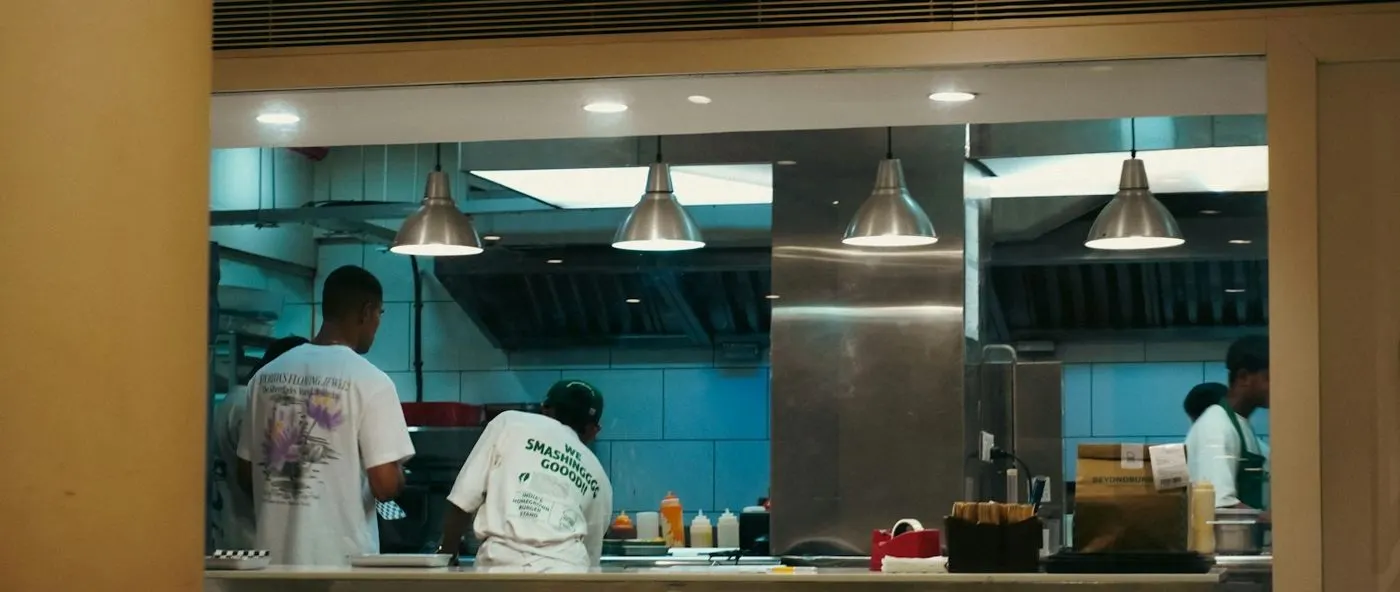
The client manages canteen facilities for office complexes, serving staff meals every working day.
Each canteen depends on food items, supplies and kitchen equipment being in place when meals are prepared. All of this had been tracked by hand, without a clear view of stock levels, consumption or expiry dates.
The challenge
Manual tracking left the canteen guessing. It ran out of some items, held too much of others and threw food away, while orders were raised by hand.
- Stockouts and overstocking of food items and supplies.
- Wastage from items that were overstocked or expired.
- No real-time view of stock levels or consumption patterns.
- Manual ordering took staff time away from menu planning and service.
What they set up in Asset Infinity
The canteen operator managed its stock in Asset Infinity, with reorder points, batch tracking and reports on what is consumed.
Live stock levels
Food items and supplies are received and issued in the system, so a dashboard shows current stock in every storeroom. (Stores)
Reorder points
Each item has a reorder point. When stock falls below it, reorder advice flags it for purchase. (Stores)
Orders from reorder advice
Purchase requests and orders are raised from reorder advice instead of being written up by hand. (Suppliers)
Consumption reports
Reports show what is used and when, which helps plan menus and set the right stock levels. (Insight)
How it works day to day
Here is how stock now moves through the canteen.
- Store staff: receive deliveries. Food items and supplies are received into the storeroom, with batch numbers recorded, and stock levels update.
- Kitchen staff: draw stock for meals. Items issued to the kitchen are recorded, so consumption is tracked as it happens.
- System: flags low stock. When an item falls below its reorder point, reorder advice lists it with the quantity to buy.
- Canteen manager: raises the order. The manager turns reorder advice into a purchase request and order, with approval steps where needed.
- Store staff: count stock. Regular stock counts compare what is on the shelf with the record, so differences are caught early.
- Canteen manager: plans menus from the data. Consumption reports show what is used and when, helping plan menus and avoid buying too much.
Before and after
| Before | With Asset Infinity | |
|---|---|---|
| Stock levels | No real-time view | Live dashboard |
| Ordering | Manual order processing | Orders from reorder advice |
| Wastage | Overstocking and expired food | 40% less wastage and overstocking |
| Availability | Frequent stockouts | 30% fewer stockouts |
| Planning | No consumption data | Consumption reports for menu planning |
How it rolled out
- Needs assessed. The client and the Asset Infinity team mapped how stock was ordered, stored and used.
- Configured for the canteen. Items, storerooms and reorder points were set up to match the canteen’s own processes.
- Dashboard and reports in use. Staff began tracking stock on the dashboard and planning from consumption reports.
The results
- 40% less food wastage and overstocking
- 30% fewer stockouts
- 25% less excess purchasing
- 20% less manual order processing, freeing staff for menu planning and service
- 15% increase in overall operational efficiency
- All required items available for meal preparation more often.
Why it worked
Buy what is used
Consumption reports and reorder points tie purchasing to actual use, which cuts waste and excess buying.
Less paperwork
Orders come from reorder advice, so staff spend their time on meals instead of forms.
Fitted to the canteen
The setup followed the canteen’s own stock processes, so staff did not have to change how they work.
Looking ahead
With live stock levels, reorder points and consumption reports, the canteen operator cut food wastage and overstocking by 40% and excess purchasing by 25%.
Staff spend less time on orders and more on menus and customers, and the canteen buys closer to what it actually uses.