


The client
The client is a large IT enterprise headquartered in Bengaluru, with many departments across several office locations and a central support operation serving them all.
Employees raise requests every day: a software install, an access change, a broken chair, a meeting room display that will not connect. Each belongs to a different department, and a request sent to the wrong one waits until someone notices.
The challenge
With no central helpdesk, requests were tracked in several places and assigned late. Support staff could not see what was open across departments, and employees chased updates themselves.
- Requests arrived through several channels and were tracked in none of them.
- Assignment waited until someone worked out which team owned the issue.
- Nobody could see open requests across departments.
- Escalation depended on employees chasing support staff.
- Slow resolution interrupted employees’ daily work.
What they set up in Asset Infinity
The company ran internal support in Asset Infinity’s Work feature, with request categories routed to the owning department and an SLA on each category.
Requests from any channel
Employees raise requests from the web, the mobile app or by email, choosing a category such as IT, facilities or admin. (Work)
Routing by department
Routing rules send each category to the department and team that owns it, and the assignee is notified straight away. (Work)
SLAs with escalation
Every category carries an SLA. A request nearing its limit triggers reminders and then escalates to the team lead. (Work)
Queue health by department
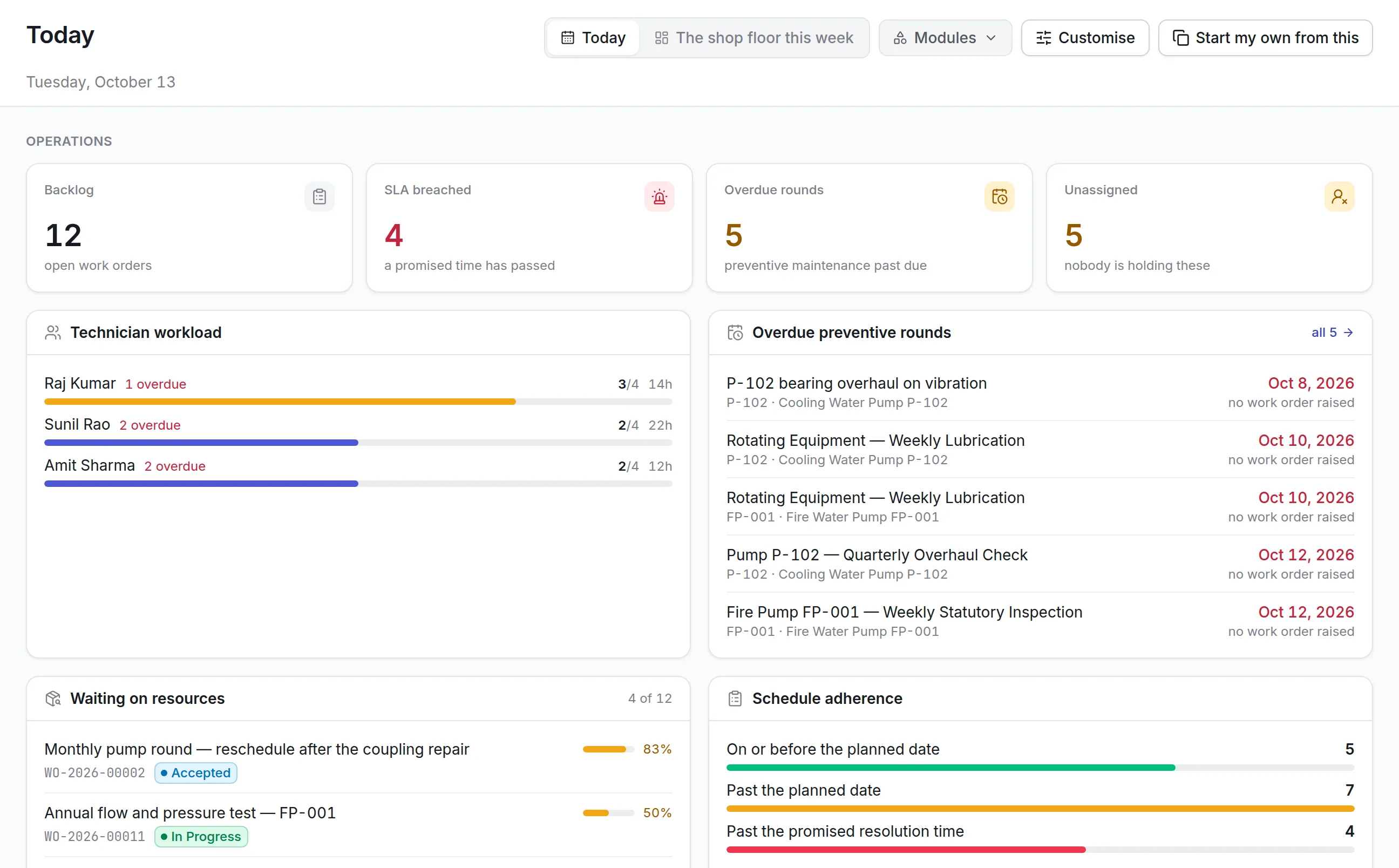
Dashboards show open requests, SLA breaches and resolution time by department and office. (Insight)
How it works day to day
Here is the path of an employee’s request today.
- Employee: raises the request. From the web portal, the mobile app or an email, the employee describes the issue and picks a category.
- System: routes it. The category decides the owning department, and the request lands in that team’s queue with its SLA clock running.
- Team lead: assigns an agent. The lead turns the request into a work order for the right person, who is notified on the mobile app.
- Support agent: works the request. The agent updates the status and messages the employee from the request, so questions and answers stay in one thread.
- System: escalates before a breach. A request approaching its SLA limit sends reminders, then escalates to the team lead.
- Support agent: resolves and closes. The fix is recorded and the request closed, and the employee sees the outcome without asking.
- Support manager: reviews the week. Reports show resolution time and SLA breaches by department, pointing to categories that need more staff or better routing.
Before and after
| Before | With Asset Infinity | |
|---|---|---|
| Request tracking | Disorganized | One queue across departments |
| Assignment | Delayed | Routed by category to the owning team |
| Visibility | Limited | Status of every request on a dashboard |
| Follow-up | Repeated chasing | SLA reminders and escalation |
| Resolution time | Slow | Reduced by 35% |
How it rolled out
- Support practice reviewed. A review of how each department handled requests found where they were lost or left waiting.
- Categories and routing set. Department-wise categories, routing rules and workflows were configured, internal systems connected, and legacy support records migrated.
- Support and departments trained. Support staff and departmental teams had hands-on training, with regular reviews afterwards.
The results
- 35% reduction in issue resolution time
- Every request visible across departments and support teams
- Issues assigned to the owning team as soon as they are raised
- Escalations handled by the system instead of by chasing
- Less repeated follow-up for support staff
- Higher staff productivity through faster, organized resolution
Why it worked
The right team first time
Routing by category removes the wait while someone works out who owns a problem.
Time limits everyone can see
SLAs and escalation make a slow request visible before the employee has to complain.
One thread per request
Updates and messages sit on the request, so nobody phones support to ask for status.
Looking ahead
By routing each internal request to the department that owns it and holding every category to an SLA, the company reduced issue resolution time by 35% across its support operations.
Resolution data by department and category now shows support leaders where to add people or adjust routing, and employees spend less time waiting.