


The client
The client is a large auto component manufacturer in India, making parts such as exhaust systems and suspensions at factories across the country.
It manages more than 15,000 assets: plant and machinery, IT equipment, furniture and imported equipment. Head and regional offices buy many of these assets and send them to factories, so assets are constantly on the move.
The challenge
Each factory kept its own Excel file of assets, and head office reconciled them by hand. Transfers were tracked manually, so assets reached factories late and production was disrupted.
- A separate spreadsheet per factory had to be reconciled by hand.
- Assets sent from offices to factories were tracked manually and arrived late.
- One general format missed details specific to each asset category.
- Irregular inspections meant assets went missing unnoticed.
- Audits took a long time and had no clear owner.
What they set up in Asset Infinity
The manufacturer moved every asset into one Asset Infinity register, tagged with barcodes and RFID, with category-specific fields and scheduled verification rounds.
One register from a bulk import
Existing records for machinery, IT, furniture and office assets were imported in bulk. Every asset can be searched, filtered and edited in one list. (Assets)
Fields for each category
Custom fields differ by category: a material handling asset records what it handles, a laptop records RAM and disk capacity. (Platform)
Tagged and tracked on the move
Custom barcode and RFID tags identify each asset. Transfers from offices to factories are recorded with a printed document, building each asset’s movement history. (Connected)
Scheduled audits
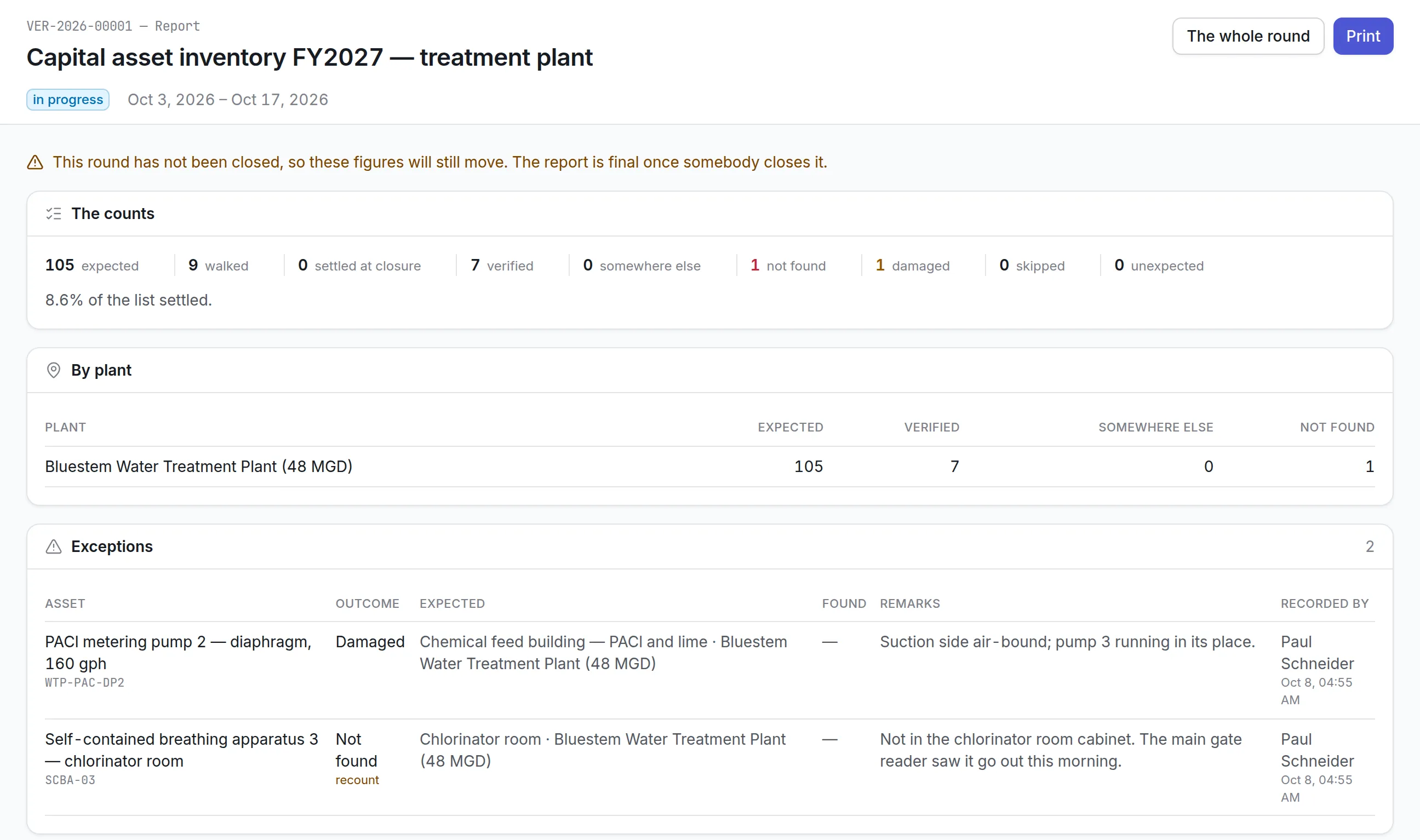
Verification rounds cover a category, a location or everything, on a schedule. An auditor scans tags, or custodians confirm the assets they hold. (Assets)
How it works day to day
This is how an asset is handled from purchase to audit now.
- Regional office: registers the new asset. The asset is added with the fields for its category, such as handled material for a forklift or RAM for a laptop, and gets a tag.
- Regional office: sends it to a factory. A transfer is recorded with a printed document that travels with the asset, so everyone knows what is on the way and where to.
- Factory team: receives it. Scanning the tag on arrival confirms the asset reached the factory and updates its location.
- Factory team: assigns it to a user. Assets issued to an employee are checked out to them, so each one has a named custodian.
- Auditor: runs a scheduled round. A verification round for a category or location is assigned. The auditor scans tags and marks each asset verified, moved, not found or damaged.
- Custodian: confirms their assets. For assets held by employees, a self-verification asks each custodian to confirm the assets they hold.
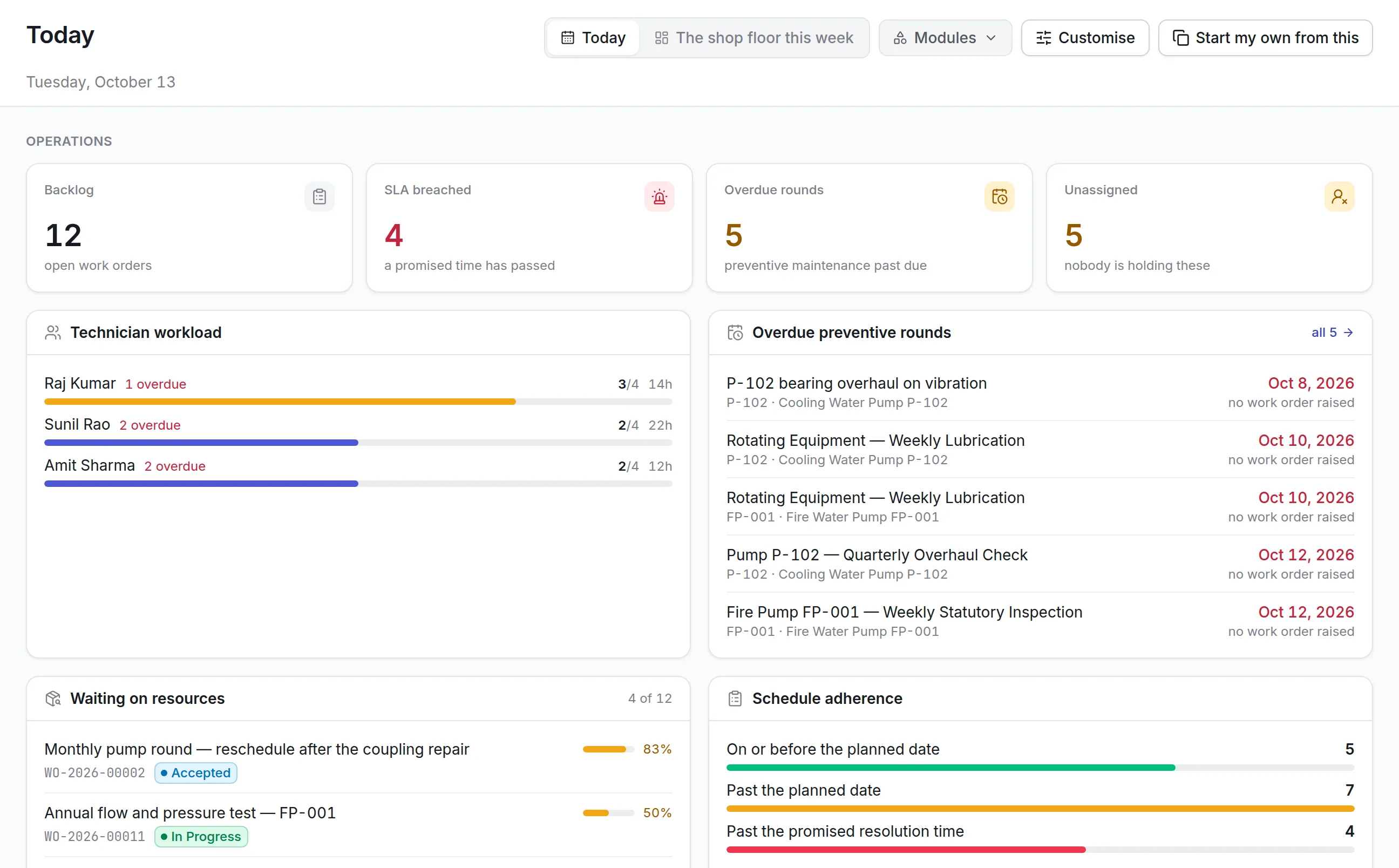
- Head office: reviews movement and audit reports. Movement history and summary reports show where assets are, what is in transit and what an audit could not find.
Before and after
| Before | With Asset Infinity | |
|---|---|---|
| Asset records | A separate Excel file per factory | One register for 15,000+ assets |
| Adding data | Manual entry | Bulk import of existing records |
| Transfers | Tracked manually, assets arrived late | Recorded with a document and scans |
| Category details | One general format for everything | Custom fields per category |
| Inspections | Irregular and random | Scheduled verification rounds |
| Audits | Slow, unclear who should do them | Assigned to an auditor or the custodian |
How it rolled out
- Assets loaded in bulk. Records from every factory spreadsheet were imported into one register.
- Categories and tags set up. Category-specific fields were added and every asset was tagged for scanning.
- Connected to existing systems. The register was connected to the client’s other systems through the API, which eased the move away from spreadsheets.
The results
- 15,000+ assets in one register across factories
- A complete view of every asset in the organization
- Location and movement status of each asset available at once
- Fewer factory disruptions from assets arriving late
- Less time to complete audits
- Most configuration changes made by the client’s own team
Why it worked
Built for each category
Category-specific fields captured the details the client needed to write asset use guidelines and policies.
Tags on every asset
Barcode and RFID tags made registering, receiving and auditing a matter of scanning.
Owned by the client
The interface is easy enough that the client’s own team makes most organization-specific changes.
Looking ahead
With more than 15,000 assets in one tagged register, the manufacturer no longer reconciles a spreadsheet per factory. It can see where each asset is, follow it between offices and factories, and audit it on a schedule.
Because fields, categories and audits are configured rather than coded, the client’s own team makes most changes as its needs evolve.