


The client
The client is a growing chain of bed and breakfast properties in several destinations.
Each property depends on rooms, fixtures, plumbing, heating and appliances that guests notice the moment they fail. As the chain grew, keeping the experience consistent from one property to the next became harder.
The challenge
Maintenance requests were handled by hand at each property. Problems were reported inconsistently, repairs took too long, and guests felt the delays.
- Maintenance requests handled manually, with no shared record.
- Repairs took too long, inconveniencing guests.
- No consistent way of working across properties.
- No view of maintenance across the chain.
What they set up in Asset Infinity
The chain moved maintenance requests for every property into Asset Infinity, with each property’s rooms and equipment in one register.
Maintenance requests from every property
Staff raise a request from the web or mobile app, or by scanning a QR label in the room, with a photo and priority. (Work)
Assignment and tracking
Each request becomes a work order with an owner and a status, and reminders go out when it waits too long. (Work)
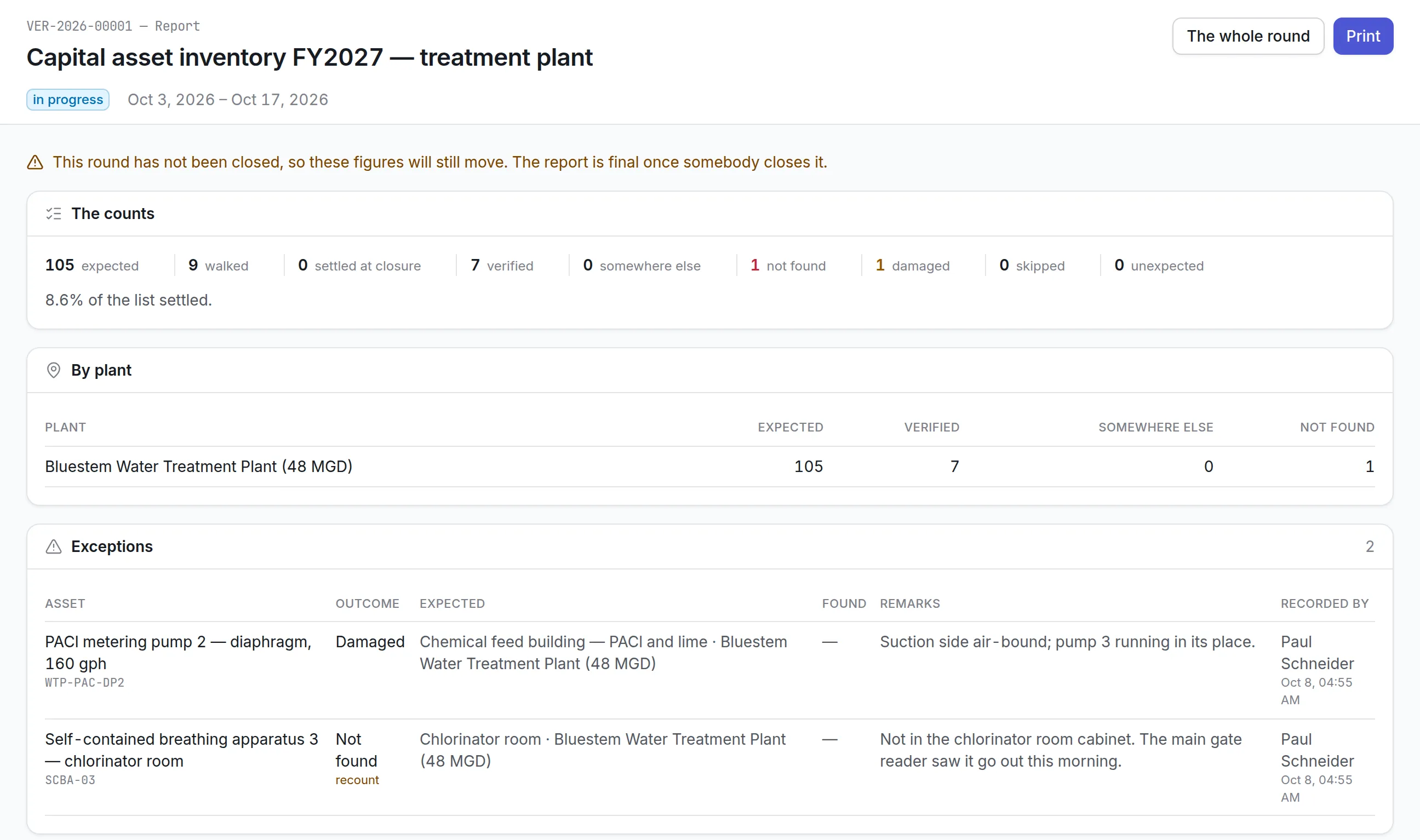
Rooms and equipment on record
Rooms, fixtures and appliances are recorded per property, so each repair builds that asset’s history. (Assets)
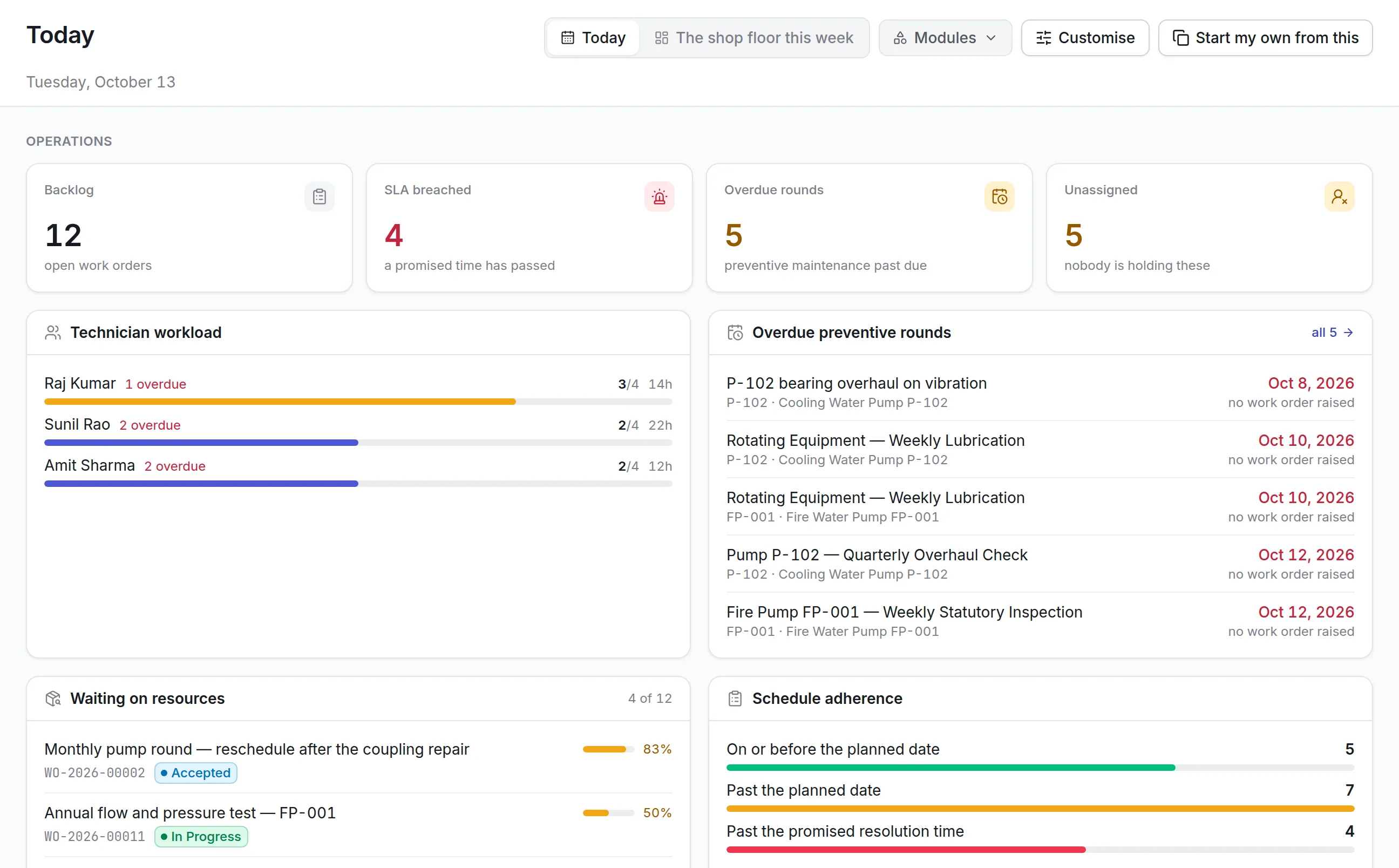
One dashboard for all properties
Managers see open requests and resolution times by property, and spot the rooms and equipment that fail most. (Insight)
How it works day to day
Here is what happens now when something breaks at a property.
- Property staff: report the problem. Staff scan the QR label in the room or use the mobile app to raise a request with a photo and priority.
- System: notifies the maintenance lead. The request appears in the queue for that property, with the room, the asset and the photo.
- Maintenance lead: assigns the repair. The lead turns the request into a work order and assigns it. The technician is notified on the mobile app.
- System: keeps it moving. A request left waiting triggers a reminder, so a guest room is not left with a fault.
- Technician: fixes and closes. The technician updates the status, adds notes and photos, and closes the work order once the issue is resolved.
- Operations manager: reviews all properties. Dashboards show open requests and resolution times by property, and the assets that fail most often.
Before and after
| Before | With Asset Infinity | |
|---|---|---|
| Raising a request | Manual and inconsistent | App or QR label, with photo and priority |
| Ownership | Unclear | Assigned to a named technician |
| Waiting requests | Easy to forget | Reminders when a request waits too long |
| Across properties | Each on its own | One queue and one dashboard |
| Resolution time | Slow | 20% faster |
How it rolled out
- Workflows reviewed. The chain and Asset Infinity’s team analyzed property workflows and identified pain points.
- Configured to their process. Request types, priorities and alerts were set up to match how the chain works.
- Dashboard across properties. A central dashboard gave managers one view of every property.
The results
- 20% less time to resolve maintenance requests
- 25% higher guest satisfaction scores
- 10% lower operational costs through streamlined processes
- Fewer guest inconveniences from slow repairs
- Every maintenance request tracked from report to close
Why it worked
Easy for property staff
Raising a request takes a scan and a photo, so problems are reported as soon as they are seen.
Nothing left waiting
Every request has an owner and reminders, so repairs are finished before guests are affected.
One view of the chain
Managers compare properties and spot recurring faults from a single dashboard.
Looking ahead
By tracking maintenance requests for every property in one place, the chain cut the time to resolve them by 20%, and guest satisfaction scores rose by 25%.
Each repair now adds to the history of a room or appliance, so the chain can see what fails most and plan preventive maintenance before guests notice.